Which Macs Get the Full Siri AI in macOS 27? The M3 Wall
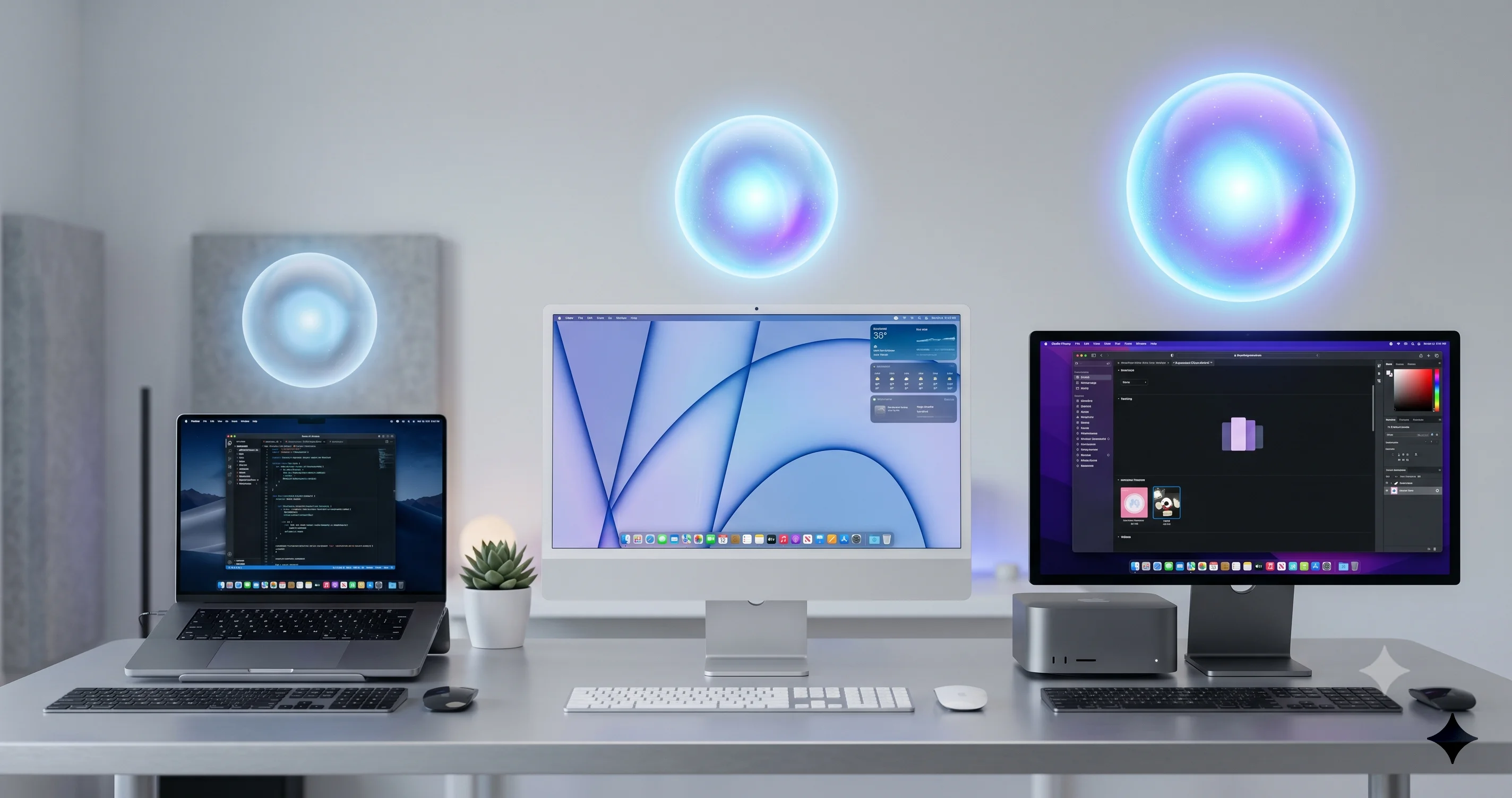
Your Mac may be on the macOS 27 list, but only M3 Macs with 12GB+ RAM get the full on-device Siri AI. Here is exactly what each Mac actually gets.
There is a quiet trap buried in macOS 27 Golden Gate, and most buyers will not notice it until the new Siri AI lands on their Mac in a smaller, less capable form than the keynote promised. Apple's compatibility list is broad and reassuring: if your Mac has an M1 chip or the A18 Pro inside the new MacBook Neo, you are "supported." But "supported" and "getting the full experience" are two very different things in 2026. The headline on-device Siri features -- the custom voice, the advanced offline dictation, the personal-context reasoning that never leaves your machine -- sit behind a hardware wall that a large slice of the supported list does not clear. That wall is an M3 chip or later paired with at least 12GB of unified memory. If your Mac is below that bar, you still get Siri AI, but the smart parts run in the cloud rather than on the silicon in front of you. This guide is about that gap: who clears the wall, who falls back to the cloud, and why the $599 MacBook Neo that Apple marketed as "built for Apple Intelligence" is the most surprising name on the wrong side of the line.
Key Takeaways
- There are two tiers of Siri AI in macOS 27, not one. Every Apple Silicon Mac (M1 and later) plus the A18 Pro MacBook Neo gets baseline Siri AI, but only an M3 or later chip with at least 12GB of unified memory gets the advanced on-device features. This is the single most important fact in the whole release for buyers.
- Baseline Siri AI is cloud-served. According to AppleInsider's June 11 reporting, if your iPhone or Mac already has Apple Intelligence, you are getting Siri AI -- the new conversational assistant works on every supported Mac because the heavy reasoning runs through Apple's Private Cloud Compute.
- Advanced on-device features need M3 + 12GB. Per Apple's stated requirements and reporting from outlets like macsales/OWC, Macworld, and MacObserver, advanced dictation, a custom Siri voice, and on-device personal-context reasoning require an M3-class chip with 12GB or more unified memory. An M1/M2 Mac, or an M3 Mac with only 8GB, falls back to the cloud.
- The MacBook Neo is the trap. Apple's $599 MacBook Neo (A18 Pro, base 8GB RAM) was marketed as "built for Apple Intelligence," yet its 8GB memory ceiling means the marquee on-device AI tasks offload to the cloud rather than running locally.
- The rollout is gated regardless of hardware. Siri AI launches waitlisted, English-only, available in the EU on Mac but not in China at launch -- so even owners of a maxed-out Mac Studio will wait their turn.
The Two-Tier Reality, Explained
For the last several years, Apple's AI messaging has been refreshingly simple: a feature either required Apple Intelligence or it did not, and Apple Intelligence required Apple Silicon. That binary is gone in macOS 27. Golden Gate introduces a two-tier system for Siri AI, and understanding it is the difference between buying the right Mac and buying one that quietly disappoints you six months later.
The first tier is baseline Siri AI. This is the new conversational, context-aware Siri that Apple has been promising since 2024 and finally shipped in a meaningfully rebuilt form in Golden Gate. It folds into Spotlight, it can reason across your apps and content, and it answers in natural language. Crucially, this baseline tier is available to every Apple Silicon Mac on the macOS 27 compatibility list -- from a 2020 MacBook Air M1 all the way up to a 2023 Mac Pro -- as well as the A18 Pro MacBook Neo. According to AppleInsider's June 11 coverage, the rule of thumb is blunt: "If your iPhone or Mac has Apple Intelligence, you're getting Siri AI." The reason this works on a five-year-old M1 with 8GB of RAM is that the demanding reasoning does not happen on your Mac. It happens in Apple's data centers, on the Private Cloud Compute infrastructure, using the next-generation Apple Foundation Models.
The second tier is advanced on-device features. This is where the hardware wall appears. A specific subset of Siri AI and Apple Intelligence capabilities -- the ones Apple wants running locally for latency, privacy, or offline reasons -- require more than a qualifying chip. According to Apple's stated requirements and reporting from macsales/OWC, Geeky Gadgets, MacObserver, and Macworld, these features need an M3-class chip or newer paired with at least 12GB of unified memory. If your Mac does not meet both conditions, those specific features either fall back to the cloud or are unavailable in their local form.
The important nuance, and one where the press has been inconsistent, is that the exact per-feature gating comes largely from secondary sources and Apple's spec footnotes rather than a single clean Apple statement. We will be precise about that throughout: the existence of a two-tier system is well established, but the exact list of which features sit behind the 12GB wall should be read as "according to Apple's stated requirements and reporting," not as gospel. Treat the tiers as a reliable framework and the per-feature details as strong-but-evolving.
What Baseline Siri AI Gets Every Apple Silicon Mac
If you own any Mac on the macOS 27 list, here is the good news: you are not locked out of the new Siri. Baseline Siri AI -- the cloud-served tier -- delivers the core of what made the keynote demos compelling.
You get the conversational assistant folded into Spotlight, so you can ask questions in plain language and get reasoned answers rather than a list of web links. You get cross-app awareness, where Siri can act on content from Mail, Messages, Calendar, and supported third-party apps. You get the next-generation reasoning powered by Apple's Foundation Models, which -- per reporting on Apple's AI architecture disclosure -- are co-developed with Google and built on the Gemini family of models, running server-side through Private Cloud Compute. And you get the general intelligence improvements: better summarization, more capable writing tools, and smarter, more contextual suggestions.
For a lot of people, this is genuinely enough. If you primarily want a smarter assistant that can answer complex questions, draft and rewrite text, and pull together information across your apps, the baseline tier on an M1 MacBook Air does most of that. The cloud round-trip adds a little latency and requires a network connection, but the capability is largely there. This is the part of the story that the "your Mac is too old" headlines tend to bury: the floor is broad and the floor is good.
What you do not get on the baseline tier is the locally resident intelligence -- the features Apple reserves for hardware that can hold a large model in memory. That is the next section, and it is where the buying decision actually lives.
What the Advanced On-Device Tier Adds
The advanced tier is not a different Siri. It is the same Siri AI with a set of capabilities that run on your Mac instead of in Apple's cloud. According to Apple's stated requirements and the reporting noted above, the headline additions gated behind M3 + 12GB include:
Advanced and improved dictation. Beyond the standard dictation every Mac has had for years, the advanced on-device dictation offers higher accuracy, better handling of context and punctuation, and crucially the ability to run offline and in real time. Because it runs locally, there is no network round-trip, which is what makes it feel instantaneous and what makes it work on a plane.
A custom Siri voice. Golden Gate's on-device tier supports a custom, personalized Siri voice -- a more natural, locally synthesized voice experience that, per reporting, depends on the device being able to run the voice model locally. This is one of the most cited examples of a feature that simply does not appear on under-spec hardware.
On-device reasoning and personal-context features. This is the privacy-centric core of the advanced tier. Personal-context understanding -- where Siri reasons over your personal data to answer questions about your own life ("when is my mom's flight landing," "summarize the documents I worked on last week") -- is far more sensitive than a general knowledge query. Apple's design philosophy is to keep this kind of reasoning on-device wherever possible, and that requires a model large enough to be useful sitting resident in unified memory. An 8GB machine cannot hold that model alongside the OS and your open apps, so on under-spec Macs these tasks either route to Private Cloud Compute or do not run in their local form at all.
There is a fourth category worth naming, even though it is the murkiest: certain enhanced generative and contextual features that Apple keeps local for responsiveness. Think of the kind of suggestion engine that quietly drafts a reply, surfaces the right shortcut at the right moment, or generates content inline without a visible "thinking" delay. These benefit enormously from running on-device because the latency budget is tiny -- a half-second cloud round-trip ruins the illusion of an assistant that is simply there. Where reporting is thin, we will not pretend to enumerate every one of these, but the pattern holds: the more a feature depends on instant, always-available, privacy-sensitive local inference, the more likely it sits behind the 12GB wall.
The throughline is memory. Every one of these features is gated not because Apple wants to sell new Macs (although that is a happy side effect) but because each one needs a large language model physically resident in RAM to function. That is the technical reality we will unpack shortly. It is also worth stressing what the gate is not: it is not a Neural Engine throughput limit, not a thermal limit, and not an artificial software lock Apple could flip on for older hardware if it felt generous. It is a hard physical constraint about how much model can live in memory at once. That distinction matters because it tells you the wall is real and permanent for a given machine, not a marketing decision that a future update might relax. First, the table you came for.
The macOS 27 Siri AI Feature Tier Table
This table maps real hardware configurations to what they actually receive. Read the verdict column as the practical bottom line. All gating below the baseline row reflects Apple's stated requirements and reporting, not a single official feature matrix, so treat the advanced columns as strong guidance rather than a contractual guarantee.
| Mac configuration | Baseline Siri AI (cloud) | Advanced on-device features | Custom Siri voice | Verdict |
|---|---|---|---|---|
| M1 / M2, any RAM (Air, Pro, mini, iMac, Studio) | Yes -- full cloud Siri AI | No -- falls back to cloud | No (local synthesis unavailable) | Smart Siri, but the marquee on-device features route to the cloud. Fine for most users. |
| M3+ with 8GB (e.g. base M3 configs) | Yes | No -- 8GB below the 12GB floor | No | The frustrating tier: new-enough chip, too little memory. Falls back to cloud. |
| M3+ with 12GB or more | Yes | Yes -- the full local experience | Yes | The sweet spot. This is the configuration Apple's advanced features target. |
| M4 / M5 (12GB+ standard on most configs) | Yes | Yes | Yes | Best-in-class. Newer chips and higher base memory clear the wall comfortably. |
| A18 Pro MacBook Neo, 8GB (base $599 config) | Yes | No -- 8GB ceiling | No | The trap. Marketed for Apple Intelligence, but on-device AI offloads to the cloud. |
A few things jump out. First, having a new chip is not enough -- an M3 with 8GB sits in the same advanced-feature bucket as a four-year-old M1. Second, the memory floor, not the chip generation, is the gate for the cheapest current Macs. Third, the MacBook Neo, despite being the newest Mac in the lineup, lands in the same bucket as the base 8GB M3 Macs. We will dig into why memory is the real arbiter next.
Why Unified Memory Is the Real Gate
It is tempting to assume the chip generation is what matters. It is not, or at least not by itself. The gate is unified memory, and the reason is fundamental to how on-device large language models work.
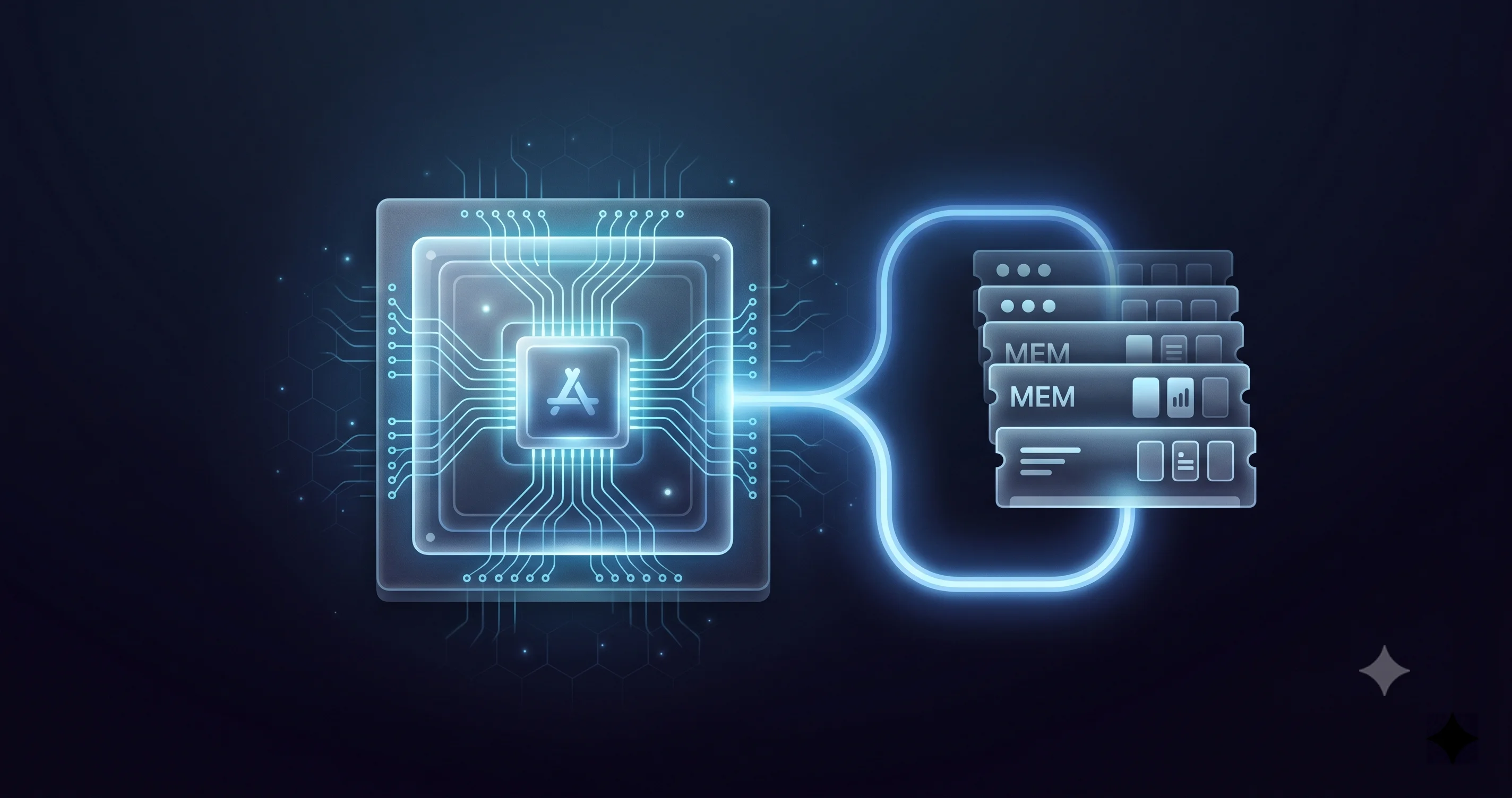
When a feature runs "on-device," the model that powers it has to be loaded into memory and stay there while it works. On Apple Silicon, the CPU, GPU, and Neural Engine all share a single pool of unified memory rather than each having its own dedicated RAM. That design is brilliant for performance, but it means the AI model, the operating system, and every app you have open are all drawing from the same pool.
An on-device LLM capable of useful reasoning is not small. Even after Apple's aggressive quantization and optimization, the advanced on-device model needs several gigabytes of resident memory to operate. On an 8GB Mac, macOS itself, your browser with a dozen tabs, your mail client, and your messaging apps are already competing for that space. There simply is not enough headroom to also hold a multi-gigabyte language model resident without the system constantly evicting it to disk -- which would make the feature slow, power-hungry, and unreliable. So Apple draws the line at 12GB. The extra 4GB over the 8GB base is what gives the system room to keep the model loaded alongside everyday workloads.
This is why an M3 with 8GB does not qualify even though its Neural Engine is perfectly capable of running the model. The compute is there; the memory headroom is not. And it is why the requirement is phrased as a chip and a memory minimum rather than just a chip. The chip provides the throughput; the memory provides the residency. Both are necessary. Cloud-served baseline Siri AI sidesteps this entirely because the model lives in Apple's data center, where memory is effectively unlimited -- which is exactly why baseline Siri AI works on every supported Mac regardless of its RAM.
If you want to understand why this matters so much in 2026 specifically, it helps to know that Mac memory has gotten more expensive, not less. The ongoing DRAM shortage has pushed RAM prices up, which makes Apple's already-pricey memory upgrades sting even more. Our guide to rising Mac RAM prices in the 2026 DRAM shortage explains why the 8GB-to-higher-tier jump costs what it does and whether it is worth paying now.
Case Study: The MacBook Neo Trap
No machine illustrates the two-tier reality better than the MacBook Neo, and no machine is more likely to disappoint a buyer who does not read the fine print.
Here is what we know about the Neo, verified from prior reporting. Apple released it on March 11, 2026, at $599 ($499 for education). It is a 13-inch notebook, and it is the first Mac ever to ship with an A-series chip -- the A18 Pro, the same silicon family as the iPhone -- rather than an M-series chip. The base configuration is 8GB of unified memory and 256GB of storage. Apple positioned it explicitly as an affordable, Apple-Intelligence-ready Mac for students and first-time buyers, and the marketing leaned hard into AI capability.
Now overlay the macOS 27 Siri AI tiers. The Neo's A18 Pro is on the supported chip list, so the Neo gets baseline Siri AI -- the full cloud-served conversational assistant. Good. But the base Neo has 8GB of RAM, which is below the 12GB floor for advanced on-device features. That means the same machine Apple marketed as "built for Apple Intelligence" cannot run the marquee on-device AI tasks locally. Advanced dictation, the custom voice, on-device personal-context reasoning -- all of it offloads to Private Cloud Compute instead of running on the silicon Apple put in the laptop.
This is not a defect, and it is not false advertising in a strict sense -- the Neo does get Apple Intelligence and Siri AI, just the cloud-served form. But it is a genuine gap between the marketing impression ("an AI Mac for $599") and the technical reality ("an AI Mac whose AI mostly runs in Apple's cloud, not on the device"). For a budget buyer, the practical consequences are real: features that need to work offline will not, the most latency-sensitive interactions carry a network round-trip, and anyone who bought the Neo specifically because they wanted private, local AI did not get the thing they thought they were paying for.
The lesson generalizes beyond the Neo. The cheapest configuration of almost any current Mac -- the 8GB tiers -- lands on the wrong side of the wall. If on-device AI matters to you, the base config is the one to avoid, and the Neo is simply the starkest example because its branding promised the most. If you are weighing the Neo for other reasons, our MacBook Neo A18 Pro gaming and performance benchmarks and the MacBook Neo teardown and repairability guide cover what the machine does well and where it cuts corners.
The Regional and Language Maze
Even if your Mac clears the hardware wall with room to spare, you may still not have Siri AI on day one -- because the rollout is gated by region, language, and a waitlist on top of everything else.
At launch, Siri AI is English-only. If your Mac is set to another primary language, the new Siri experience will not be available until Apple adds support for that language, which historically rolls out over the months following a major release. There is no hardware fix for this; it is purely a software and localization gate.
The regional picture has a notable twist. Siri AI is available in the EU on Mac, which is significant because Apple has previously withheld some Apple Intelligence features from EU iPhones and iPads over regulatory concerns. For macOS specifically, EU users are included at launch -- a welcome divergence from the mobile situation. On the other end, Siri AI is not available in China at launch. China has its own regulatory regime around AI services, and Apple's AI features there have historically followed a separate, delayed track.
Finally, the whole thing is waitlist-gated. Even on a perfectly eligible, EU-based, English-configured Mac Studio, you may have to join a waitlist and wait for Apple to enable Siri AI on your account as the company scales up Private Cloud Compute capacity. This is the same gradual, demand-managed rollout pattern Apple used for the first wave of Apple Intelligence. The takeaway: hardware eligibility is necessary but not sufficient. Region, language, and queue position all sit between you and an active Siri AI.
Private Cloud Compute and the Gemini Question
Because so much of Siri AI runs in the cloud -- universally for the baseline tier, and as a fallback for under-spec hardware -- it is worth understanding what that cloud actually is and what it means for your privacy.
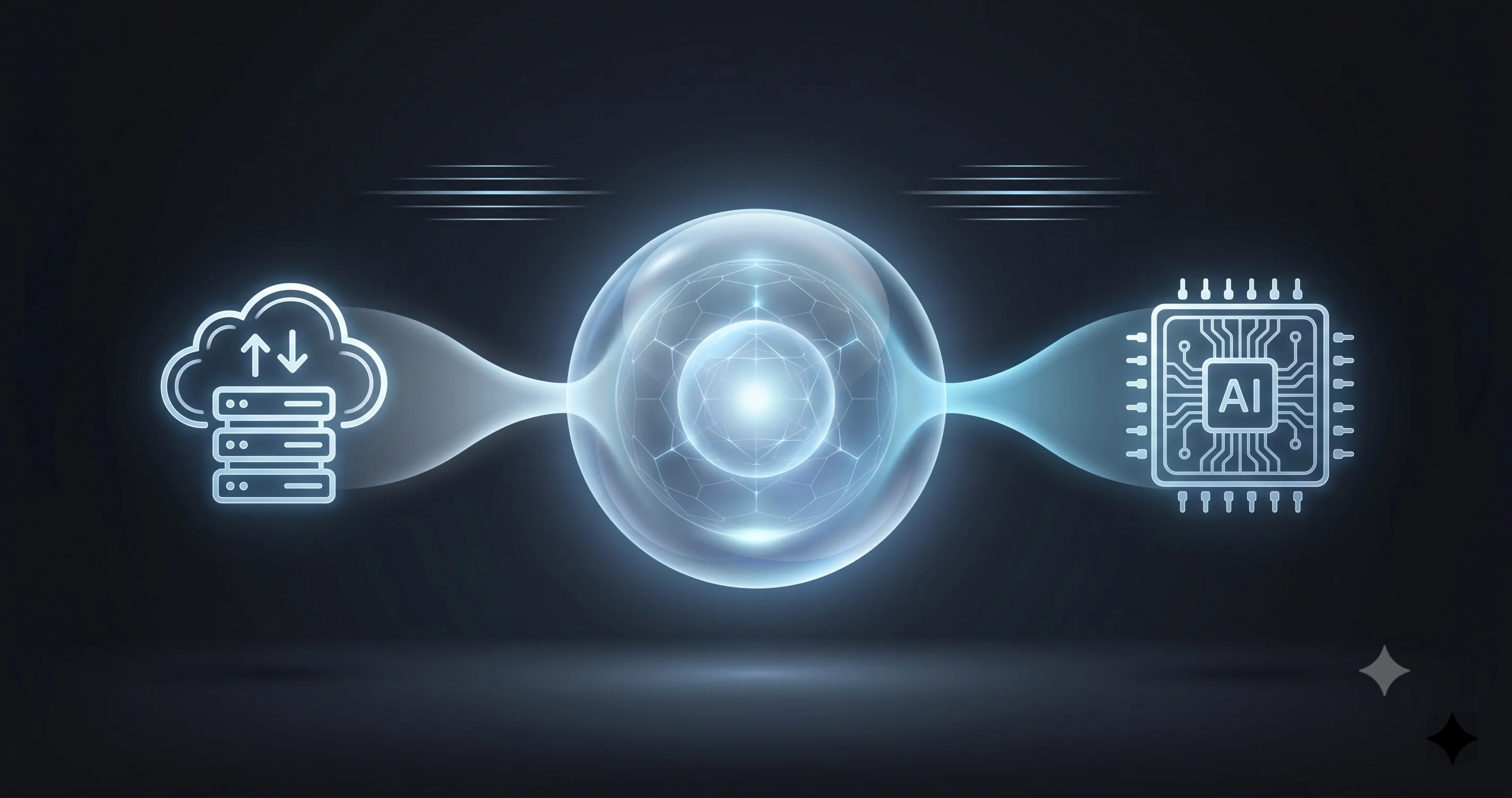
Apple routes server-side Siri AI reasoning through Private Cloud Compute, the privacy-focused infrastructure it introduced with the first generation of Apple Intelligence. The design goal is that data sent to the cloud for processing is not retained, is not accessible to Apple, and is handled on hardware whose software can be independently verified. For the advanced features that fall back to the cloud on an 8GB Mac, this is the path they take. So while an 8GB Neo does not get local processing, the cloud processing it gets is still inside Apple's privacy framework rather than a generic third-party endpoint.
The model itself is the more nuanced part. Per reporting on Apple's AI architecture disclosure, the next-generation Apple Foundation Models that power Siri AI are co-developed with Google and built on the Gemini family of models. We want to be precise here: this is Gemini-based per reporting and Apple's architecture disclosure, and the practical framing Apple emphasizes is that the model runs within Apple's own infrastructure -- on-device where the hardware allows, and within Private Cloud Compute otherwise -- rather than being a direct pipe to Google's consumer services. If the privacy implications of a Google-co-developed model matter to your decision, that nuance is worth sitting with: the model lineage is Google, but the deployment and data handling are Apple's. If you also use third-party AI tooling on your Mac, our guide to AI coding tools on the Mac in 2026 covers how Claude Code, Cursor, and Gemini CLI fit alongside Apple's own stack.
Do You Need to Upgrade RAM or Buy a New Mac?
This is the decision the whole article builds to, so let us make it concrete. Work through these questions in order.
Does on-device AI actually matter to you? Be honest. If you mostly want a smarter assistant that answers questions, summarizes, and rewrites text, baseline cloud Siri AI on your existing M1 or M2 Mac does the great majority of that. The advanced on-device tier is about offline capability, the custom voice, and private local reasoning over your personal data. If none of those are deal-breakers, you do not need to spend anything. Stop here.
Can you even upgrade the RAM? On every modern Apple Silicon Mac, unified memory is soldered onto the package and configured at purchase. You cannot add RAM after the fact. That means there is no "just upgrade to 12GB" path for an existing 8GB machine -- the only way to clear the wall is to buy a different Mac. This is the hard truth for Neo owners and base-config owners alike.
If you are buying new, buy past the wall deliberately. When configuring any new Mac, treat 12GB as the practical minimum if you care about on-device AI, and frankly 16GB is the more comfortable, futureproof choice given that the on-device models will only grow. The incremental cost of stepping up from the base memory tier is the single most important spec decision for AI longevity -- more so than chip generation, because, as we covered, an M3 with 8GB loses to an M3 with 12GB on exactly the features in question.
If you already own an M3+ Mac with 12GB+, you are done. You clear the wall. Your only remaining gates are the regional, language, and waitlist factors above, none of which a purchase can fix.
The blunt summary: M1 and M2 owners cannot reach the advanced tier no matter what, because you cannot upgrade soldered RAM, but you lose less than the headlines suggest. New buyers should pay for 12GB minimum (16GB ideally). And nobody should buy a base 8GB Mac in 2026 expecting the full on-device AI experience.
How to Enable Siri AI and Check Your Tier
Once macOS 27 ships and Siri AI reaches your account, enabling it is straightforward, but knowing which tier you are on takes a little inspection.
To check your hardware tier, open the Apple menu, choose About This Mac, and note two things: your chip (it will say something like "Apple M3" or "Apple A18 Pro") and your memory ("Memory: 8GB" or "16GB"). Cross-reference those against the table above. If you see M3 or later and 12GB or more, you are eligible for the advanced on-device tier. Anything else means baseline cloud Siri AI only.
To enable Siri AI itself, you will go to System Settings, find the Apple Intelligence & Siri section, and turn it on. If the rollout has reached your account, the new experience activates after a brief on-device setup. If it has not, you will see an option to join the waitlist -- and from there it is a waiting game governed by Apple's capacity, your region, and your system language. There is no trick to jump the queue; joining the waitlist as early as possible is the only lever you have.
For the broader picture of what else is new in this release and whether to install it at all, our full macOS 27 Golden Gate announcement breakdown and our guide to whether you should install the developer beta are the right next reads.
Troubleshooting Common Issues
Siri AI is not appearing at all. First confirm your Mac is on the supported list (M1, A18 Pro, or later) and running macOS 27. Then check the three soft gates: your system language must be English at launch, your region must be supported (the EU is included on Mac; China is not at launch), and you must have been granted access off the waitlist. If all of those check out and it still has not appeared, it is almost certainly a queue issue -- Apple enables Siri AI in waves, and there is nothing to do but wait. Make sure you have actually joined the waitlist in System Settings rather than assuming you are in it.
You are stuck on the waitlist. This is normal and expected for a staged rollout, and it is not tied to your hardware tier -- a Mac Studio and a MacBook Air can both sit in the queue. Confirm you are signed in with an Apple Account whose region is supported, that the device language is set to English, and that the device region matches a launch region. Beyond that, there is no supported way to accelerate it. Repeatedly toggling settings will not help and may reset your place.
Features are missing on an 8GB Mac. If advanced dictation, the custom voice, or on-device personal-context reasoning are absent while general Siri AI works, this is the two-tier system functioning as designed, not a bug. An 8GB Mac -- including the base MacBook Neo and base M3 configs -- gets baseline cloud Siri AI but not the advanced on-device features, because there is not enough unified memory to hold the local model. There is no setting that unlocks these, and because RAM is soldered, there is no upgrade path. The only remedy is a Mac with M3-or-later silicon and 12GB or more of memory.
Advanced dictation works but feels slow or needs a connection. If your dictation requires the network and lags, you are getting the cloud-served version, which confirms your Mac is on the baseline tier. True on-device advanced dictation runs offline and instantly; if yours does not, your hardware does not clear the 12GB wall.
Frequently Asked Questions
Does my Mac get Siri AI in macOS 27 at all?
If your Mac has an M1, A18 Pro, or later chip and runs macOS 27, yes -- it gets baseline Siri AI, the cloud-served conversational assistant. According to AppleInsider, any Mac with Apple Intelligence gets Siri AI. What varies is whether you also get the advanced on-device features, which require an M3-class chip with at least 12GB of unified memory.
Why does an 8GB Mac not get the full on-device experience?
On-device AI requires a multi-gigabyte language model to stay resident in unified memory while it runs. On an 8GB Mac, the operating system and your open apps already consume most of that pool, leaving no room to hold the model reliably. Apple sets a 12GB floor for the advanced features so the system has the headroom to keep the model loaded.
Can I add RAM to my Mac to qualify for advanced Siri AI?
No. Unified memory on every modern Apple Silicon Mac is soldered onto the chip package and configured at purchase, so it cannot be upgraded later. The only way to move from an 8GB machine to the 12GB-plus tier is to buy a different Mac with more memory configured from the factory.
Is the MacBook Neo a good Mac for Apple Intelligence?
The base $599 MacBook Neo gets baseline cloud Siri AI, but its 8GB of memory means the advanced on-device features offload to Apple's Private Cloud Compute rather than running locally. Despite Apple's "built for Apple Intelligence" marketing, it does not deliver the full local AI experience. For on-device features, you need 12GB or more.
Where and in what language is Siri AI available at launch?
Siri AI launches English-only and is rolled out via a waitlist. It is available in the EU on Mac -- a notable difference from iPhone and iPad in the EU -- but is not available in China at launch. These regional and language gates apply regardless of how powerful your Mac is, so even a high-end machine may wait for access.
Conclusion
The most useful thing to internalize about Siri AI in macOS 27 is that being on the compatibility list answers a smaller question than you think. Every supported Mac gets the new Siri in its cloud-served form, and for many people that is genuinely enough. But the headline on-device features -- offline advanced dictation, the custom voice, and private personal-context reasoning -- live behind a wall built from an M3-or-later chip and at least 12GB of unified memory, and that wall is unforgiving precisely because RAM cannot be upgraded after purchase. The MacBook Neo makes the gap impossible to ignore: a Mac sold on its AI credentials that nonetheless sends its smartest work to the cloud.
If you already own an M3-plus Mac with 12GB or more, you are set -- your only remaining hurdles are the English-only, waitlist-gated, region-limited rollout. If you are buying, treat 12GB as the floor and 16GB as the smart choice. And if on-device AI simply is not a priority for you, your existing M1 or M2 Mac will serve you well on the baseline tier. For the wider context, read our full macOS 27 Golden Gate announcement breakdown, the end of the Intel Mac era and final compatibility list, and our WWDC 2026 preview of the macOS 27 and Siri overhaul. If you hit other Golden Gate quirks, our coverage of Spotlight reindexing battery drain and the Passwords app's new agentic security features is worth a look.