macOS 27 Confirms End of Intel Mac Era: Final Compatibility List Before WWDC 2026
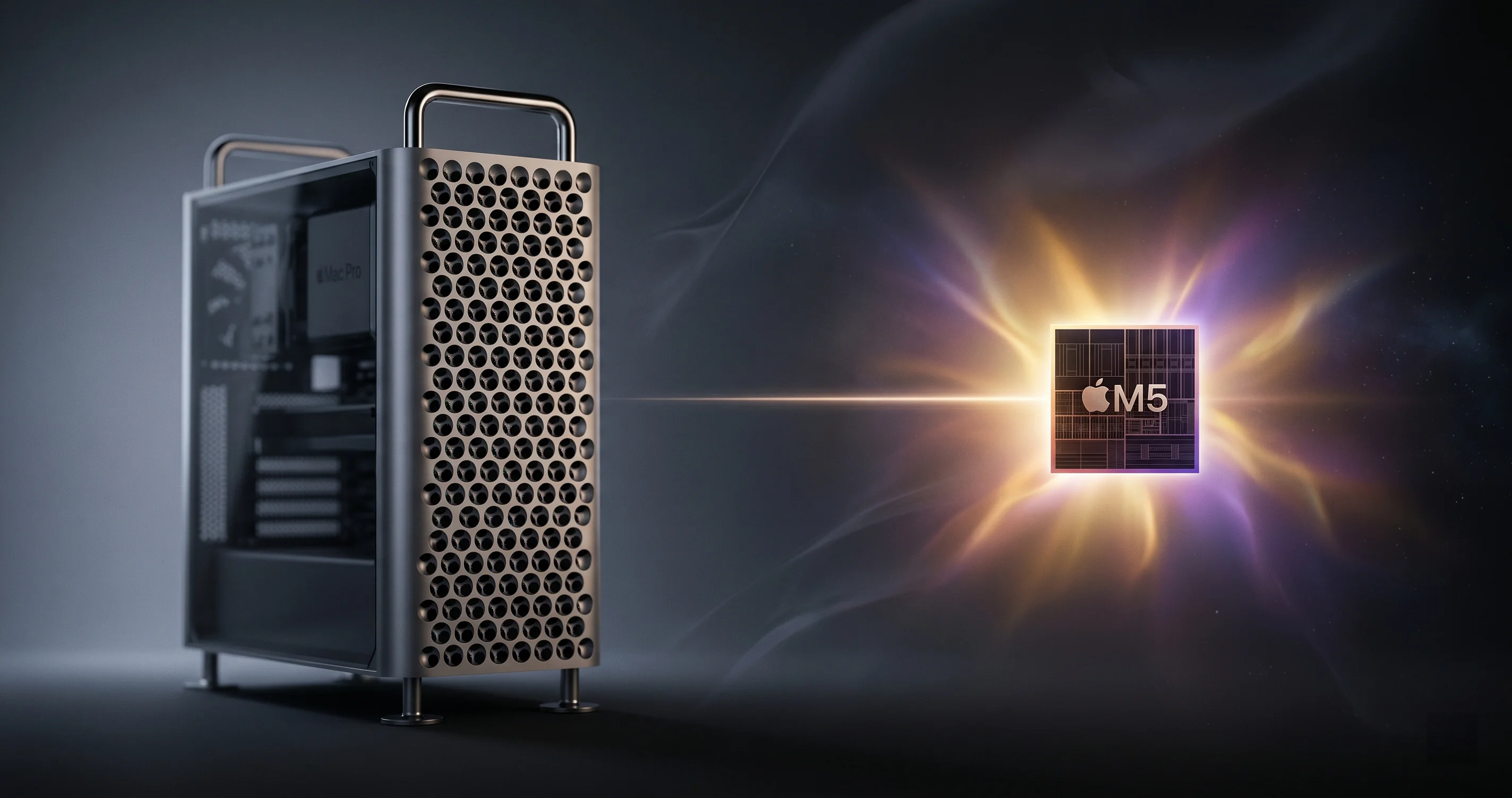
macOS 27 will drop all Intel Mac support — Tahoe 26 is the last release. See which Intel Macs are stranded, what security updates remain, and your migration options.
In exactly 35 days — on June 8, 2026 — Apple will walk on stage at Apple Park and quietly close a chapter that began 20 years ago. According to multiple reports out of Cupertino this April, macOS 27 will be the first version of macOS in two decades that does not run on a single Intel-based Mac. Tahoe (macOS 26), released last September, is officially the last hurrah for x86 Macs.
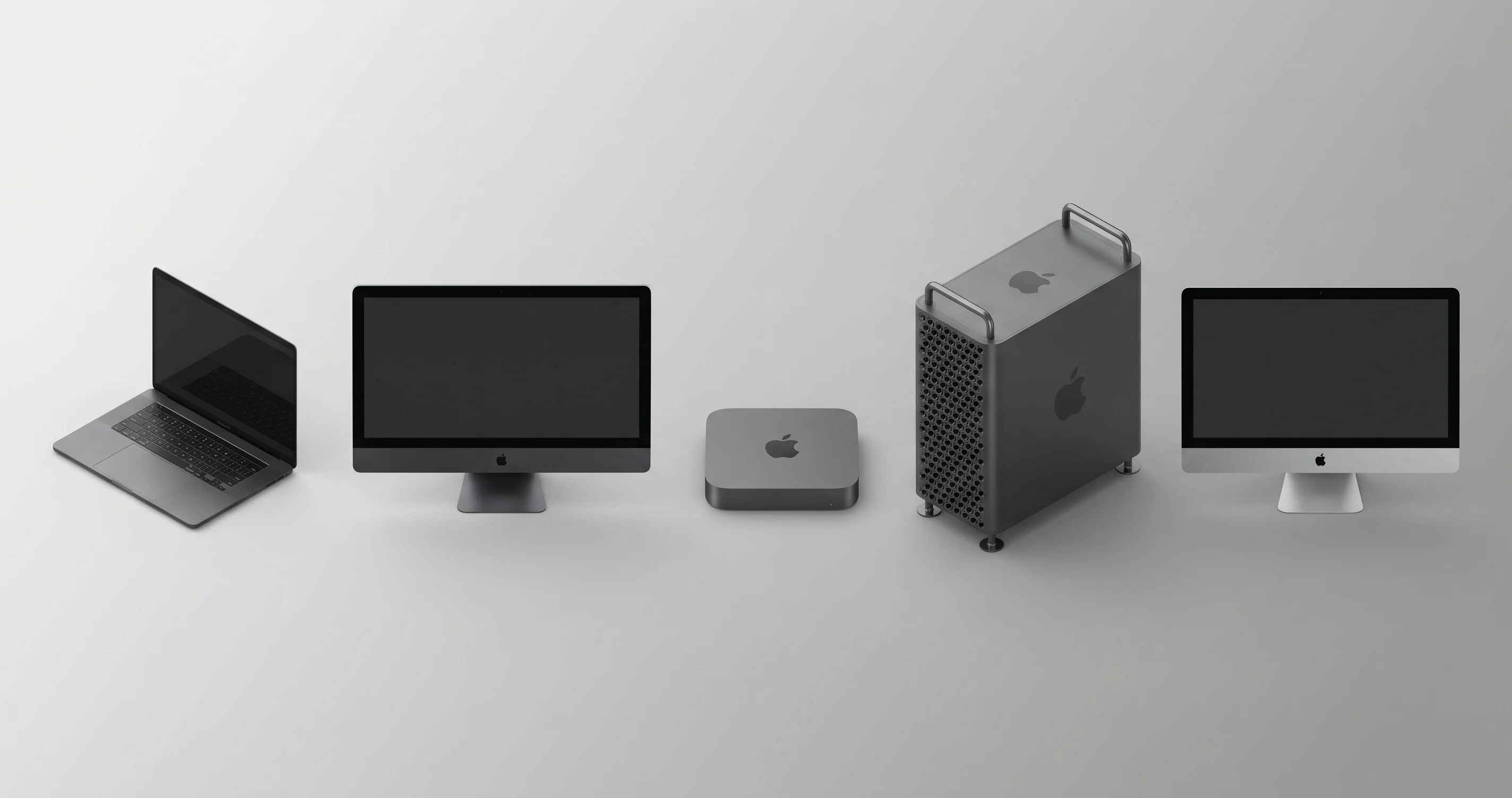
If you own a 2019 16-inch MacBook Pro, a 2020 27-inch iMac, a 2019 Mac Pro, or any of the other Intel machines still trudging along on Tahoe, this is the news you've been bracing for since 2020. It's also the news Apple has been telegraphing since the M1 transition began. Now we know the timing.
This guide walks through exactly what's confirmed, what's still rumor, which Macs get stranded, what happens to your security updates, the Rosetta 2 sunset implications, and how to plan the next 12 months without panic-buying an M5.
Key Takeaways
- macOS 27 will be Apple Silicon only, per MacRumors and corroborating reports from TrendForce and Bloomberg's Mark Gurman.
- macOS Tahoe (26) is the last Intel-compatible release. Apple is expected to provide security updates for Tahoe through approximately mid-2028, following its standard "current + 2" support policy.
- Eight Intel Mac families lose forward OS compatibility, including the 2019 Mac Pro — a $5,999+ machine sold as recently as 2023.
- Background Security Improvements (BSI) will continue silently patching critical CVEs on Tahoe even after the next major version ships.
- Rosetta 2 may be sunsetted in macOS 27 according to early developer chatter, though Apple has not confirmed this. If true, it accelerates the timeline for x86 Mac apps.
- WWDC 2026 keynote on June 8 will officially announce macOS 27 and confirm the compatibility cutoff. Expect public beta in July, GM in September.
- Don't panic-replace. Your Intel Mac will keep working for 2+ years on Tahoe. Use that runway to plan the migration, not to scramble.
What Apple Has (and Hasn't) Confirmed
Apple has not yet made any public statement about macOS 27. That's normal — the company doesn't pre-announce major OS releases ahead of WWDC. What we have instead is a stack of credible reporting that all points the same direction.
The MacRumors report (April 18, 2026)
MacRumors broke the story citing sources familiar with Apple's internal compatibility testing. Per the report, macOS 27 builds being tested inside Apple no longer include any Intel-targeted binaries. The kernel, system frameworks, and shipping apps are all compiling exclusively for arm64. This is consistent with the macOS 27 roundup MacRumors maintains, which has been steadily updated as more sources corroborate the cutoff.
TrendForce's supply-chain angle
TrendForce reported on April 21 that ending Intel support is part of a broader Apple push to consolidate the Mac line entirely around M-series silicon — including upcoming M5 Pro/Max variants expected to launch alongside refreshed MacBook Pros later this year. TrendForce frames the OS cutoff as Apple "deepening shift to in-house M-series chips," meaning the silicon transition is now both hardware-complete (no new Intel Macs since 2023) and software-complete (no future macOS for Intel).
Gurman's WWDC teaser
In Bloomberg's Power On newsletter the weekend before Apple's Q2 2026 earnings call, Mark Gurman previewed WWDC 2026 with multiple references to a "platform clean-up" — Apple's quiet way of describing the moment a transition formally ends. Gurman did not name macOS 27 explicitly as Apple Silicon-only in public excerpts, but the framing aligns with MacRumors' reporting.
Apple's earnings call (April 30, 2026)
On the Q2 2026 earnings call, Apple reported Mac revenue of $8.4 billion (up year-over-year) and R&D spending up roughly 33%. Tim Cook reiterated that "every Mac we ship today is Apple Silicon" — a line Apple has used for two years now, but one that lands differently when you read it as the prelude to ending support for the ones that aren't.
The R&D number is worth dwelling on. A 33% year-over-year jump in R&D spending is enormous for a company of Apple's size — historically R&D growth has tracked in the high single digits or low teens. The most likely explanation is a parallel push on multiple silicon programs (M5, M5 Pro/Max/Ultra, the rumored next-gen Mac Pro chip, plus the Vision Pro and AI accelerator roadmaps). Maintaining Intel compatibility — even just keeping the build infrastructure, regression tests, and code paths alive — has a real engineering cost. Cutting it lets Apple redirect that engineering effort. The earnings call doesn't say this explicitly, but the math is consistent with the timing.
Cook also highlighted "installed base records" for Mac, which is corporate-speak for "we have more active Macs than ever before." Some non-trivial portion of that installed base is the very Intel Macs about to be stranded. Apple knows. The decision is being made anyway, because the marginal cost of supporting the long tail of x86 hardware exceeds the marginal benefit of keeping a small percentage of the installed base on the latest macOS.
What's not yet confirmed:
- The exact name and version number ("macOS 27" is the expected designation following the macOS 26 Tahoe naming convention)
- Whether Rosetta 2 ships in macOS 27 (see section below)
- Specific feature gating — some new features may require M2 or later, not just any Apple Silicon
The Complete Intel Mac Stranded List
Here's the definitive list of Intel Macs that will not receive macOS 27, based on Tahoe's own compatibility list (since Tahoe is their final OS).
| Model | Year | Last Apple Silicon-equivalent | Final macOS |
|---|---|---|---|
| MacBook Pro (16-inch) | 2019 | M1 Pro/Max (2021) | Tahoe (26) |
| MacBook Pro (13-inch, 4×TB3) | 2020 | M1 (Late 2020) | Tahoe (26) |
| MacBook Air | 2020 (Intel) | M1 Air (Late 2020) | Tahoe (26) |
| iMac (Retina 5K, 27-inch) | 2020 | iMac M1 24" / Studio | Tahoe (26) |
| iMac Pro | 2017 | Mac Studio M1 Ultra (2022) | Tahoe (26) |
| Mac mini | 2018 | M1 Mac mini (Late 2020) | Tahoe (26) |
| Mac Pro | 2019 (Intel Xeon) | Mac Pro M2 Ultra (2023) | Tahoe (26) |
| MacBook Pro (13-inch, 2×TB3) | 2020 | M1 13" MBP (Late 2020) | Already cut at Sequoia |
A few notes worth calling out:
The 2019 Mac Pro is the headline casualty. Apple sold this machine — starting at $5,999 and configurable past $50,000 — until June 2023. A customer who bought a fully-loaded Xeon Mac Pro in May 2023 will get exactly one major macOS upgrade (Tahoe) before their workstation becomes a security-update-only platform. That's a rough ROI for a pro-tier purchase.
The 2020 27-inch iMac is the volume casualty. This was Apple's flagship desktop for two years, and it's still the most recent 27-inch iMac ever shipped (Apple replaced the 27" iMac with the Mac Studio + Studio Display combo in 2022). A lot of design studios, schools, and home offices are sitting on this exact configuration.
The 16-inch MacBook Pro 2019 is the sentimental casualty. This was the machine that introduced the Magic Keyboard after the butterfly-keyboard era, the machine professional video editors and developers fell back in love with. It's also the last Intel laptop Apple shipped that was genuinely good by 2020s standards.
If your machine isn't in that table, check our macOS Tahoe compatibility guide — if you're already running Apple Silicon (M1 or newer), you're not affected by this cutoff at all. macOS 27 will install on your machine when it ships in September.
macOS Tahoe Will Get Security Updates Until ~2028 — What That Actually Means
The headline "macOS 27 drops Intel" is half the story. The other half is what Apple does for Tahoe afterward, and the answer is: more than people assume.
Apple's "current + 2" pattern
Apple's de facto policy — never written down as a formal SLA, but observed consistently for the last decade — is to ship security updates for the current macOS plus the two prior versions. When macOS 28 ships in September 2027, Tahoe will still be one of the supported "prior two." When macOS 29 ships in September 2028, Tahoe drops out of active support.
So practically:
- September 2026 → September 2027: Tahoe is the "N-1" supported version. Expect monthly-ish point releases (26.1, 26.2, 26.3, etc.) with full feature parity for security backports.
- September 2027 → September 2028: Tahoe becomes "N-2." Security updates continue, but you may see longer gaps between releases and only critical CVE backports.
- After September 2028: No more security updates expected. Your Intel Mac becomes a "use at your own risk" device for internet-facing workloads.
That's roughly 28 months of security coverage from today (May 2026). Long enough to plan, short enough to not procrastinate.
Background Security Improvements (BSI) keep working
One thing that often gets missed: Apple's Background Security Improvements system — the silent, automatic patch channel introduced more aggressively in macOS Tahoe — keeps working on supported macOS versions regardless of whether the hardware is the latest. We covered this in detail in our macOS Tahoe 26.3 background security updates guide, and the short version is: critical CVEs in WebKit, kernel components, and code-signing infrastructure get pushed silently in the background, often without a user-facing prompt.
For Intel Mac owners, this is good news. You don't have to manually pull updates or worry about missing patches. The BSI machinery keeps running on Tahoe whether your hardware is in or out of mainline support, as long as Tahoe itself is in the supported window.
What stops working — and when
Here's a more honest list of what Intel Mac owners lose, and roughly when:
- New macOS features — gone immediately when macOS 27 ships (September 2026). New Apple Intelligence features, redesigned system apps, the rumored Siri overhaul (see our WWDC 2026 preview) — all Apple Silicon only.
- New Safari versions — historically Apple has released the latest Safari for the prior two macOS versions. Expect Safari to keep updating on Tahoe through ~2028.
- App Store apps that bump minimum OS — third-party developers will start requiring macOS 27 by mid-2027. Your favorite menu-bar utility will eventually stop updating.
- Xcode — new Xcode versions will require macOS 27. If you're a developer on Intel, your iOS/macOS toolchain freezes at the Tahoe-compatible Xcode.
- Apple's first-party apps (Pages, Keynote, Final Cut, Logic) — these typically support N-1 and N-2 macOS, so you have a year or two of grace, then you're frozen.
The threat model is also worth being explicit about. If you're a casual user who uses your Intel Mac for email, web browsing, and document editing, the security update timeline is plenty. If you're handling sensitive data, dealing with frequent untrusted attachments, or facing the kind of threats we cataloged in our 2026 Mac malware threats guide, you should be more aggressive about the migration timeline.
Rosetta 2 Sunset — Rumors and What It Means
Here's the wildcard nobody has a confident answer on yet: does Rosetta 2 ship with macOS 27?
What's been reported
Some early developer reports — circulated in mid-April on Mastodon and a few Apple-focused Discord servers — suggest that internal macOS 27 builds do not include the Rosetta 2 framework by default, or only include it as an optional download. MacRumors' roundup mentions this rumor with appropriate hedging; it has not been independently confirmed by major outlets the way the Intel hardware cutoff has been.
What it would mean if true
Rosetta 2 is the dynamic translation layer that lets x86_64 binaries run on Apple Silicon. Since the M1 launched in November 2020, it has been the bridge that kept the Mac app ecosystem functional during the transition. Apple has been telegraphing Rosetta 2's eventual removal since macOS Sequoia, when they restricted it to "older unmaintained games" by default.
If macOS 27 truly drops Rosetta 2 (or makes it an optional, unsupported install), here's the impact:
- Old commercial software — apps that haven't been updated to native arm64 since 2020 stop working entirely. This includes a non-trivial slice of pro audio plugins, niche scientific software, and discontinued utilities.
- Some games — particularly older Mac ports of Windows games that ran via Wine/CrossOver on x86 Macs and were never repackaged.
- Old developer tooling — Homebrew bottles, internal scripts, and CI tools that haven't been rebuilt for arm64.
- Virtualization edge cases — running x86 Linux distros for development gets harder; you need a real x86 Mac or a remote machine.
For most users, the practical impact of a Rosetta 2 sunset is small. Apple has aggressively pushed developers to ship arm64 binaries, and the major commercial apps (Adobe, Microsoft, JetBrains, Affinity, all the big creative tools) are universal binaries today. The pain falls on the long tail.
What to do now
Audit your apps. On any Apple Silicon Mac, open About This Mac → System Report → Applications, and look at the "Kind" column. Anything that says "Intel" depends on Rosetta 2. Make a list. For each one, check whether the developer has shipped an arm64 update — if not, you have until macOS 27 to find a replacement or ride it out on Tahoe.
A practical heuristic: if the app has shipped an update in the last 18 months and is still listed as "Intel," the developer has chosen not to migrate. Either they're abandoning the product, or they're using a cross-platform framework (older Electron, certain Java versions) that's slow to add arm64 support. Either way, plan for a replacement. If the app hasn't shipped any update in 3+ years and is "Intel," it's effectively abandonware — start looking for alternatives now. Common categories where this bites: legacy DAW plugins (especially ones from defunct vendors), older CAD/CAM utilities, niche scientific instrument drivers, and various menu-bar-utility apps from solo developers who lost interest. The big-vendor apps you actually care about (Office, Adobe, Final Cut, Logic, the JetBrains IDEs, Affinity, DaVinci Resolve, Blender, Figma) are all Universal binaries today and will keep working seamlessly on macOS 27.
Your Options as an Intel Mac Owner
You have three real paths forward. Here's a clear-eyed comparison.
| Option | Cost | Effort | Lifespan | Best for |
|---|---|---|---|---|
| Keep using Tahoe | $0 | Low | ~2 years of security updates | Casual users, secondary machines, kids' homework Macs |
| OpenCore Legacy Patcher (OCLP) | $0 | High | Unofficial, fragile | Hobbyists, retro-tech enthusiasts |
| Replace with Apple Silicon | $599+ (M4 mini) to $7,000+ (Mac Pro M2 Ultra) | Migration time | 7+ years of full support | Anyone whose Mac earns its keep |
Option 1: Stay on Tahoe
The boring answer is the right answer for many people. macOS Tahoe is a solid, mature OS. It will get security updates through approximately mid-2028. If your Intel Mac does what you need, there is no urgent reason to replace it.
The one thing to do: revisit your backup strategy. When your hardware is on a sunsetting OS, the cost of disk failure goes up — you can't just buy a replacement and migrate, because the new replacement won't be Intel. Make sure you have a redundant backup setup. Our Mac backup strategy guide for 2026 walks through the Time Machine + iCloud + clone trifecta we recommend.
Option 2: OpenCore Legacy Patcher (OCLP)
OCLP is a community-maintained tool that lets you install unsupported macOS versions on older Intel Macs. The OCLP team has historically taken 6-12 months after a major macOS release to produce a stable patcher build. So expect:
- macOS 27 ships September 2026
- OCLP patcher for macOS 27 stable: spring/summer 2027 (best case)
The catch: OCLP patches require Intel CPU. macOS 27, by definition, has no Intel kernel and no Intel binaries. Whether OCLP can patch a fundamentally arm64-only OS to run on x86 hardware is an open question — historically, OCLP has worked because Apple kept Intel code paths in the OS even after dropping official support for specific Macs. If macOS 27 truly purges all Intel code, OCLP may not have a viable path.
The OCLP team has been quiet about their plans for the post-Intel era. Watch dortania.github.io for official guidance after WWDC.
OCLP is a fine option for hobbyists who treat their Intel Mac as a project rather than a tool. It's a bad option for anything you depend on for work.
Option 3: Migrate to Apple Silicon
The right move for most active users. The current lineup is mature, the M-series performance has stabilized at "ridiculously good," and the M5 chips coming in late 2026 will continue the curve.
Honest sticker shock notes:
- Mac mini M4 ($599) — the obvious replacement for any Intel Mac mini, iMac, or even Mac Pro user who doesn't need expansion.
- MacBook Air M4 (~$999) — outperforms a 2019 16" MacBook Pro at half the weight and double the battery life.
- MacBook Pro M4/M4 Pro ($1,599+) — the right replacement for the 16" MBP 2019 crowd.
- Mac Studio M4 Max/Ultra ($1,999+) — the right replacement for iMac Pro 2017 and 2019 Mac Pro users who don't need PCIe expansion.
- Mac Pro M2 Ultra ($6,999+) — for the small cohort that actually uses the PCIe slots.
For a comprehensive walk-through of the migration mechanics — Migration Assistant, app reinstall checklists, file system conversion gotchas — see our Intel Mac migration guide.
A note on the resale market: Intel Mac resale values have been sliding for two years, and they will accelerate downward when WWDC officially confirms the cutoff on June 8. If you're planning to sell your Intel Mac to fund the new one, consider doing it in May or early June — before the announcement compresses prices another 15-25%. After WWDC, the secondhand market reprices Intel Macs as "limited future" devices, and the discount widens further every quarter. The 2019 Mac Pro is the exception: its expansion-card buyers will keep it valuable for a niche audio/video market that doesn't care about new macOS versions.

Migration Plan: The Next 12 Months
If you decide to replace your Intel Mac, here's a realistic timeline that doesn't require panic-buying.
May–June 2026 (now): Audit and back up
- Take inventory of every app. Note which are Universal binaries, which are Intel-only (Rosetta-dependent), and which depend on legacy frameworks.
- Verify your backup is current. Run a Time Machine backup and a clone (with Carbon Copy Cloner or SuperDuper). Verify both are restorable.
- If you have any business-critical workflows, document them — what apps, what file formats, what plugins.
July–August 2026: Watch the WWDC fallout
- WWDC keynote drops June 8 with the official compatibility announcement.
- Developer beta runs through summer; developers update their apps for macOS 27 native builds.
- Check whether any of your Intel-only apps have arm64 / Universal updates announced.
September–October 2026: Buy the right machine, not the new machine
- macOS 27 ships in late September alongside the new MacBook Pro M5 lineup (rumored).
- Don't auto-buy the brand-new M5. The M4 lineup will continue selling at a discount, and for most use cases the difference is invisible.
- M5 supply is rumored to be constrained at launch (per TrendForce coverage of TSMC capacity), so even if you want one, expect 6-8 week shipping windows.
November 2026: Migrate
- Use Migration Assistant from your Intel Mac to your new Apple Silicon machine. It works fine across architectures.
- Reinstall any Rosetta-dependent apps as native arm64 versions where available.
- Keep your Intel Mac as a backup machine for at least 60 days. Don't wipe it. Don't sell it. Make sure everything actually works before you commit.
2027 onward: Keep the Intel Mac as a parts donor or secondary
- Once you're confident in the migration, the Intel Mac becomes a great kid's homework machine, secondary file server, or home automation host. Tahoe will keep getting security patches through 2028.
For a complete pre-WWDC checklist, see our prepare your Mac for macOS 27 checklist.
WWDC 2026 — What to Expect on June 8
The WWDC 2026 keynote is scheduled for Monday, June 8, 2026, at 10 AM Pacific. Here's what to watch for relative to the macOS 27 / Intel cutoff story:
The compatibility slide
Roughly 30 minutes into every WWDC keynote, when Craig Federighi introduces the new macOS, Apple shows a slide of supported Macs. This year, that slide will be the headline. Watch for:
- The exact list of supported Macs (likely all M1 or later, possibly with a higher cutoff for some features)
- Whether Apple frames the Intel cutoff explicitly or just lets the absence of Intel models speak for itself (historically: the latter)
- Any feature gates that go beyond Apple Silicon — e.g., "Apple Intelligence Pro requires M3 or later"
Rosetta 2 fate
Apple may or may not address Rosetta 2 directly. If it's being phased out, expect a brief mention in the developer-focused State of the Union session later that day, with a deprecation timeline ("Rosetta 2 will be removed in a future macOS release"). If it's staying for another cycle, expect silence.
Tahoe support timeline
Apple essentially never announces support timelines. They will not say "Tahoe will get security updates until 2028." But the absence of Tahoe from the macOS 27 keynote is itself the signal — Tahoe is now a legacy OS being maintained, not a flagship being developed.
Hardware tease
Don't expect a full M5 unveil at WWDC. Apple typically saves Mac launches for the fall event in October. WWDC may include a brief "we're working on amazing new Macs" interstitial without product reveals.
For our complete WWDC 2026 preview, including the rumored Siri overhaul and the new system design language, see our WWDC 2026 preview.
Frequently Asked Questions
Will my 2018 Mac mini get macOS 27?
No. The 2018 Mac mini was the last Intel Mac mini Apple shipped (replaced by the M1 Mac mini in late 2020). It's on the stranded list — Tahoe is its final macOS. It will get Tahoe security updates through approximately mid-2028.
How long will macOS Tahoe security updates last?
Based on Apple's historical pattern of supporting "current + 2 prior" macOS versions, Tahoe should receive security updates through roughly September 2028. That's about 28 months from today. Apple has not formally committed to a date.
Should I buy an M5 now or wait for the new ones?
If your current Intel Mac is working and you're not facing immediate security exposure, wait. M5 MacBook Pros are rumored for late 2026. M5 desktops likely follow in 2027. Buying right now (May 2026) means buying M4, which is excellent but will be eclipsed by the M5 lineup in 5-7 months.
If your Intel Mac is failing, dying, or you have an urgent productivity need — buy the M4 today, don't wait. The M4 is genuinely fast enough for any real workload, and you're not losing significant value compared to an M5.
Will Rosetta 2 still work on macOS 27?
Unconfirmed. Rumors suggest Apple may sunset Rosetta 2 in macOS 27 or restrict it to specific use cases. We won't know definitively until WWDC 2026 or the developer beta. Either way: audit your Intel-only apps now and identify Universal/native-arm64 replacements.
What happens if I install macOS 27 on an Intel Mac via OCLP?
If OpenCore Legacy Patcher releases a stable build for macOS 27 (uncertain — see the OCLP section above), you could in theory run macOS 27 on supported Intel hardware. Expect significant feature loss, occasional system instability, and zero official Apple support. It's a hobby setup, not a production setup.
Is the 2019 Mac Pro really being abandoned?
Yes. Apple sold the Intel-Xeon 2019 Mac Pro until June 2023 and then replaced it with the Mac Pro M2 Ultra. The Intel Mac Pro will get one major macOS upgrade (Tahoe) in its lifetime as a current product. Many pro users are understandably frustrated. The Mac Pro M2 Ultra (or the rumored M3/M4 Ultra refresh) is the upgrade path, with PCIe slots intact.
Will my Intel Mac stop getting App Store updates?
Not immediately. Third-party developers can target older macOS versions for years if they choose to. Most major apps will continue updating on Tahoe through 2027 or 2028. Eventually, individual apps will bump their minimum OS to macOS 27, at which point you'll be frozen on the last Tahoe-compatible version of that app. This will roll out gradually starting in late 2026.
Can I run macOS Tahoe in a VM on Apple Silicon?
Yes — Apple supports running macOS in virtualization on Apple Silicon Macs via Virtualization.framework. Tahoe will run as a guest OS for many years, even after Apple stops shipping security updates to bare-metal Tahoe installs. This is a viable strategy for keeping access to legacy Tahoe-only workflows after you've migrated.
Will Time Machine backups from my Intel Mac restore to a new Apple Silicon Mac?
Yes, but use Migration Assistant rather than direct Time Machine restore. Migration Assistant handles the architecture transition properly — bringing over your apps (substituting Universal versions where available), settings, and files. Direct disk-image restores can produce odd results across architectures.
What about FileVault and security on a sunsetted Mac?
FileVault keeps working as long as you're on a security-supported macOS version. Tahoe will continue receiving FileVault and Secure Boot patches through its support window. Once Tahoe security updates end (~2028), the cryptography is still good — what gets risky is unpatched WebKit vulnerabilities and other internet-facing attack surfaces. Pair an unsupported Intel Mac with a hardened browser (Firefox or Chrome with auto-updates) and you can extend its safe lifespan further.
Will my Intel Mac get the new Liquid Glass design language and other Tahoe-era visual updates?
Yes — those landed in Tahoe itself, which your Intel Mac is already running (or can run if you upgraded last September). What your Intel Mac will not get is whatever new design refresh Apple introduces in macOS 27. Based on the WWDC 2026 rumor mill, expect a continued evolution of the Liquid Glass language plus new Apple Intelligence-driven UI surfaces that require Neural Engine performance only available on Apple Silicon. Your Intel Mac freezes at the macOS 26 visual era, which is honestly a fine place to be frozen.
Should I upgrade to Tahoe right now if I'm still on Sequoia or Sonoma?
Yes, almost certainly. Tahoe is the last macOS your Intel Mac will ever get, and the security update timeline only starts running from the moment Tahoe ships (September 2025). Staying on Sequoia or older means you're already inside the wind-down window for those versions. Upgrade to Tahoe now to maximize your security update runway.
Conclusion: A Quiet, Dignified End
The Intel-to-Apple-Silicon transition started in November 2020 with the M1 MacBook Air, MacBook Pro 13", and Mac mini. It will end in September 2026 with macOS 27. Six years, almost to the month.
That's actually a long transition by tech industry standards. PowerPC to Intel took about three years from announcement to dropped support. Classic Mac OS to OS X took maybe four years. Apple has been unusually patient with Intel Mac owners, which makes sense — these were customers who paid premium prices for premium hardware that should have lasted longer than a single OS cycle on its way out.
The 2019 Mac Pro situation does sting. Apple sold that machine to people who needed pro-tier performance and expected pro-tier longevity, and they're now getting one major OS update before being stranded. That's a real customer-trust cost that Apple should think about for the next major architectural transition (whenever that comes).
But for most Intel Mac owners — the iMac 2020 designer, the Mac mini 2018 home server, the 16" MacBook Pro 2019 developer — Tahoe is a graceful exit. Two more years of security updates. Background patches arriving silently. A working machine that does what it always did.
Don't let the "end of an era" framing rush you into a panic buy. Audit your apps. Verify your backups. Watch WWDC on June 8. Then make a decision that fits your actual needs and budget — not the one Apple's marketing wants you to make.
If you want to dive deeper into specific aspects, here's the related reading:
- macOS Tahoe Intel Mac final guide — what to know about running Tahoe on Intel
- Intel Mac migration guide — the practical step-by-step migration playbook
- WWDC 2026 preview — what else to expect at the keynote
- Pre-WWDC 2026 Mac checklist — the pre-flight checklist
- Tahoe 26.3 background security updates — how silent patching keeps your Intel Mac safer
- Mac backup strategy 2026 — your insurance policy as the platform shifts
The Intel Mac era was good. It got us through the dark years of bad keyboards, the resurgence of pro-grade laptops, the iMac Pro experiment, and the final wild Mac Pro. The Apple Silicon era is, by every measurable benchmark, better. It's okay to feel both things at once.
See you at WWDC.