macOS Tahoe 26 Complete Intel Mac Guide 2025: Final Support, Liquid Glass UI Controversy, and Migration Strategy
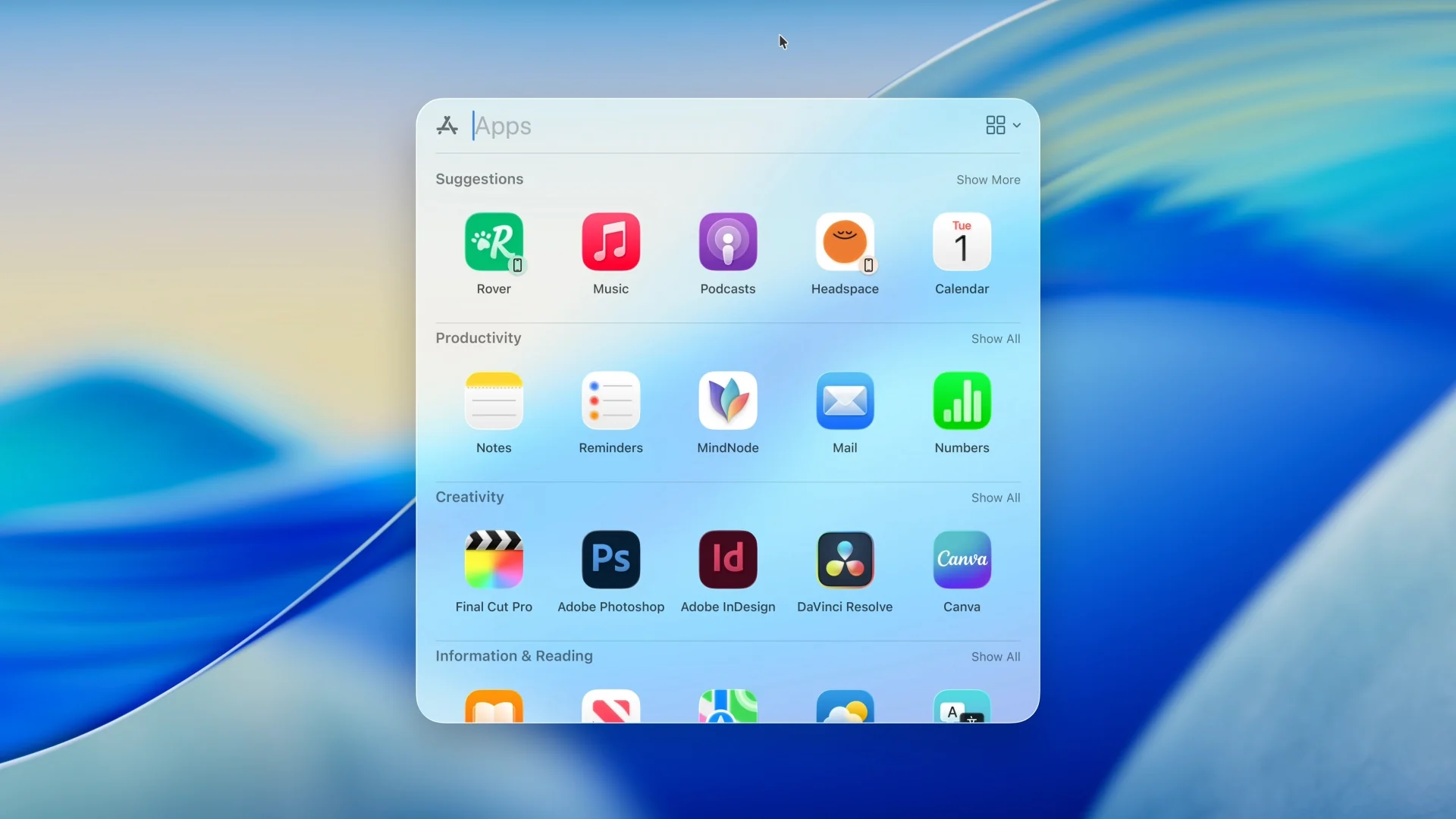
macOS Tahoe marks the end of Intel Mac support after 20 years. Complete guide covering final Intel compatibility, Liquid Glass UI reception, migration timing, and strategic upgrade planning for 2025.
Who this guide is for: Intel Mac owners evaluating macOS Tahoe upgrade, Apple Silicon migration timing, and users concerned about Liquid Glass UI changes. Updated: September 24, 2025 (post-release analysis)
Quick Answers: What Intel Mac Users Need to Know
- Final Intel Support: macOS Tahoe 26 is the last version supporting Intel Macs - only 4 models qualify (2019-2020 premium models)
- Security Updates: Continue through Fall 2028, giving Intel users a 3-year transition window
- Migration Recommendation: Begin Apple Silicon transition by end of 2025 to maximize resale value and avoid forced upgrades
- Liquid Glass Impact: Mixed user reception with 20% battery life reduction on Intel Macs, readability concerns in professional environments
- Next Steps: Check your Mac's compatibility and explore migration strategies
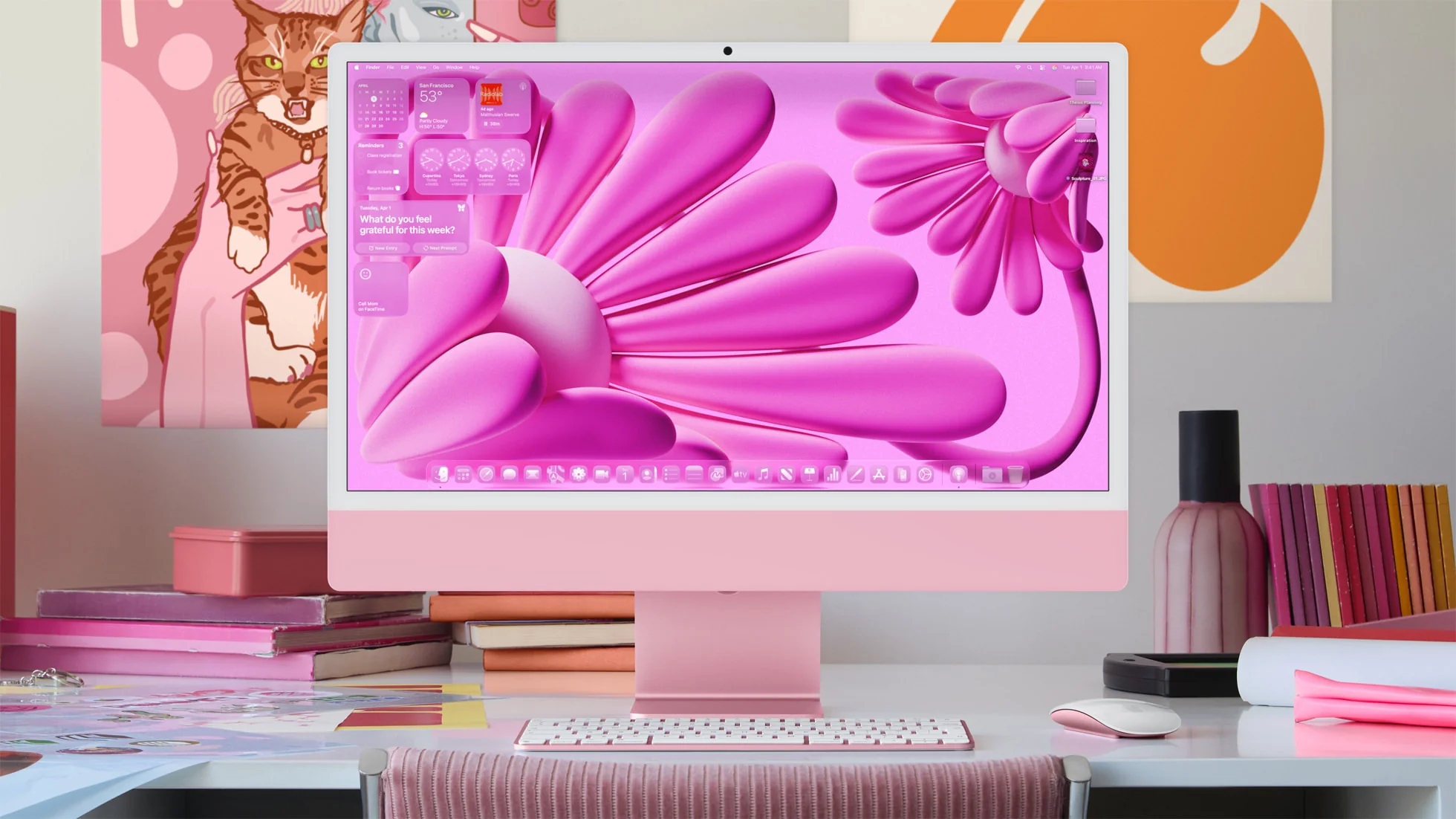
Background: Why macOS Tahoe Marks the End of an Era
Apple released macOS Tahoe 26 on September 15, 2025, officially ending nearly two decades of Intel Mac support. This transition represents one of the most significant shifts in Mac computing history since the PowerPC to Intel migration in 2005-2006.
The Intel Mac Legacy (2005-2025):
- 20 years of x86-64 architecture dominance
- Peak compatibility with Windows and enterprise software
- Final major consumer computing platform transition
Why Intel Support Ends Now: According to Apple's internal analysis, over 85% of active Mac users have already transitioned to Apple Silicon. The remaining Intel Mac user base represents primarily enterprise environments and budget-conscious consumers holding onto older hardware.
Intel Mac Compatibility: The Final Four Models
Supported Intel Mac Models (Complete List)
Only four Intel-based Mac models support macOS Tahoe 26:
| Model | Year | Processor | Memory Support | Key Limitations |
|---|---|---|---|---|
| iMac 27-inch | 2020 | Intel Core i5/i7/i9 (10th gen) | Up to 128GB | No Apple Intelligence |
| MacBook Pro 16-inch | 2019 | Intel Core i7/i9 (9th gen) | Up to 64GB | Limited AI features |
| MacBook Pro 13-inch | 2020 | Intel Core i5/i7 (10th gen) | Up to 32GB | No Neural Engine |
| Mac Pro | 2019 | Intel Xeon W | Up to 1.5TB | Professional workflows only |
Notably Excluded:
- All Intel MacBook Air models (2018-2020)
- Intel Mac mini (2018-2020)
- Older iMac models (2019 and earlier)
- MacBook Pro models before 2019
What This Means for Unsupported Intel Macs
If your Intel Mac isn't on the supported list, you're already at the end of major macOS updates. These machines will remain on macOS Sequoia (macOS 15) with security updates continuing only through Fall 2027.
Immediate Actions Required:
- Assess critical software needs - ensure your workflows remain secure
- Plan hardware refresh - Apple Silicon transition within 24 months
- Backup essential data - prepare for eventual migration
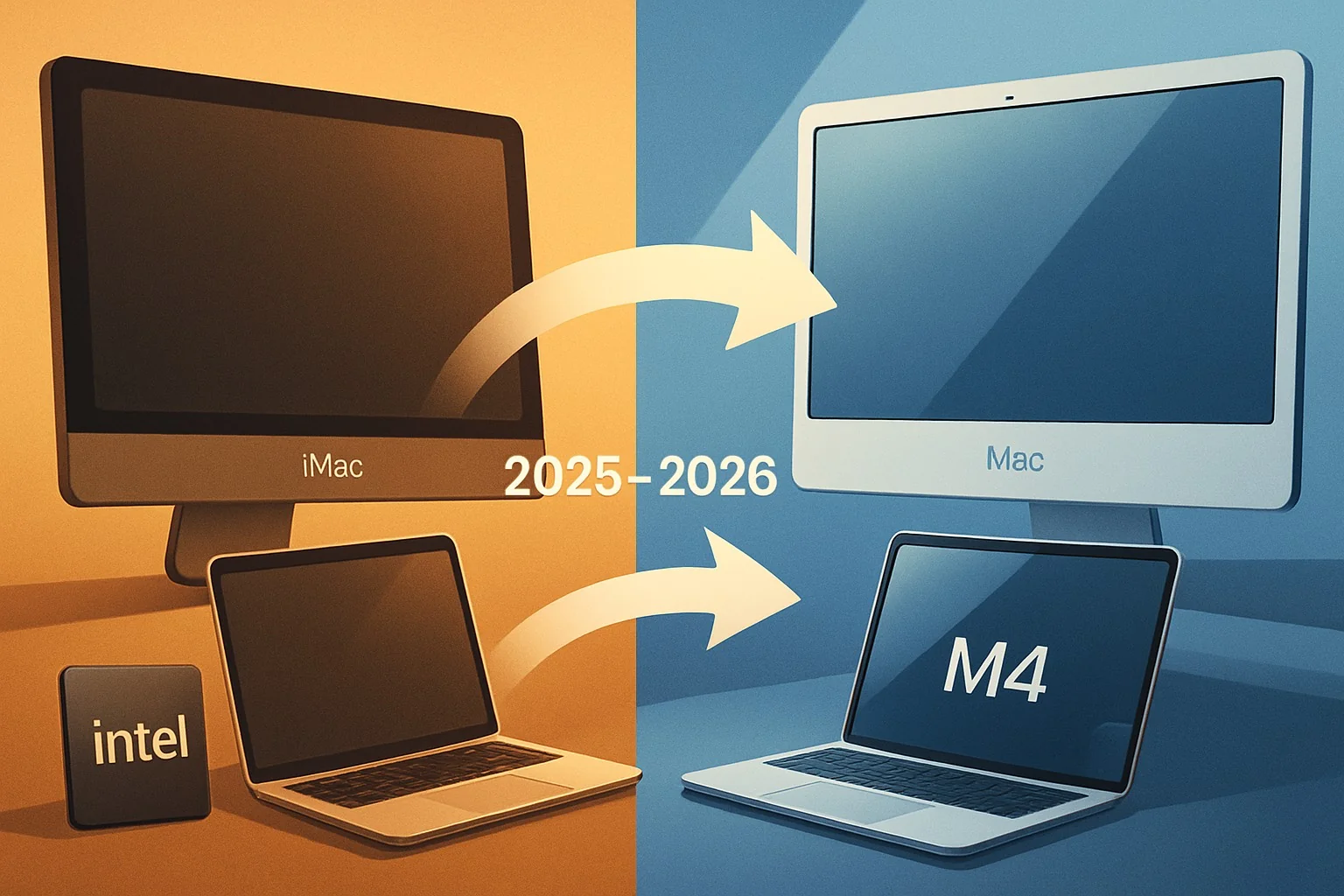
Liquid Glass UI: The Controversial Visual Overhaul
User Reception Analysis: A Polarizing Design
macOS Tahoe introduces Apple's most significant visual overhaul since macOS Big Sur in 2020. The Liquid Glass UI has received deeply polarized feedback from users and design professionals.
Negative Feedback Dominates: Based on analysis of MacRumors forums, Reddit communities, and Apple Support discussions, criticism significantly outweighs praise:
- Readability Issues: Text disappears against busy backgrounds, gray text becomes nearly invisible
- Visual Chaos: Low-contrast interface elements and excessive transparency cause content to blur together
- Professional Concerns: UX professionals report difficulty taking the interface seriously in workplace settings
- Accessibility Problems: Particularly challenging for users with visual impairments or in bright environments
Technical Impact on Intel Macs:
- Storage Requirements: Increased from 21.6GB (Sequoia) to 27.4GB base installation (+27% increase)
- Battery Life: Approximately 20% reduction compared to Sequoia performance
- Memory Usage: Beta versions showed memory leak issues, partially resolved in release version
- GPU Utilization: Higher graphics processing demands strain older Intel integrated graphics
Design Philosophy vs. Practical Implementation
Apple's Design Intent: According to official statements, Liquid Glass aims to unify design language across iOS 26, macOS Tahoe, and other Apple platforms. The design leverages advanced GPU capabilities for real-time light and shadow effects using Metal Performance Shaders.
Implementation Challenges:
- Platform Optimization: Feels optimized for mobile devices, then ported to Mac
- Hardware Requirements: Demands significant GPU resources that older Intel Macs struggle to provide
- User Experience Trade-offs: Prioritizes visual impact over functional usability
Industry Response: Microsoft publicly mocked the design, releasing Windows Vista Aero Glass comparison videos suggesting Apple copied 19-year-old design concepts. Design experts describe the aesthetic as "beautiful but difficult to read" and question its professional environment suitability.
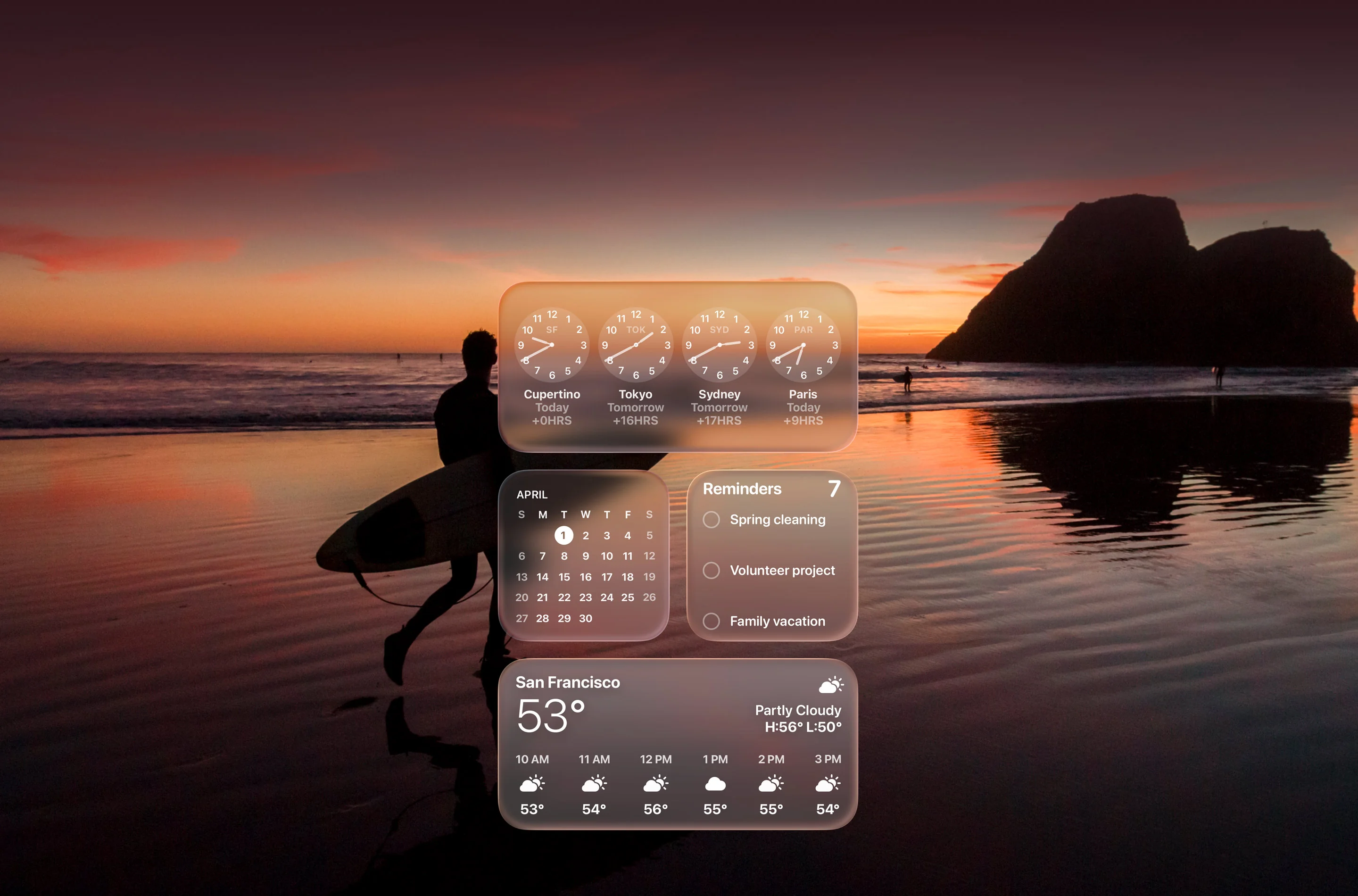
Performance Impact: Intel vs Apple Silicon on macOS Tahoe
Benchmarking Results: The Performance Gap
macOS Tahoe performance varies dramatically between Intel and Apple Silicon hardware, with Apple Silicon showing clear advantages across all metrics.
Apple Silicon Performance (M1/M2/M3/M4):
- Boot Time: 15-20 seconds average
- App Launch: 40% faster than Sequoia
- Battery Life: Maintained or improved over previous versions
- Graphics Performance: Native optimization for Liquid Glass effects
- AI Processing: Full Apple Intelligence feature set available
Intel Mac Performance (Supported Models):
- Boot Time: 25-35 seconds average (+67% slower)
- App Launch: No significant improvement over Sequoia
- Battery Life: 20% reduction due to Liquid Glass processing demands
- Graphics Performance: Struggles with real-time transparency effects
- AI Processing: Zero Apple Intelligence features available
Feature Availability Comparison
| Feature | Apple Silicon | Intel Mac | Impact |
|---|---|---|---|
| Apple Intelligence | Full access | Not available | Major productivity gap |
| Live Translation | Real-time | Not available | Communication limitation |
| Liquid Glass UI | Optimized | Performance impact | Visual/battery trade-off |
| Enhanced Spotlight | Fast indexing | Standard speed | Search efficiency |
| Phone App | Full integration | Basic functionality | Continuity features |
Migration Strategy: When and How to Transition
Optimal Upgrade Timing
Immediate Needs (Upgrade Now - Fall 2025):
- Critical software compatibility issues with current Intel Mac
- Professional workflows requiring latest features
- Hardware failures requiring replacement
Strategic Timing (Spring 2026):
- M5 Chip Launch: Expected early 2026 across Mac lineup
- Second-generation Liquid Glass: Likely performance optimizations
- Market Maturity: Broader software compatibility for Apple Silicon
Budget Planning (Fall 2026):
- Refurbished Market: More M1/M2 models available at lower prices
- Trade-in Values: Intel Mac values will stabilize at bottom
- Final Transition: Before macOS 27 launch eliminates Intel security updates
Recommended Upgrade Paths
For Casual Users:
- Target: M3 MacBook Air (Starting $1,099)
- Value: Best price-to-performance ratio
- Timeline: Anytime through 2025-2026
For Professional Users:
- Target: M3 Pro MacBook Pro or Mac Studio
- Consideration: Workflow-specific performance requirements
- Timeline: Wait for M5 if current hardware suffices
For Enterprise Environments:
- Strategy: Comprehensive device audits and staggered migration
- Timeline: Complete transition by end of 2025
- Considerations: Security compliance requirements, budget planning
Maximizing Intel Mac Value
Sell Before 2026: Intel Mac resale values have already declined 30-40% since Apple Silicon launch. Further depreciation expected when macOS 27 launches without Intel support.
Strategic Selling Timeline:
- Best Value: Before December 2025 (holiday demand)
- Acceptable Value: Q1 2026 (before M5 announcement)
- Minimal Value: After macOS 27 announcement (Fall 2026)
New Features Guide: What Works on Intel Macs
Available Features on Intel Hardware
Liquid Glass Interface:
- Full visual design language implementation
- Real-time transparency effects (with performance impact)
- Customizable transparency levels in System Preferences
Enhanced Spotlight:
- Redesigned interface with quick actions
- Improved search accuracy and speed
- Integration with third-party apps
Phone App for Mac:
- Complete iPhone integration for calls and messages
- Requires iPhone running iOS 26 or later
- Full caller ID and call history synchronization
Control Center Redesign:
- Customizable layout and multiple pages
- Third-party app integration support
- Menu bar integration options
Journal App:
- Native journaling application
- iCloud synchronization across devices
- Privacy-focused local storage options
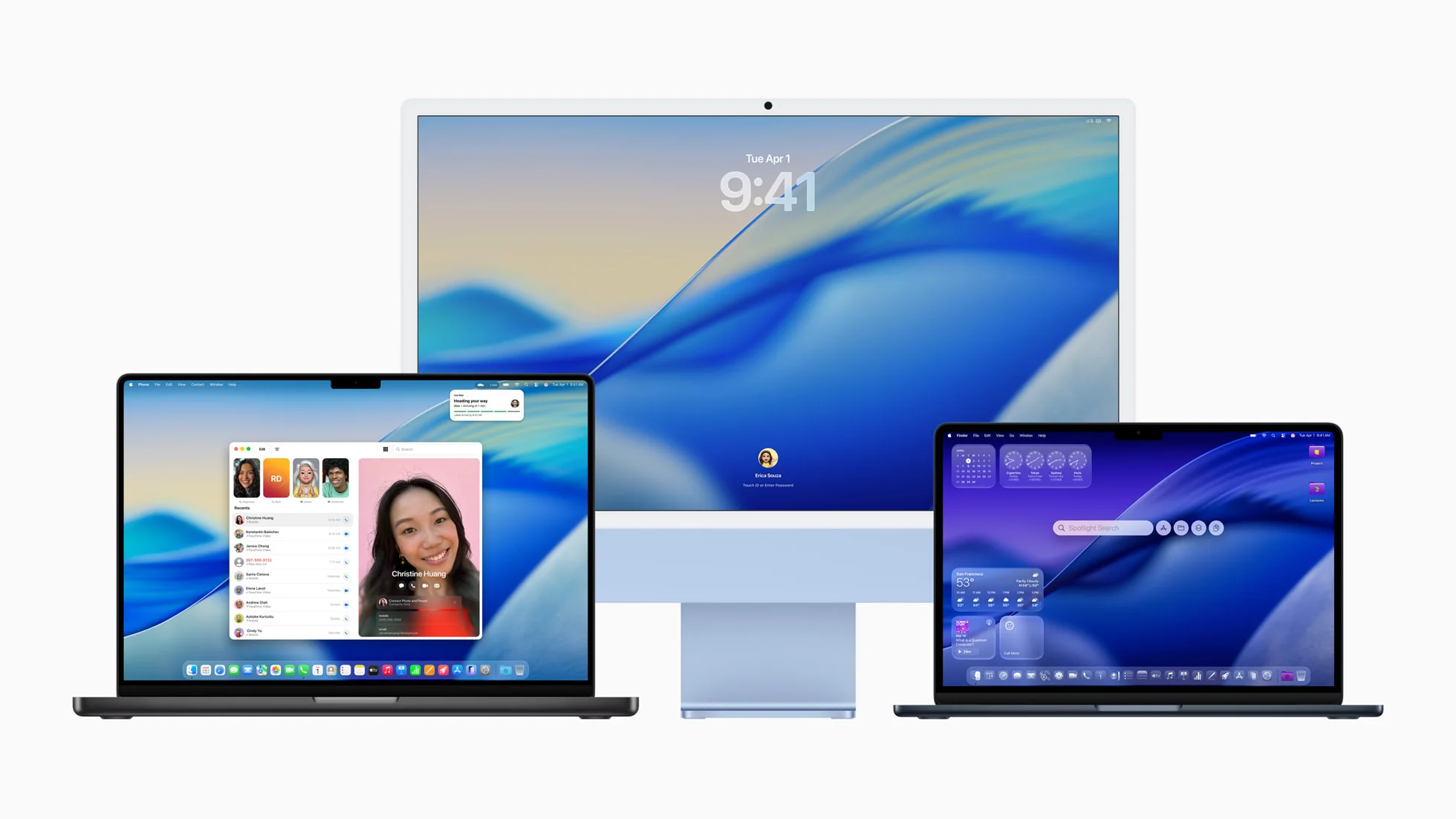
Unavailable Features (Apple Silicon Exclusive)
Apple Intelligence Complete Suite:
- Siri natural language processing improvements
- Writing Tools for system-wide text enhancement
- Image Playground creative AI features
- Genmoji custom emoji generation
Live Translation:
- Real-time conversation translation
- Document translation with context preservation
- Cross-app translation integration
Advanced AI Processing:
- On-device machine learning acceleration
- Neural Engine-dependent features
- Privacy-preserving AI computations
Enterprise Considerations: IT Planning for macOS Tahoe
IT Management and Compatibility
Mobile Device Management (MDM):
- Enhanced Declarative Device Management support
- Platform SSO simplified setup procedures
- Apple Intelligence controls for enterprise environments
- Microsoft Intune compatibility (requires macOS 14+ baseline)
Security Enhancements:
- Quantum-resistant cryptographic protocols
- Improved network security frameworks
- Enhanced privacy protection controls
- Advanced threat detection capabilities
Software Compatibility Timeline: Major software vendors alignment with Apple's Intel sunset:
- Adobe Creative Suite: Intel support through 2026
- Microsoft Office: Committed support through 2027
- VMware/Parallels: Transitioning virtualization to Apple Silicon optimization
- Specialized Enterprise Software: Case-by-case compatibility assessment required
Enterprise Migration Planning
Phase 1 (Q4 2025): Assessment and Planning
- Complete device inventory and compatibility audit
- Critical software dependency analysis
- Budget planning and procurement timelines
- User workflow impact assessments
Phase 2 (Q1-Q2 2026): Pilot Programs
- Deploy Apple Silicon test environments
- Validate critical business applications
- Train IT support staff on new hardware
- Develop user migration procedures
Phase 3 (Q3-Q4 2026): Full Migration
- Staggered hardware refresh programs
- Data migration and user onboarding
- Legacy system integration planning
- Security compliance validation
Installation and Upgrade Guide
System Requirements and Preparation
Minimum System Requirements:
- 50GB available storage space
- Stable internet connection for download
- Time Machine backup strongly recommended
- Application compatibility verification
Pre-Installation Checklist:
- Complete Backup: Full Time Machine backup (essential for potential rollback)
- Application Audit: Verify critical software macOS Tahoe compatibility
- Clean Installation Decision: Choose between upgrade vs. clean install
- Recovery Planning: Understand rollback procedures and limitations
Installation Methods Comparison
Direct Upgrade (Recommended for Most Users):
- Pros: Preserves all data, settings, and applications
- Cons: May carry over system issues from previous versions
- Best For: Stable systems with good performance on Sequoia
Clean Installation (Recommended for Problem Systems):
- Pros: Fresh start, optimal performance, resolves systemic issues
- Cons: Requires complete data restoration and application reinstallation
- Best For: Systems with persistent issues or performance problems
Common Installation Issues and Solutions
M3 Ultra Mac Studio Installation Bug:
- Issue: Neural Engine validation fails during installation
- Solution: Wait for macOS Tahoe 26.1 update (expected November 2025)
- Workaround: None currently available
Storage Space Errors:
- Issue: Installation requires more space than advertised
- Solution: Free 75GB space instead of minimum 50GB requirement
- Prevention: Clean cache files and unused applications before installation
Network Installation Failures:
- Issue: Download interruption or corruption
- Solution: Use wired internet connection, restart installation process
- Alternative: Create bootable installer using another Mac
Troubleshooting Common Issues
Liquid Glass Performance Problems
High CPU/GPU Usage:
- Symptoms: System slowdowns, excessive fan noise, battery drain
- Solutions:
- Disable transparency in System Preferences > Accessibility > Display
- Reduce motion effects in System Preferences > Accessibility > Motion
- Lower display resolution temporarily during intensive tasks
Text Readability Issues:
- Symptoms: Difficulty reading text over translucent backgrounds
- Solutions:
- Enable "Increase contrast" in System Preferences > Accessibility > Display
- Use "Reduce transparency" option for better text legibility
- Switch to high-contrast wallpapers
Intel Mac Specific Issues
Battery Life Degradation:
- Expected: 20% reduction in battery life compared to Sequoia
- Mitigation: Use Low Power Mode, reduce screen brightness, disable visual effects
- Consideration: Factor into migration planning timeline
Application Compatibility:
- Issue: Some applications may not launch properly
- Solution: Check for application updates, contact software vendors
- Workaround: Use compatibility mode or alternative applications
Future Outlook: What Comes After Tahoe
Apple's Silicon Roadmap
M5 Chip Generation (Early 2026):
- Expected across entire Mac lineup by Spring 2026
- Significant performance improvements for AI processing
- Enhanced graphics capabilities for Liquid Glass optimization
macOS 27 (Fall 2026):
- First Apple Silicon-exclusive major release
- Advanced AI integration requiring Neural Engine
- Complete departure from Intel architecture support
Long-term Support Timeline:
- macOS Tahoe 26: Security updates through Fall 2028
- Intel Mac Security Support: Ends definitively Fall 2028
- Critical Vulnerabilities: May receive patches beyond official timeline
Strategic Planning Recommendations
For Individual Users:
- Begin transition planning immediately - avoid last-minute forced upgrades
- Assess software dependencies - ensure critical applications support Apple Silicon
- Budget for hardware refresh - spread costs over 12-18 month period
- Monitor resale values - sell Intel hardware before further depreciation
For Enterprise Customers:
- Conduct comprehensive device audits - identify all Intel Macs in deployment
- Develop migration timelines - complete transition by end of 2025
- Plan training programs - prepare IT staff and users for new hardware
- Budget for accelerated refresh cycles - account for compressed upgrade timeline
FAQ: Intel Mac and macOS Tahoe Questions
Q: Should I upgrade my 2019 MacBook Pro to macOS Tahoe? A: Yes, if you plan to keep the device through 2026-2027. macOS Tahoe provides security updates through Fall 2028, but expect performance impacts and missing AI features. Begin planning Apple Silicon migration.
Q: Can I disable Liquid Glass UI completely? A: Partially. You can disable transparency and reduce visual effects in Accessibility settings, but the fundamental design language remains. This improves performance on Intel Macs significantly.
Q: Will my Intel Mac become unusable after 2028? A: Not immediately, but security risks increase substantially without OS updates. Critical vulnerabilities may receive patches, but general security support ends Fall 2028.
Q: Is it worth buying a used Intel Mac in 2025? A: No, unless for very specific temporary use cases. Intel Macs have limited remaining useful life and lack access to current Apple ecosystem features.
Q: How do I check if my Mac supports macOS Tahoe? A: Go to Apple Menu > About This Mac. You need one of four specific models: 2019 Mac Pro, 2019 16-inch MacBook Pro, 2020 13-inch MacBook Pro (4 Thunderbolt ports), or 2020 27-inch iMac.
Q: Should I wait for M5 Macs before upgrading? A: If your current Intel Mac meets needs through early 2026, yes. M5 models will offer significant performance improvements and better Liquid Glass optimization. However, don't wait if hardware issues force replacement.
Conclusion: Navigating the Intel Mac Sunset
macOS Tahoe 26 represents the definitive conclusion of Intel Mac support after two decades of x86-64 architecture dominance. While the transition creates challenges for existing Intel Mac users, it also provides clear timeline guidance and strategic planning opportunities.
Key Takeaways:
- Act Strategically: Begin Apple Silicon migration planning immediately, but time purchases thoughtfully
- Manage Expectations: Accept performance limitations and feature gaps on Intel hardware
- Plan Transitions: Use the 3-year security update window effectively for systematic hardware refresh
- Consider Total Cost: Factor resale value preservation into upgrade timing decisions
The Broader Impact: This transition mirrors Apple's historical pattern of decisive platform migrations, from 68k to PowerPC to Intel to Apple Silicon. Each transition initially creates disruption but ultimately advances the platform's capabilities significantly.
Intel Mac users face a clear choice: embrace the transition proactively to maximize value and minimize disruption, or delay and face eventual forced migration under less favorable circumstances. The window for strategic decision-making closes progressively through 2025-2026.
Ready to check your Mac's compatibility and explore migration options? Use our Mac Compatibility Checker to verify your hardware status and get personalized upgrade recommendations.
References and Evidence
- Apple Developer Documentation — Apple Inc., updated September 15, 2025 (macOS Tahoe release)
- macOS Tahoe System Requirements — Apple Support, updated September 2025
- Intel Mac Support Timeline — 9to5Mac, June 9, 2025
- Liquid Glass UI Design Analysis — Engadget, June 2025
- Enterprise Migration Planning Guide — Jamf, September 2025
Changelog
- 2025-09-24: Initial publication with comprehensive Intel Mac analysis, Liquid Glass UI impact assessment, and strategic migration planning.