Best Mac Developer Tools in 2026: Essential Apps for Modern Development

Discover the best Mac developer tools for 2026. From terminal emulators to code editors, database clients, and Docker alternatives—a complete toolkit guide.
Setting up a new Mac for development used to mean hours of configuration. In 2026, we have better options—tools that are faster, smarter, and designed for Apple Silicon from the ground up.
After testing dozens of development tools, I've compiled the essential toolkit that actually improves workflow. These aren't just popular picks—they're tools I use daily that have measurably improved my productivity.
Quick Reference
| Category | Top Pick | Alternative | Price |
|---|---|---|---|
| Terminal | Warp | iTerm2 | Free |
| Code Editor | Zed | Cursor | Free |
| Git Client | Fork | GitKraken | $49.99 |
| API Testing | Insomnia | Postman | Free |
| Database | TablePlus | DBeaver | $59 |
| Containers | OrbStack | Rancher Desktop | Free/$8 mo |
Terminal Emulators
The terminal is where developers spend most of their time. The right terminal app can transform your command-line experience.
Deep Dive: For advanced terminal configuration, Zsh optimization, and Homebrew workflows, see our Mac Terminal Mastery 2025 Guide.
1. Warp — The Modern Terminal
Warp represents a fundamental rethink of what a terminal should be. Built in Rust, it treats the terminal more like an IDE than a text window.
Why it stands out:
- IDE-like input editor: Write commands like code with autocomplete and syntax highlighting
- Block-based output: Navigate between command outputs like discrete sections
- Built-in AI: Get command suggestions and explanations
- Rust performance: Noticeably faster than Electron-based alternatives
My workflow: The block-based organization changed how I work. I can quickly jump between outputs without endless scrolling, and the AI assistant helps when I forget obscure flags.
Price: Free (Pro available for teams)
Download: warp.dev
2. iTerm2 — The Reliable Choice
If Warp feels too different, iTerm2 is the mature, battle-tested option. It's what most developers have used for years—for good reason.
Key features:
- Split panes horizontally and vertically
- Extensive keyboard shortcuts
- Autocomplete from command history
- Built-in password manager
- Triggers and profiles for automation
Best for: Developers who want maximum customization and a proven track record.
Price: Free
Download: iterm2.com
3. Alacritty — Pure Speed
For developers who want nothing but raw performance, Alacritty delivers. It's GPU-accelerated, minimal, and blazingly fast.
Key features:
- GPU-rendered for maximum speed
- Configuration via YAML
- Cross-platform consistency
- Minimal resource usage
Best for: Performance enthusiasts and those who configure everything via dotfiles.
Price: Free/Open Source
Download: github.com/alacritty/alacritty

Code Editors
The editor wars continue, but 2026 has some clear winners depending on your priorities.
4. Zed — The Speed Champion
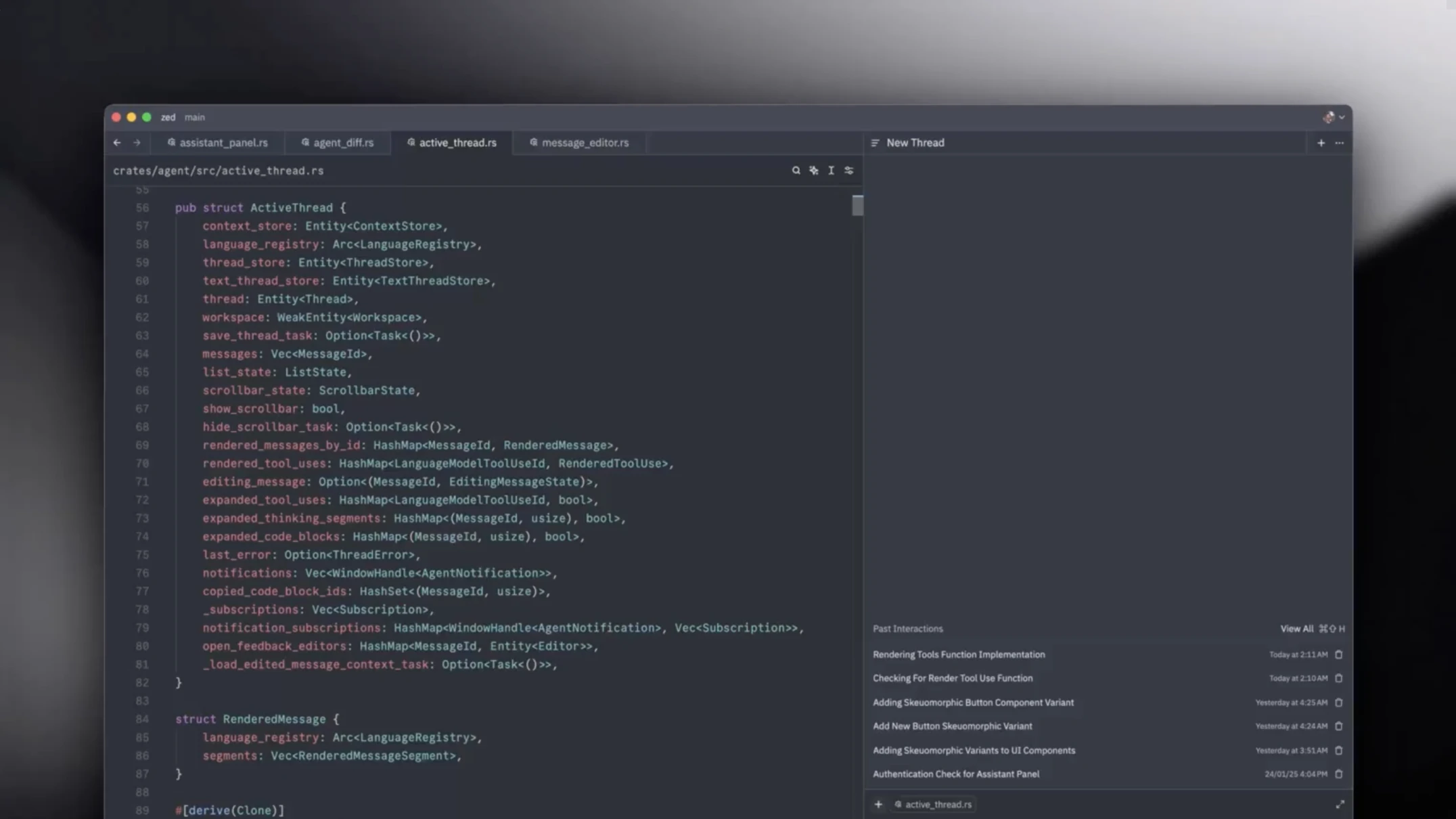
Zed is the fastest code editor available, period. Built from scratch in Rust with GPU acceleration, it consistently launches 2-3x faster than alternatives.
Why it stands out:
- Multiplayer coding: Real-time collaboration like Google Docs
- Native performance: No Electron overhead
- AI integration: Recent addition, improving rapidly
- Free and open source: No licensing concerns
My workflow: I switched to Zed for large file editing and collaborative sessions. The speed difference is immediately noticeable, especially when opening large projects.
Price: Free/Open Source
Download: zed.dev
5. Cursor — AI-First Development

Cursor isn't an editor with AI added—it's an AI tool that happens to be an editor. If you're serious about AI-assisted development, this is the one.
Key features:
- Built as a VS Code fork with AI at its core
- Context-aware code completion
- Chat interface understands your codebase
- Supports multiple AI models
Best for: Developers who want AI deeply integrated into their workflow.
Price: Free tier / $20/month Pro
Download: cursor.sh
6. Visual Studio Code — The Standard
VS Code remains the most popular choice for good reason—the extension ecosystem is unmatched. If you need specific language support or integrations, VS Code probably has it.
Related: Having performance issues with VS Code or other Electron apps? Check out our Electron Apps Performance Guide.
Key features:
- Largest extension marketplace
- Excellent debugging tools
- GitHub Copilot integration
- Remote development support
Best for: Full-stack developers, those needing specific extensions, teams with standardized setups.
Price: Free
Download: code.visualstudio.com
Apple Development: For Xcode 16, SwiftUI Liquid Glass, and Apple Intelligence integration, see our macOS Tahoe Developer's Ultimate Guide.
Git Clients
While command-line git works, visual git clients make complex operations safer and faster.
7. Fork — The Mac-Native Git Client
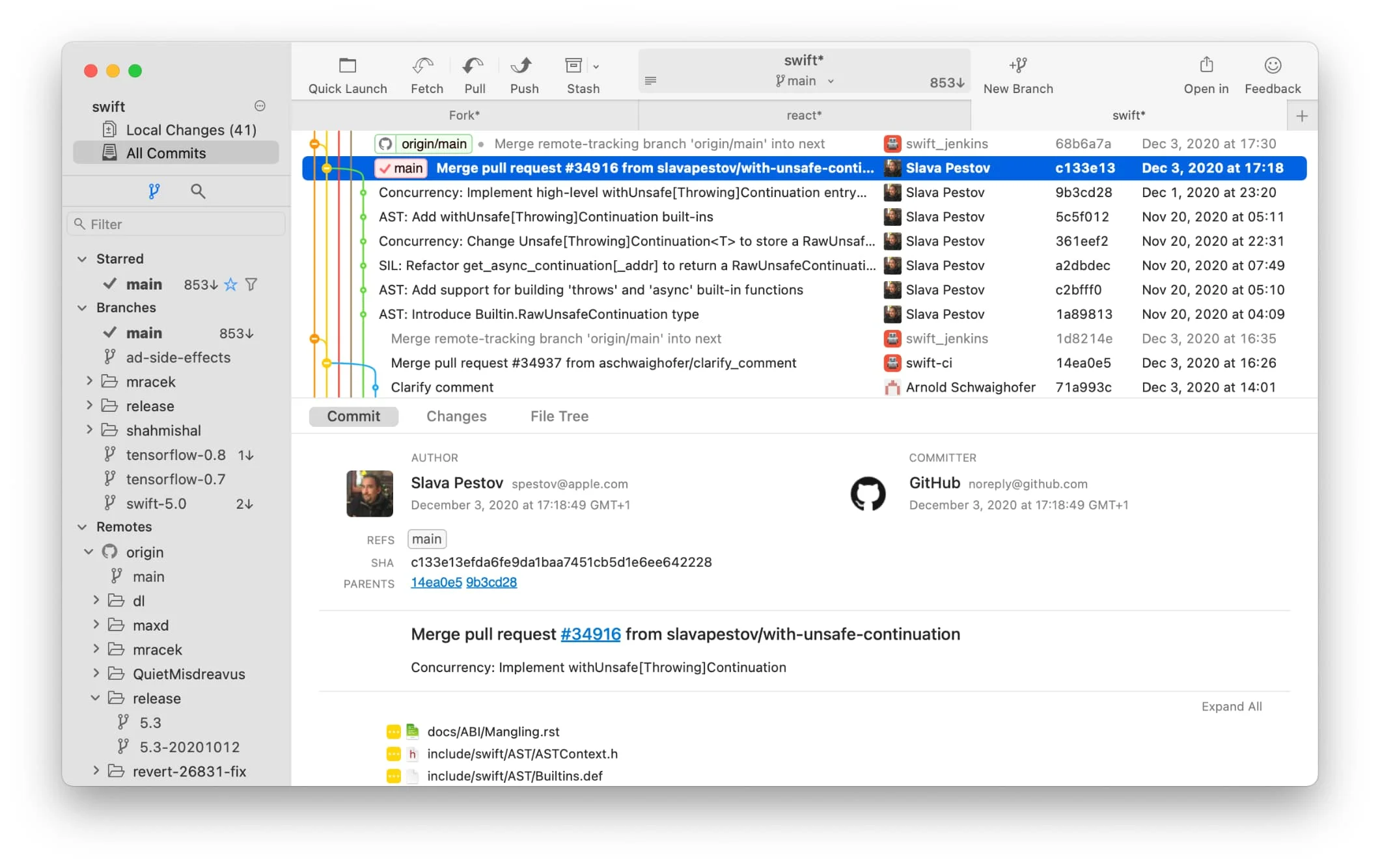
Fork is fast, lightweight, and designed specifically for macOS. Unlike Electron-based alternatives, it feels genuinely native.
Why it stands out:
- Performance: Handles large repositories smoothly
- Interactive rebase: Visual, drag-and-drop interface
- Image diff: See visual changes in image files
- Merge conflict resolver: Built-in visual tool
My workflow: Fork's interactive rebase alone is worth it. What used to be a careful, multi-command process is now drag-and-drop.
Price: $49.99 one-time
Download: fork.dev
8. GitKraken — Visual and Powerful
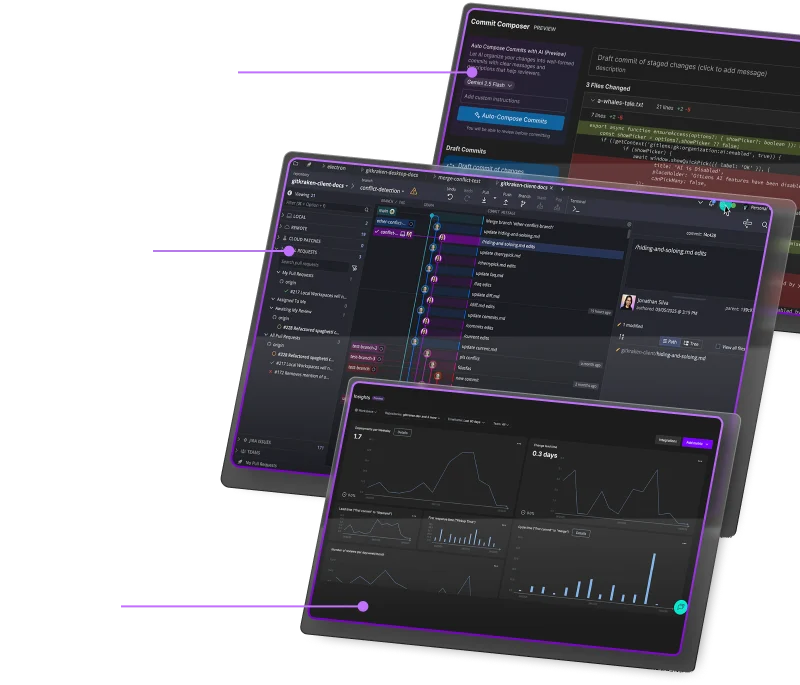
If you need more visual representations of your git history, GitKraken provides the best visualization available.
Key features:
- Beautiful commit graph
- Built-in merge conflict editor
- Integration with GitHub, GitLab, Bitbucket
- Team features for collaboration
Price: Free tier / Pro plans available
Download: gitkraken.com
API Development
Testing APIs is essential for modern development. These tools make it efficient.
9. Insomnia — Clean API Testing
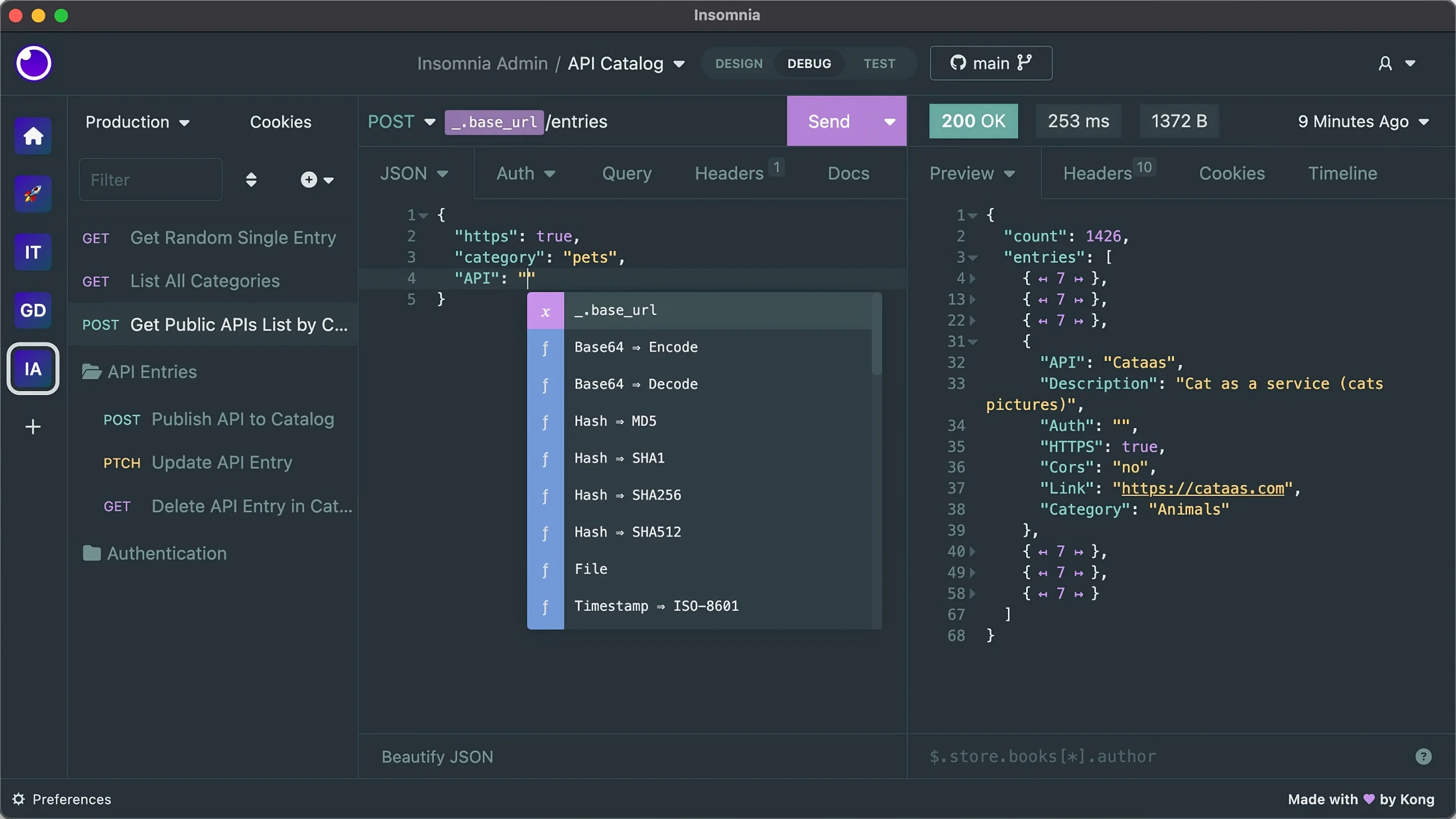
Insomnia focuses on developer experience with a clean, organized interface that doesn't overwhelm.
Why it stands out:
- GraphQL support: Best-in-class with schema validation
- Environment variables: Easy switching between dev/staging/prod
- Clean interface: Less cluttered than Postman
- Plugin ecosystem: Extend functionality as needed
Price: Free tier / $5/user/month
Download: insomnia.rest
10. Postman — The Industry Standard
Postman has more features than most developers will ever need, but that's the point—it covers every use case.
Key features:
- Comprehensive testing automation
- Mock servers
- Documentation generation
- Team collaboration
Best for: Enterprise teams and complex API workflows.
Price: Free tier / Team plans available
Download: postman.com
Database Tools
Managing databases requires good visualization. These tools make SQL pleasant.
11. TablePlus — Native Database Management
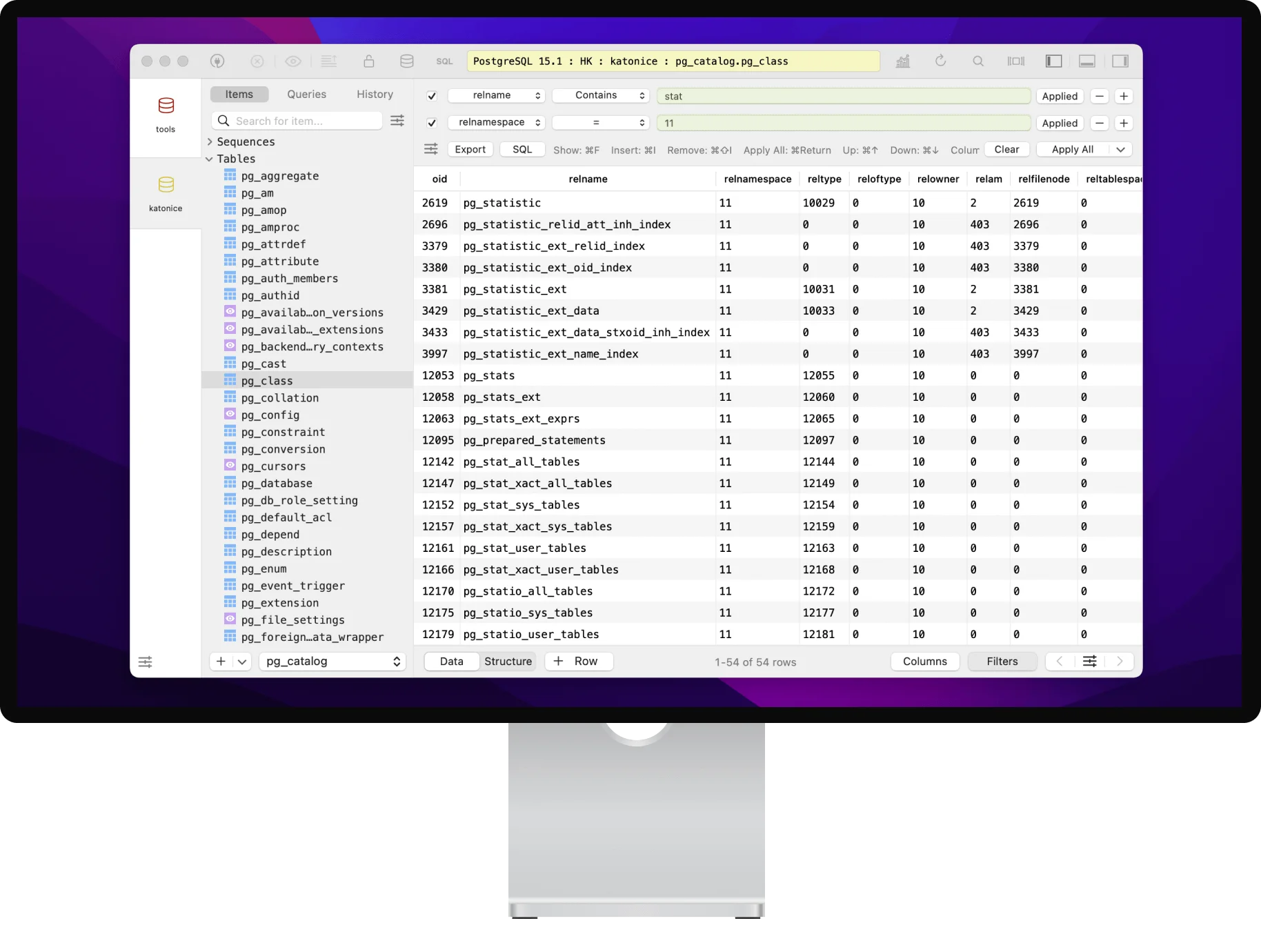
TablePlus is what database tools should feel like on a Mac—fast, native, and beautiful.
Why it stands out:
- Native macOS app: Not Electron, genuinely fast
- Multiple databases: PostgreSQL, MySQL, SQLite, Redis, and more
- Safe edit mode: Preview changes before committing
- Inline editing: Edit data directly in tables
My workflow: The safe edit mode has saved me from accidental data modifications more times than I can count. Preview everything before committing.
Price: $59 one-time (limited free tier)
Download: tableplus.com
12. DBeaver — Free and Comprehensive
If you need to connect to 30+ different database types or want a completely free option, DBeaver is excellent.
Key features:
- Universal database support
- SQL editor with autocomplete
- ER diagrams
- Data export/import
Price: Free (Community) / Paid (Enterprise)
Download: dbeaver.io
Container Development
Docker Desktop's resource usage pushed many developers to seek alternatives. These are better.
13. OrbStack — The Mac-Native Container Runtime
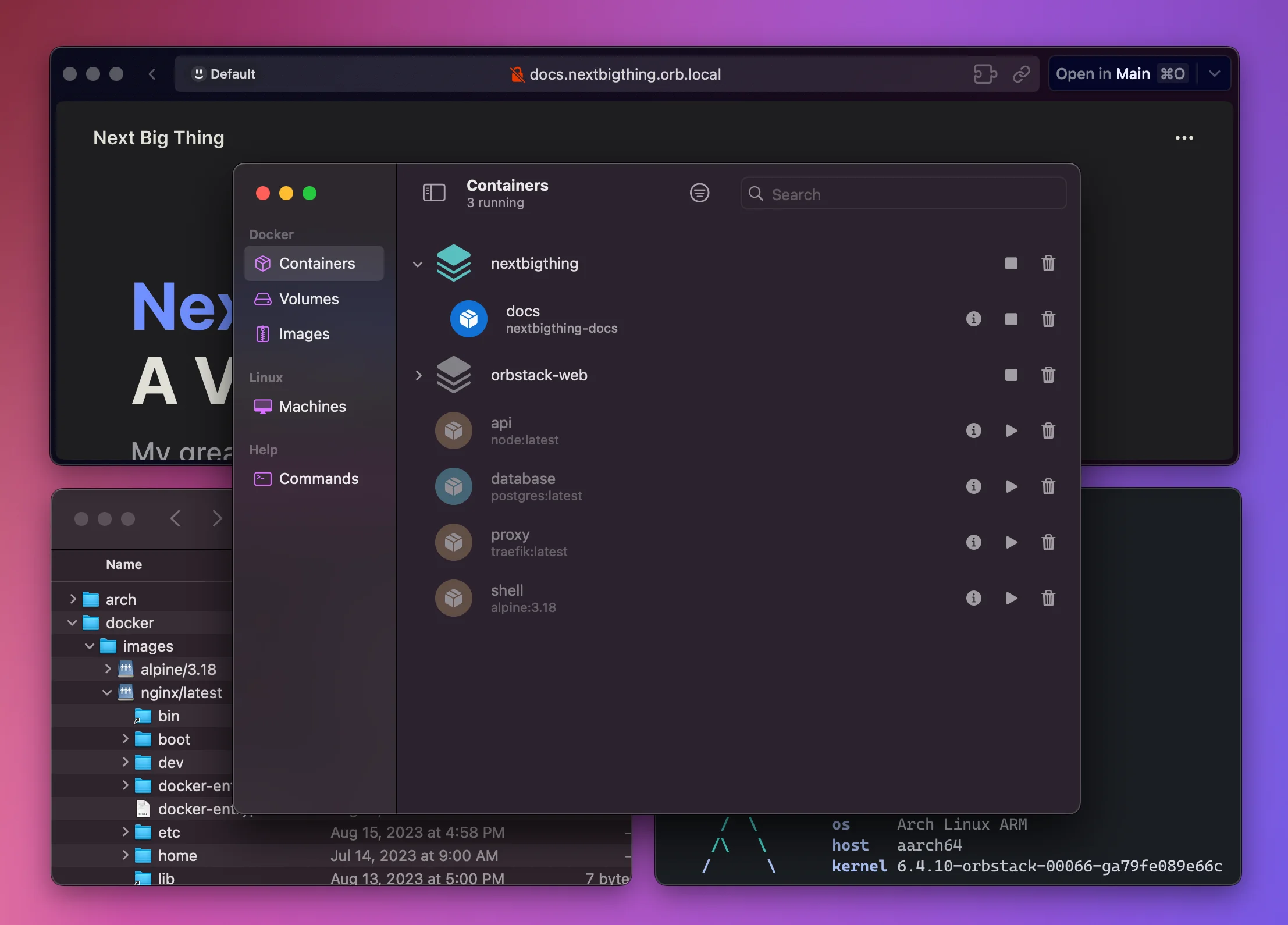
OrbStack is what Docker Desktop should have been. It's fast, lightweight, and designed specifically for Mac developers.
Why it stands out:
- Instant startup: Containers start in milliseconds
- Dynamic RAM allocation: Grows and shrinks with usage
- Native macOS integration: Feels like a first-class Mac app
- Linux VMs: Run full Linux environments alongside containers
Performance: In my testing, OrbStack uses significantly less RAM than Docker Desktop, especially when idle. The difference is noticeable on RAM-constrained machines.
Price: Free for personal use / $8/month commercial
Download: orbstack.dev
14. Rancher Desktop — Cross-Platform Alternative
If your team uses Windows, Mac, and Linux, Rancher Desktop provides consistency across all platforms with Kubernetes included.
Key features:
- Docker and containerd support
- Built-in Kubernetes
- SUSE-backed with enterprise support
- Familiar Docker Desktop-like interface
Price: Free
Download: rancherdesktop.io
Productivity Essentials
15. Raycast — The Ultimate Launcher
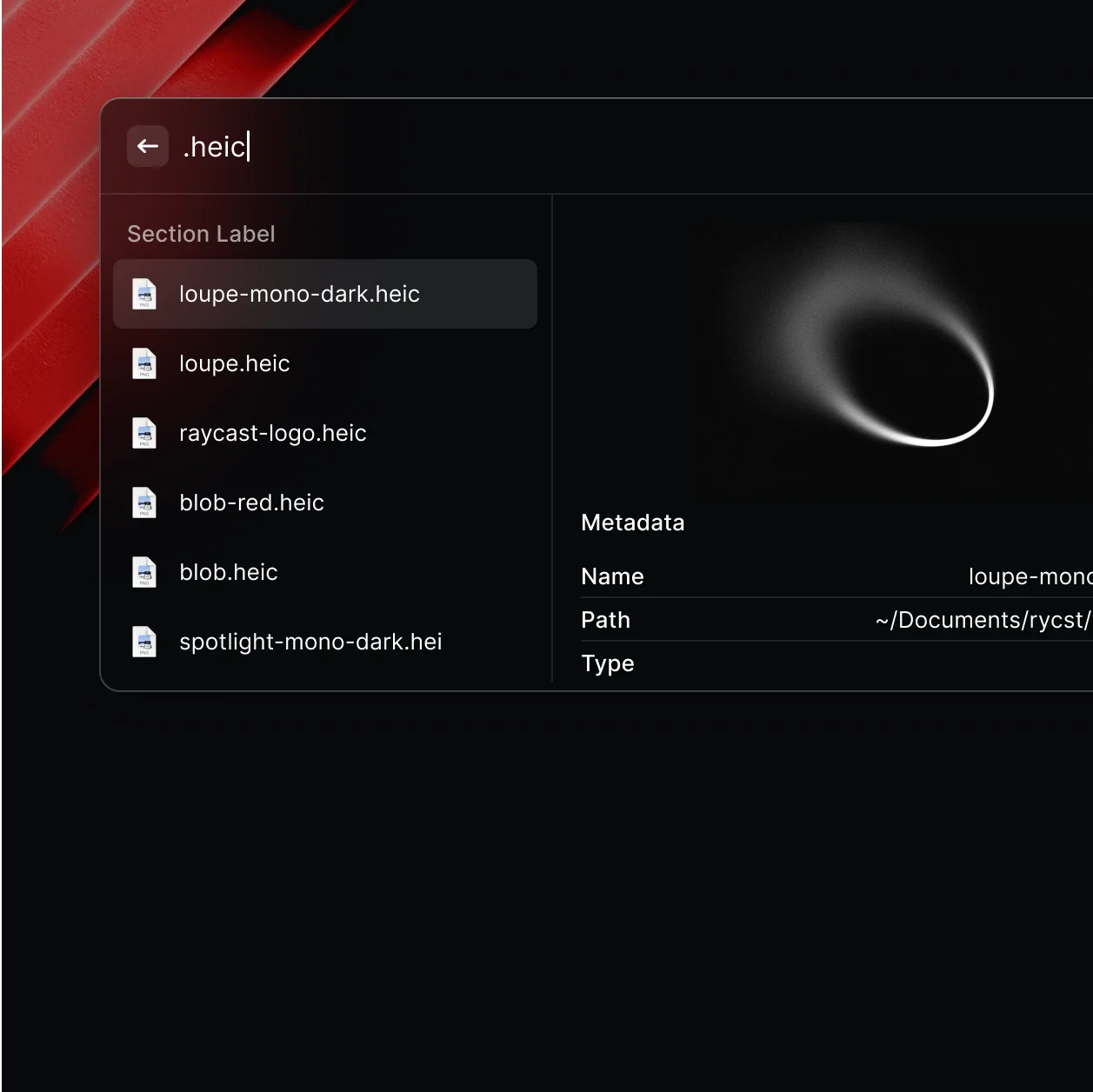
Raycast has become essential for developers. It's a launcher, but also a clipboard manager, window manager, and extensible productivity hub.
Developer-specific features:
- GitHub/GitLab integration
- npm/yarn script runner
- Docker container management
- Custom scripts and extensions
Price: Free / Pro for AI features
Download: raycast.com
Setting Up Your Mac
Here's the quick-start Homebrew script to install these tools:
# Install Homebrew if not present
/bin/bash -c "$(curl -fsSL https://raw.githubusercontent.com/Homebrew/install/HEAD/install.sh)"

# Essential CLI tools
brew install git git-lfs node python jq htop tmux

# GUI Applications
brew install --cask warp iterm2 visual-studio-code zed fork
brew install --cask tableplus dbeaver-community insomnia
brew install --cask orbstack raycast
FAQ
Which terminal should I choose as a beginner?
Start with Warp for its modern interface and helpful AI, or iTerm2 if you prefer a traditional terminal with extensive documentation.
Is Zed ready for production use?
Yes. Zed has matured significantly and is stable for daily use. The multiplayer features make it particularly good for pair programming.
Should I pay for OrbStack or use the free Docker Desktop?
For personal projects, OrbStack's free tier is excellent. The performance improvement over Docker Desktop is substantial enough to justify the commercial license for professional work.
Do I need both TablePlus and DBeaver?
No. Choose TablePlus for speed and native feel, or DBeaver for free access and comprehensive database support. Most developers don't need both.
Conclusion
The best developer setup in 2026 prioritizes native performance and thoughtful design. Tools like Warp, Zed, and OrbStack show that we don't have to accept slow, resource-hungry applications.
Start with the essentials—a good terminal, editor, and git client—then add tools as your workflow demands. Every tool here was chosen because it genuinely improves daily development work, not because it's trendy.