Best AI Apps for Mac in 2026: 15 Tools That Actually Boost Productivity

Discover the best AI apps for Mac in 2026. From writing assistants to voice transcription, these tested tools will transform how you work on your Apple Silicon Mac.
AI has moved beyond the hype phase. In 2026, the best AI apps for Mac aren't flashy gimmicks—they're practical tools that quietly handle tedious work while you focus on what matters.
After testing dozens of AI applications, I've narrowed down the list to 15 that genuinely improve daily workflows. These aren't just ChatGPT wrappers—they're purpose-built tools optimized for macOS, many with offline capabilities and Apple Silicon optimization.
Quick Reference
| App | Best For | Price | Offline |
|---|---|---|---|
| Elephas | AI Writing Assistant | $8.99/mo | ✅ |
| Raycast AI | Launcher + AI | Free/Pro | ❌ |
| MacWhisper | Audio Transcription | Free/Paid | ✅ |
| Ollama | Local LLMs | Free | ✅ |
| DiffusionBee | AI Art Generation | Free | ✅ |
| TypingMind | ChatGPT Interface | $39 one-time | ❌ |
| VoiceInk | Voice-to-Text | $19 one-time | ✅ |
| Krisp | Meeting Audio | Subscription | ✅ |
AI Writing & Productivity
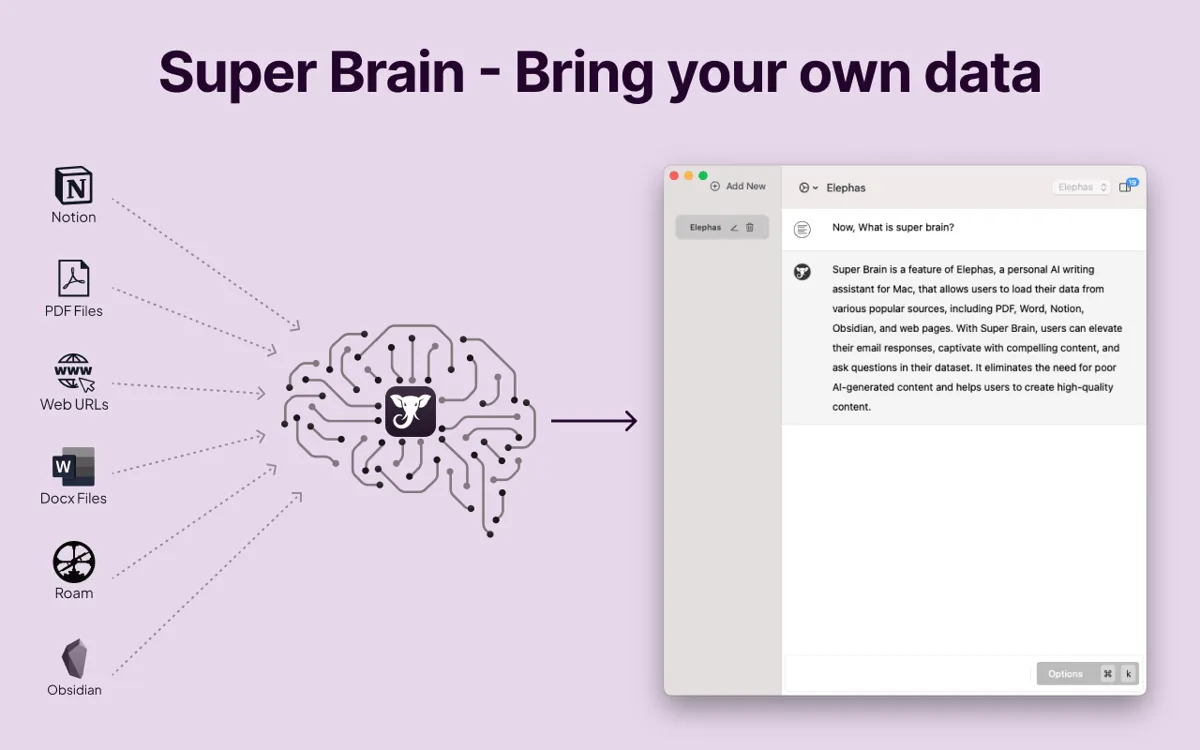
1. Elephas — The Complete AI Writing Assistant
If you write for a living—or just write a lot—Elephas is the AI tool to get. It's not another generic chatbot; it's a writing assistant that learns your style.
Why it stands out:
- Super Brain: Creates a personalized knowledge base from your documents, notes, and interactions
- Offline Mode: Works without internet—rare for AI tools
- System-wide Access: Use it in any app via keyboard shortcut
- Multiple AI Models: Choose between GPT-4, Claude, or local models
My workflow: I feed Elephas my past articles, and it helps maintain consistent voice across new pieces. The offline mode is clutch when writing on flights.
Price: $8.99/month (affordable compared to most AI subscriptions)
Download: elephas.app
2. TypingMind — ChatGPT, But Better
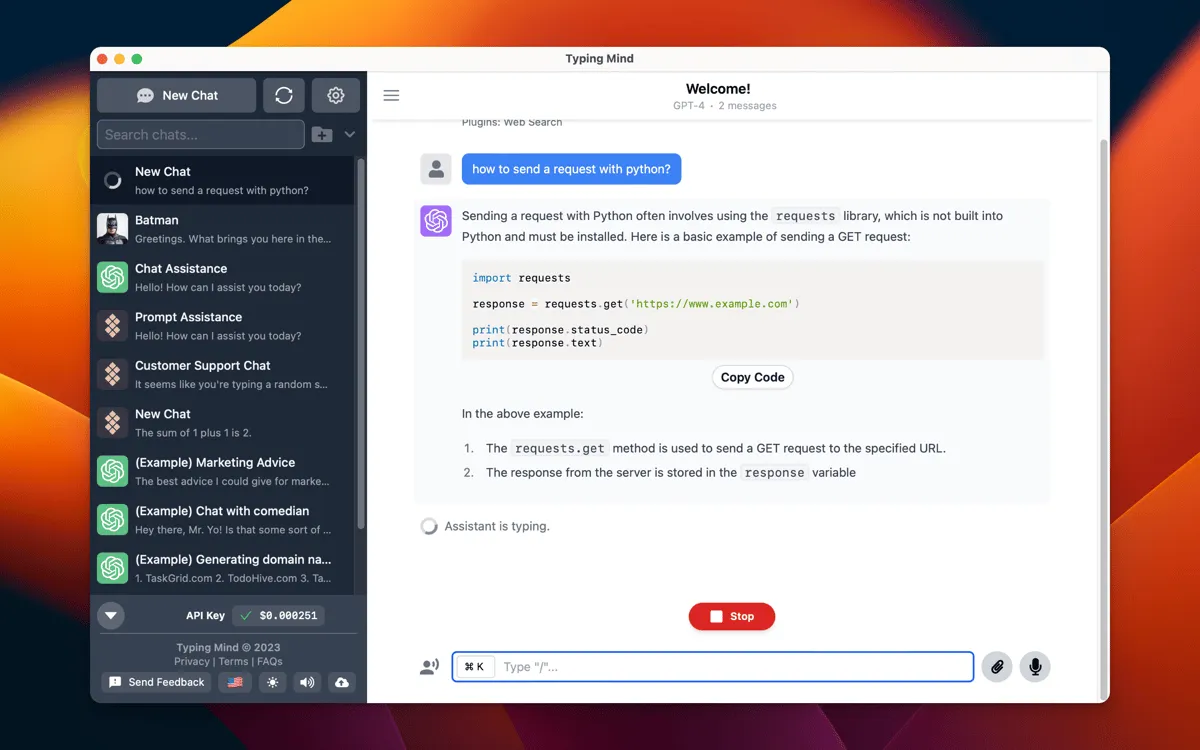
The default ChatGPT interface is... fine. TypingMind makes it actually enjoyable to use.
Key features:
- Connect your own API keys (OpenAI, Claude, Gemini)
- Chat folders and organization
- Custom personas and prompts library
- Local chat history (privacy-friendly)
- Integrates with Slack and Zapier
Best for: Power users who want more control over their AI chat experience without monthly subscriptions eating into their budget.
Price: $39 one-time purchase (use your own API keys)
Download: typingmind.com
3. Craft — Notes Meet AI
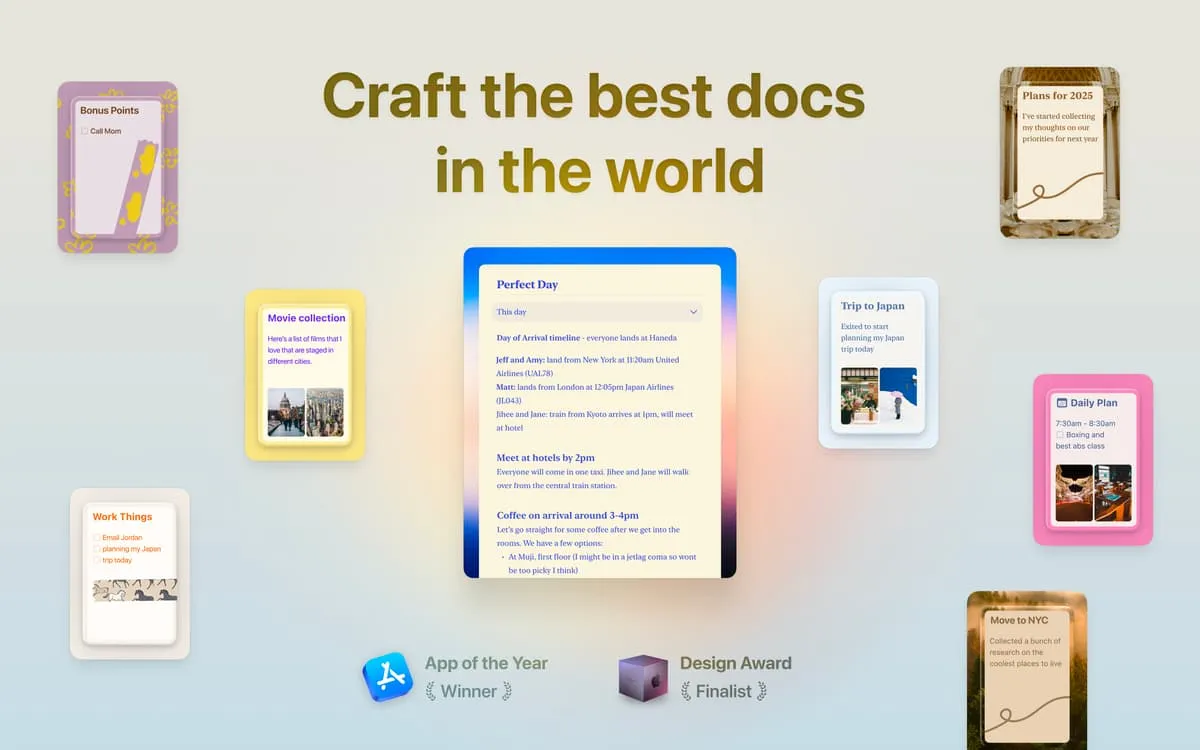
Craft has evolved from a beautiful note-taking app into an AI-powered productivity hub. It seamlessly integrates notes, tasks, and calendar events.
AI features:
- Summarize long documents
- Generate content from bullet points
- Smart search across all notes
- Meeting prep assistance
Why I use it: The AI features feel native, not bolted on. When I'm preparing for a meeting, Craft can pull relevant notes and generate talking points automatically.
Price: Free tier available, Pro for advanced features
Download: craft.do
Voice & Transcription
4. MacWhisper — Offline Transcription Done Right
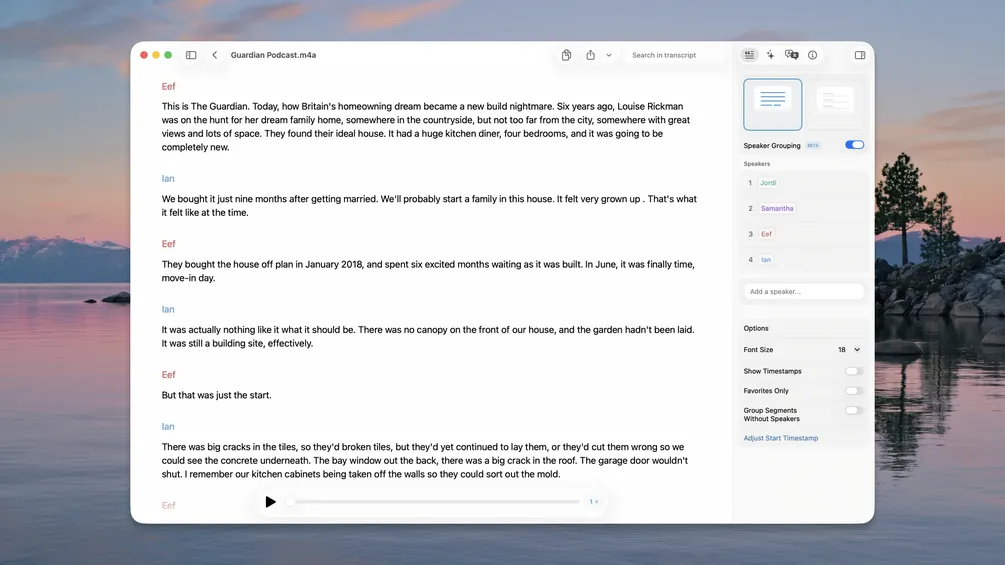
MacWhisper uses OpenAI's Whisper model to transcribe audio locally on your Mac. No internet required, no data leaves your device.
Standout features:
- Transcribe audio/video files of any length
- 100+ language support
- Speaker detection
- Export to multiple formats (TXT, SRT, VTT)
- Native Apple Silicon optimization
Use cases:
- Transcribe podcast episodes
- Convert meeting recordings to text
- Create subtitles for videos
- Transcribe interviews for research
Price: Free version available, Pro unlocks larger models
Download: goodsnooze.gumroad.com/l/macwhisper
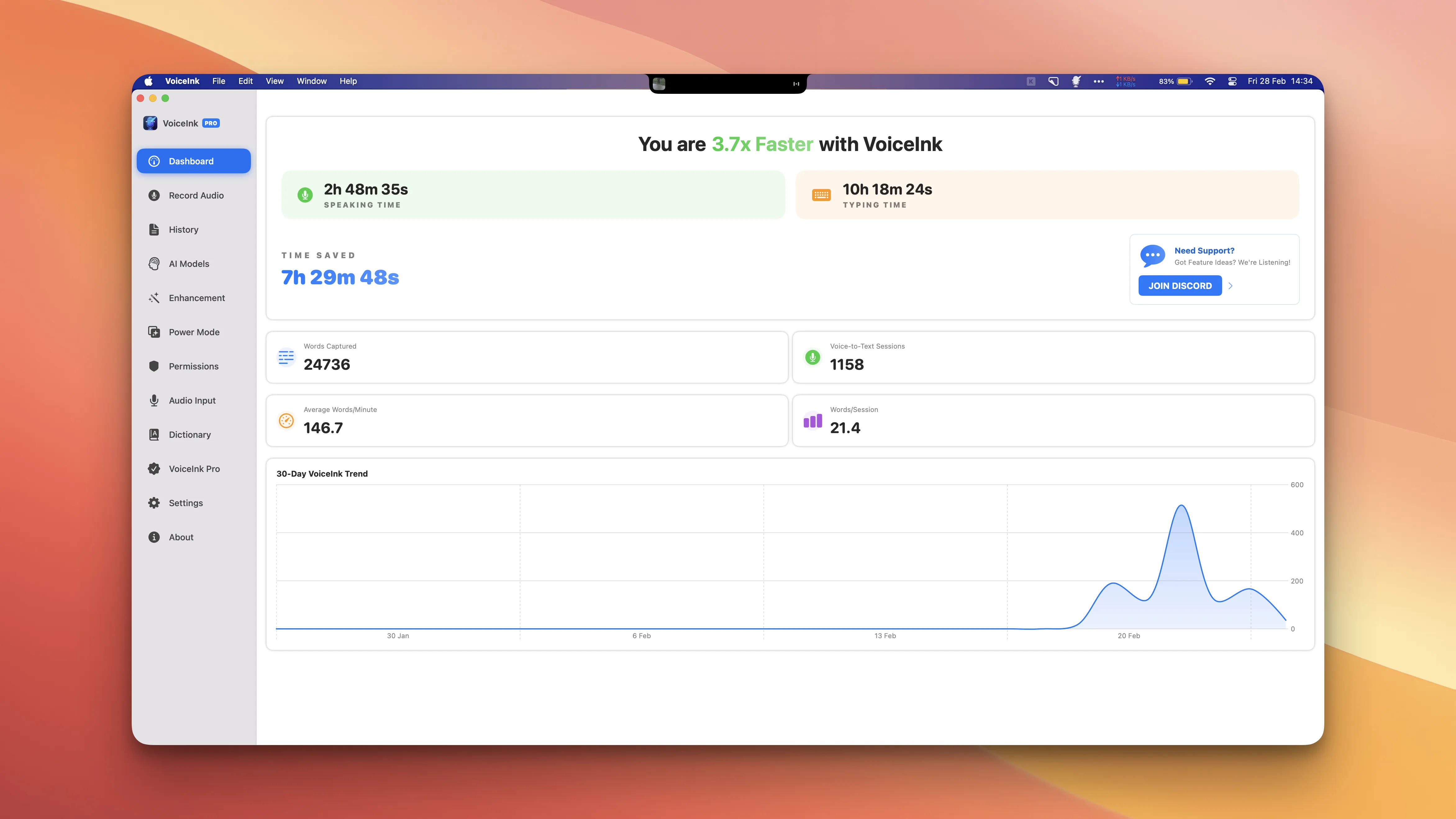
5. VoiceInk — Dictation That Actually Works
VoiceInk is the dictation app Mac should have built in. Press a key, talk, and your words appear as text—instantly and accurately.
Why it's special:
- Context-aware modes: Writing mode, chat mode, email mode
- App detection: Automatically uses appropriate formatting based on which app you're in
- Local processing: No internet needed
- One-time purchase: $19 vs competitors charging $10+/month
Real-world impact: The author of one source article wrote his entire draft using VoiceInk without typing a single word. That's the level of accuracy we're talking about.
Download: voiceink.app
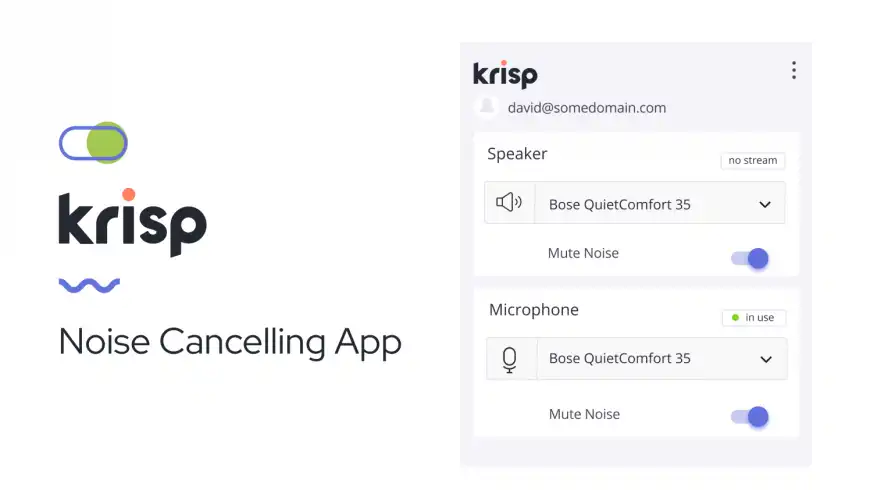
6. Krisp — Crystal Clear Meeting Audio
Remote work means video calls. Krisp ensures you sound professional regardless of your environment.
Core features:
- AI noise cancellation (removes background noise)
- Echo removal
- Meeting transcription (no bot joins the call)
- Works with Zoom, Meet, Teams, and more
My experience: I've taken calls from coffee shops, airports, and my kitchen while cooking—colleagues never knew the difference.
Download: krisp.ai
Local AI & Privacy
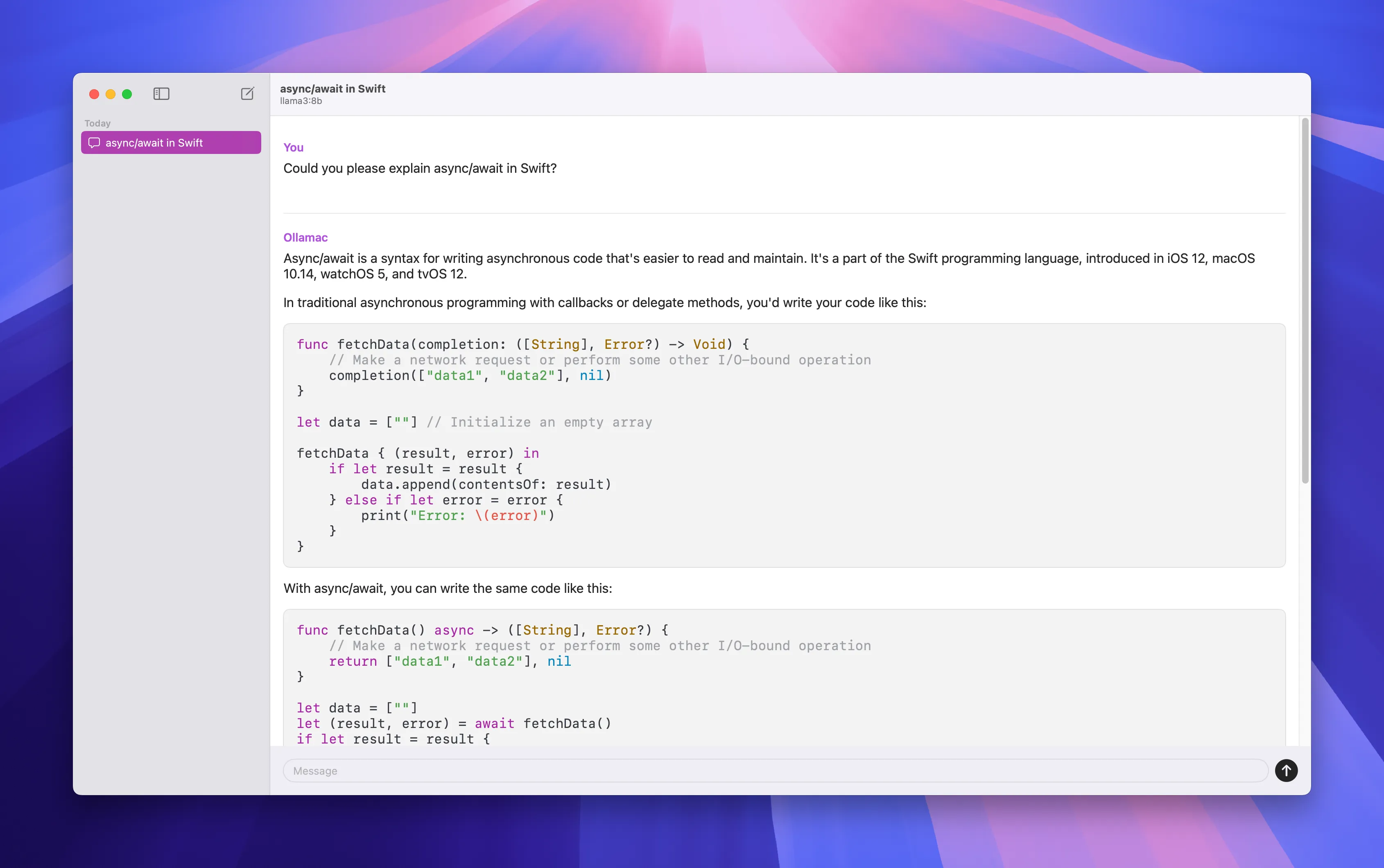
7. Ollama — Run LLMs on Your Mac
Want to run AI models locally without sending data to the cloud? Ollama makes it simple.
What it does:
- Run Llama, Mistral, CodeLlama, and other open models
- Simple command-line interface
- API for integration with other apps
- No account required, completely free
Getting started:
# Install
brew install ollama

# Run a model
ollama run llama2

# Or try coding-focused model
ollama run codellama
Best for: Developers, privacy-conscious users, and anyone who wants to experiment with AI without subscriptions.
Download: ollama.ai
8. DiffusionBee — AI Art Generation, Offline
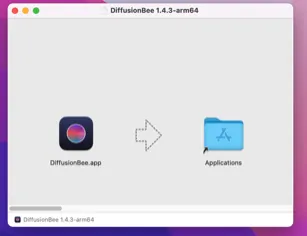
DiffusionBee brings Stable Diffusion to your Mac with a native interface. Generate AI art without internet, without subscriptions, without your prompts being logged.
Features:
- Text-to-image generation
- Image-to-image transformation
- Inpainting and outpainting
- Negative prompts for better control
- Completely free and open source
Hardware note: Works best on Macs with 16GB+ RAM. Apple Silicon highly recommended.
Download: diffusionbee.com
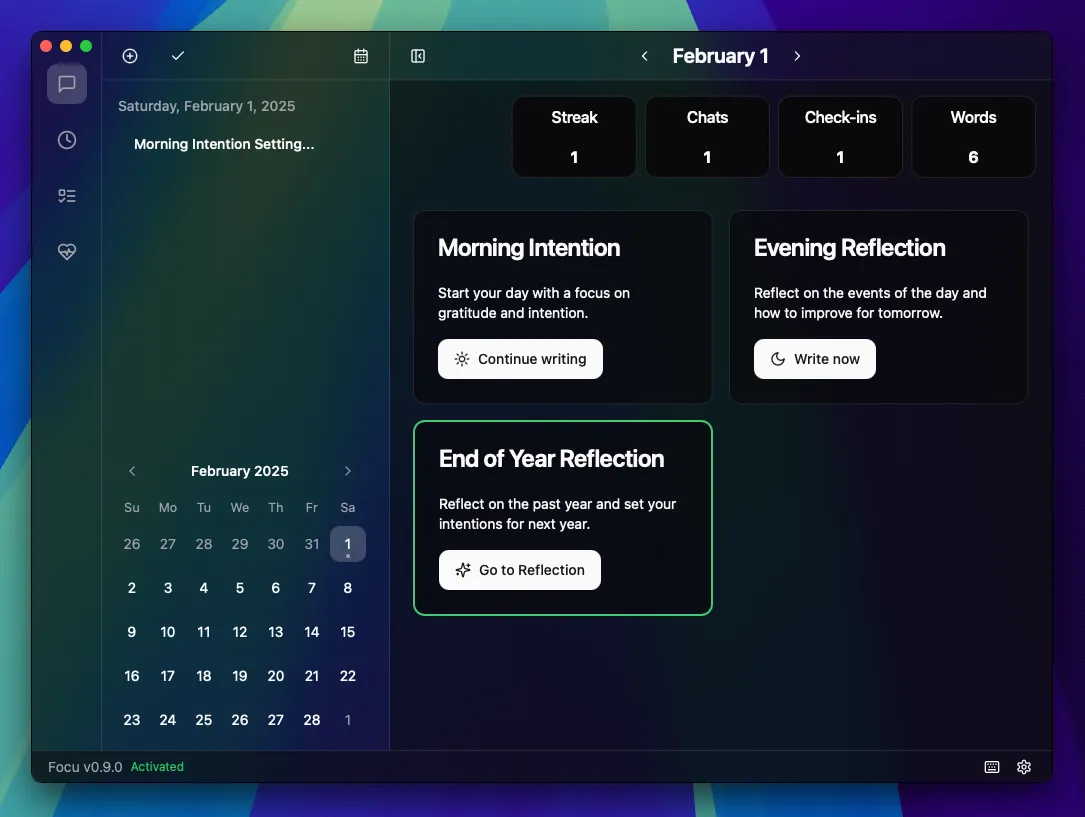
9. Focu — AI Journaling with Local LLMs
Focu combines journaling with AI-powered reflection, all running locally on your device.
How it works:
- Smart check-in prompts throughout the day
- AI analyzes patterns in your entries
- Helps manage emotions and productivity
- Zero data leaves your Mac
Price: $19 one-time purchase (3-day free trial)
Best for: Anyone who wants AI assistance for self-reflection without privacy concerns.
System-Level AI Assistants
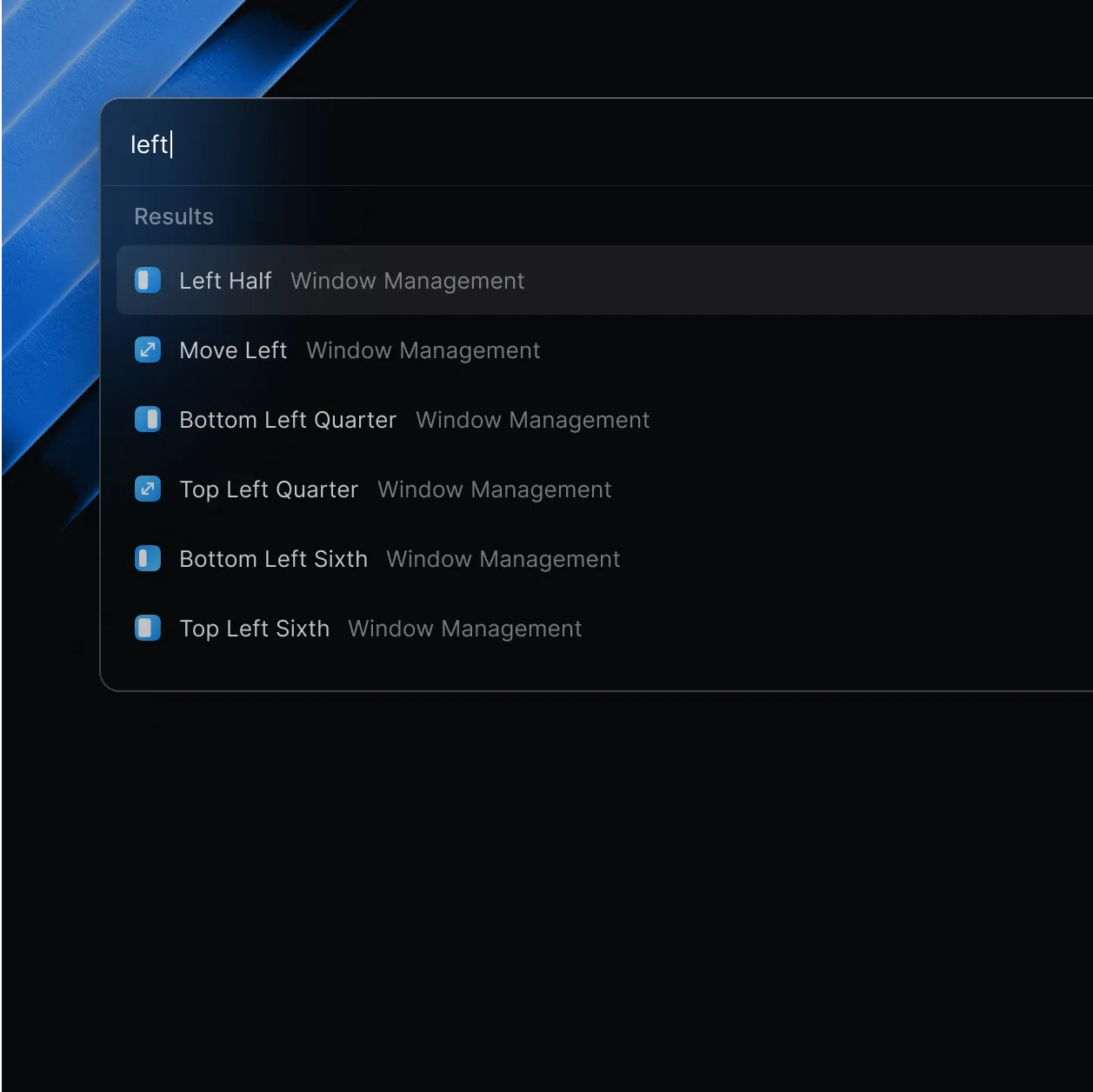
10. Raycast — Spotlight Replacement with AI Superpowers
Raycast has become the must-have productivity tool for Mac users. Recent AI additions make it even more powerful.
New AI features:
- Hyperkey: Assign one key to act as all modifier keys pressed
- Focus Sessions: Timer + task tracking + distraction blocking
- AI-powered quick actions
My setup:
- Hyperkey + H = Open browser
- Hyperkey + T = Open terminal
- Hyperkey + N = New note
Price: Free (AI features require Pro subscription)
Download: raycast.com
11. Embra — AI in Every App
Embra provides system-wide access to multiple AI models from any application.
Key features:
- Access GPT-4, Claude, and other models
- Context-aware assistance
- Works in any text field
- Keyboard shortcut activation
Best for: Users who want AI assistance without switching apps.
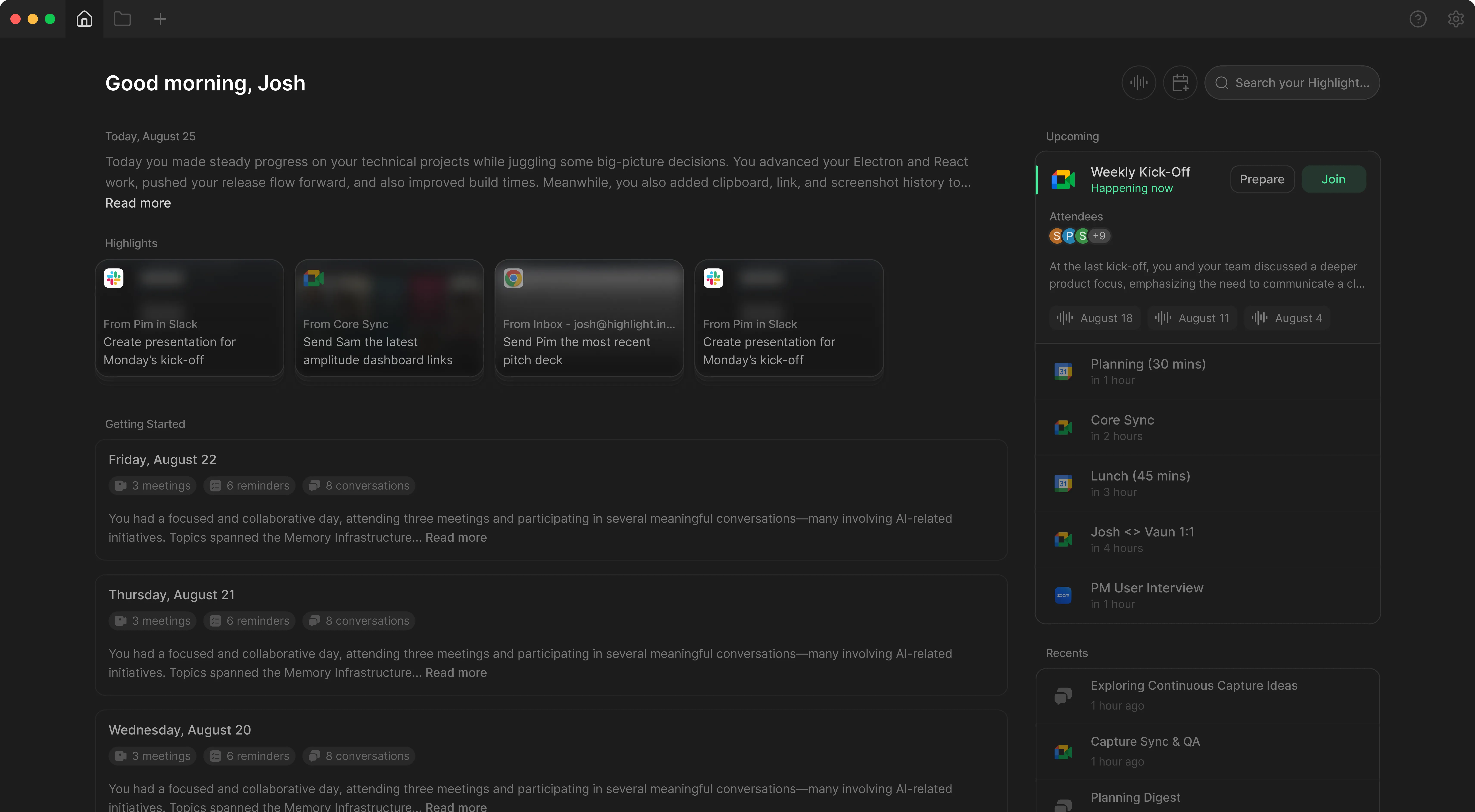
12. Highlight AI — Your AI Personal Assistant
Highlight AI organizes your day from first meeting to last email.
What it handles:
- Meeting preparation and notes
- Email drafting and responses
- Daily schedule optimization
- Task prioritization
Price: Free basic plan covers most needs
Specialized Tools
13. Lensa AI — AI Photo Editing
When you need quick, professional photo edits without Photoshop skills.
Features:
- AI-powered retouching
- Background adjustments
- Portrait enhancements
- Works on iPhone and Mac
Limitation: Free plan allows only 3 edits per day.
14. Scan Thing — AI Object Extraction
Need to extract objects from photos? Scan Thing uses AI to isolate subjects with precision.
Use cases:
- Remove backgrounds from product photos
- Extract text from images
- Digitize documents
- Create stickers from photos
15. Arc Browser — Browsing Reimagined
Arc isn't just another browser—it's a productivity environment with AI features baked in.
AI capabilities:
- Summarize web pages
- Answer questions about page content
- Smart tab organization
Why I switched: Spaces feature lets me keep work, personal, and project tabs completely separate.
Download: arc.net
Recommended Setups
Writer's Toolkit
| Tool | Purpose |
|---|---|
| Elephas | AI writing assistant |
| MacWhisper | Transcribe research interviews |
| Craft | Organize notes and drafts |
| TypingMind | Research and brainstorming |
Developer's Toolkit
| Tool | Purpose |
|---|---|
| Ollama | Local code assistance |
| Raycast | Workflow automation |
| VoiceInk | Dictate documentation |
| Arc | Organized research tabs |
Privacy-First Setup
| Tool | Purpose |
|---|---|
| Ollama | Local LLMs |
| MacWhisper | Offline transcription |
| DiffusionBee | Local image generation |
| Focu | Private AI journaling |
Tips for Choosing AI Apps
- Check offline capability: If privacy matters, prioritize apps that work locally
- Avoid subscription traps: One-time purchases like VoiceInk ($19) beat monthly fees
- Consider Apple Silicon optimization: Native apps run faster and use less battery
- Start with free tiers: Most apps offer enough free features to evaluate
Conclusion
The best AI apps for Mac in 2026 share common traits: they're purpose-built, respect your privacy options, and integrate seamlessly into existing workflows.
My essentials:
- Raycast for system-wide productivity
- Elephas for writing assistance
- MacWhisper for transcription
- Ollama for local AI experimentation
Start with one or two tools that address your biggest pain points. Add more only when you've built habits around the first ones.
Sources
This article synthesizes information from multiple sources with personal testing:
- Yulia Savliuk - "5 Best AI Apps for Mac to Work Smarter in 2026"
- Ayush Chaturvedi - "Top 10 Best AI Tools for Mac in 2025"
- Olha Novitska - "Best AI Apps for Mac That Make Work Easy"
- Prakash Joshi Pax - "8 Crazy New Mac Apps Released in 2025"
- Tested on: macOS Tahoe 26.x, MacBook Pro M4