macOS Tahoe 26.3 Beta: Complete Guide to New Features, Bug Fixes & What's Coming in January 2026
Everything you need to know about macOS Tahoe 26.3 beta. Comprehensive coverage of new features, bug fixes, performance improvements, known issues, and expected public release date for Apple's latest Mac update.
Apple has released macOS Tahoe 26.3 Beta 2 to developers and public beta testers, bringing a mix of stability improvements, bug fixes, and one significant new security feature. While this update is characterized as a maintenance release, it addresses several frustrating issues that have plagued macOS Tahoe users since the initial release.
macOS Tahoe 26.3 Beta Timeline
Current Beta Status
| Release | Build Number | Date | Availability |
|---|---|---|---|
| Beta 1 | 25D5087f | December 15, 2025 | Developers, Public Beta |
| Beta 2 | 25D5101c | January 12, 2026 | Developers, Public Beta |
| Beta 3 | TBD | Expected January 19-21 | Developers, Public Beta |
| Public Release | TBD | Expected January 26, 2026 | All Users |
How to Install macOS Tahoe 26.3 Beta
For Developers:
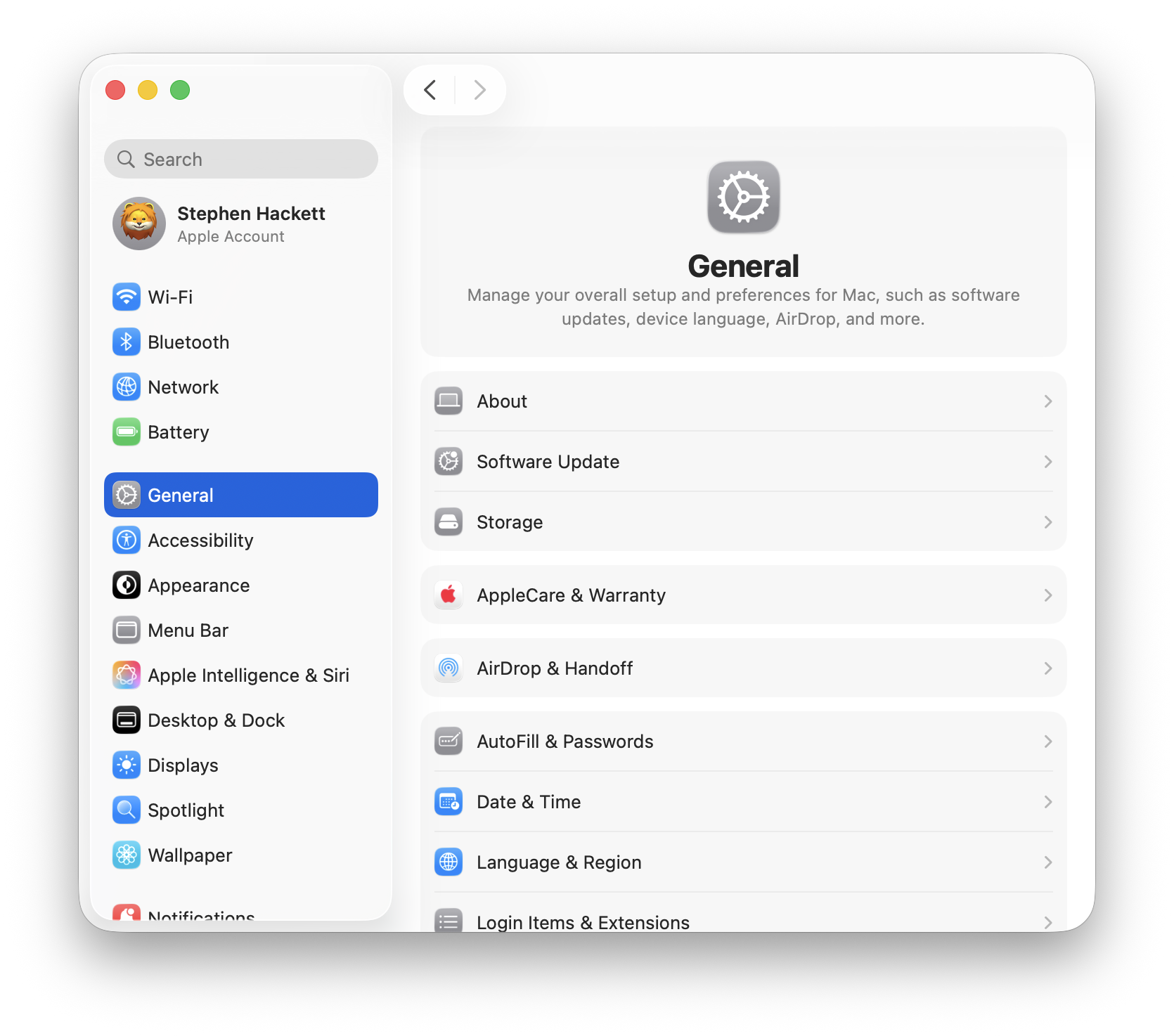
- Open System Settings
- Navigate to General > Software Update
- Click Beta Updates and select macOS Tahoe 26.3 Developer Beta
- Click Update Now
For Public Beta Testers:
- Enroll in the Apple Beta Software Program
- Open System Settings > General > Software Update
- Enable Beta Updates and select the public beta channel
- Download and install the update
Requirements:
- Free Apple Developer account (for developer beta)
- Apple ID (for public beta)
- Mac running macOS Tahoe 26.2 or later
- Stable internet connection
- Approximately 5-8 GB of free storage
New Features in macOS Tahoe 26.3
Background Security Improvements (Major Addition)
The headline feature of macOS Tahoe 26.3 is the new Background Security Improvements system, which fundamentally changes how Apple delivers security patches:
Key Capabilities:
- Security updates for Safari, WebKit, and system libraries
- Installs silently in the background without restart
- Replaces the older Rapid Security Response mechanism
- Configurable for automatic or manual installation
How to Enable:
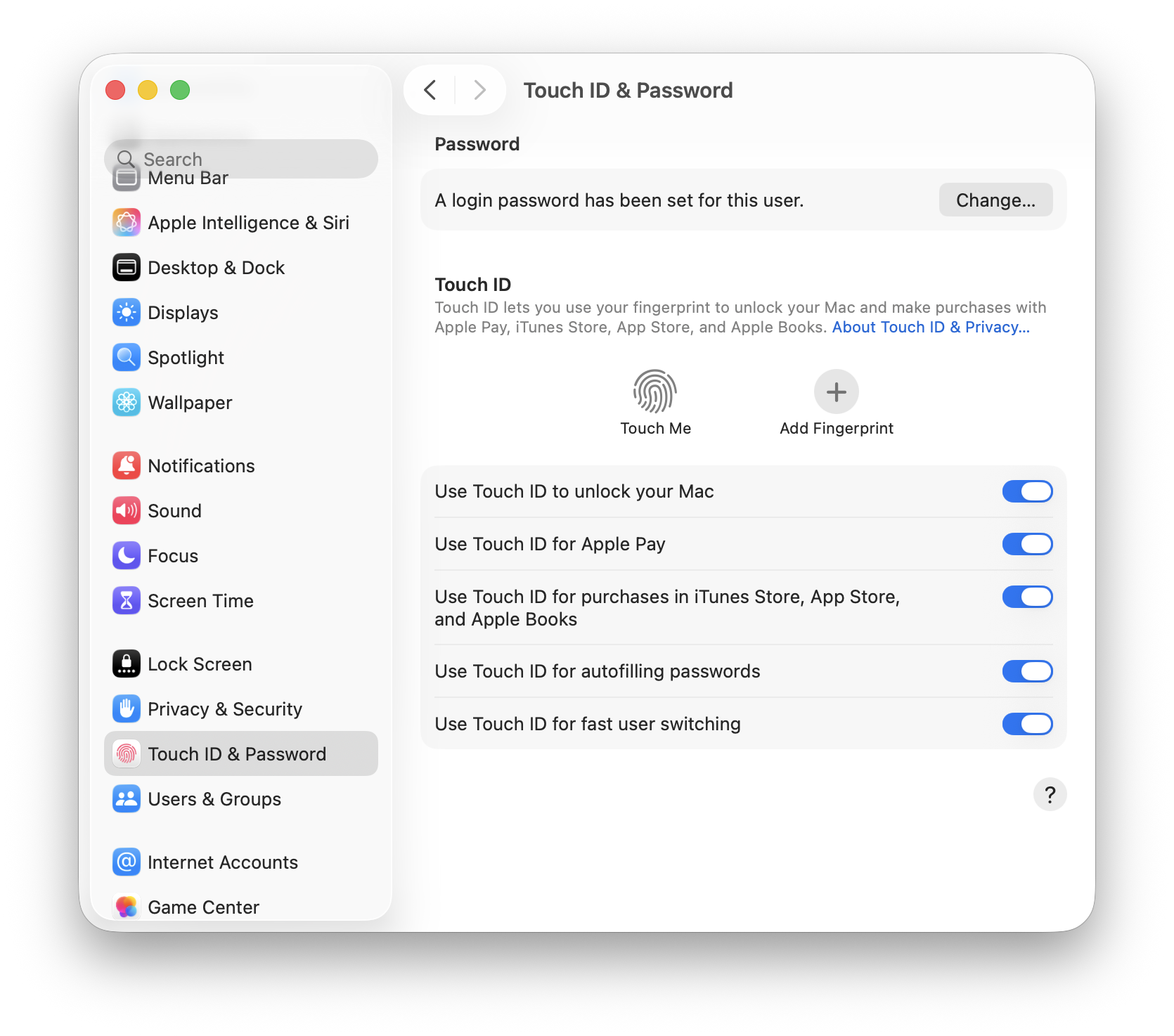
System Settings > Privacy & Security > Background Security ImprovementsApple has been actively testing this feature, pushing two test updates to beta users on January 6 and January 8, 2026. The system is designed to reduce the window between vulnerability discovery and user protection from weeks to potentially hours.
For detailed coverage of this feature, see our Background Security Improvements Complete Guide.
Minor Feature Additions
Reminder Alarms Improvements:
- Enhanced alarm reliability, particularly after extended display sleep
- Improved notification delivery for time-sensitive reminders
- Better integration with Focus modes
AirDrop Enhancements:
- Improved discovery reliability between devices
- Faster file transfer initiation
- Better handling of large file transfers
Liquid Glass UI Tweaks:
- Subtle refinements to transparency effects
- Improved readability in certain lighting conditions
- Performance optimizations for older hardware
Bug Fixes in macOS Tahoe 26.3
Confirmed Fixed Issues
Based on beta testing and Apple's release notes, the following bugs have been addressed in macOS Tahoe 26.3:
Admin Password Dialog Bug (Fixed):
- Issue: Users were required to enter their admin password multiple times for single operations (e.g., opening Disk Utility, modifying system settings)
- Fix: Password prompts now appear once per operation as expected
- Status: Confirmed fixed in Beta 1
Wallpaper Reset Issue (Fixed):
- Issue: Desktop wallpaper would randomly reset to default after restart
- Fix: Wallpaper settings now persist correctly across restarts
- Status: Resolved in Beta 1
Memory Management Improvements:
- Issue: Excessive memory usage and "out of application memory" warnings
- Fix: Improved memory releasing mechanisms
- Status: Significantly improved, ongoing optimization
Spotlight Indexing Stability:
- Issue: Spotlight causing high CPU usage (corespotlightd at 100-200%)
- Fix: More efficient indexing algorithms
- Status: Improved, some edge cases remain
Partially Fixed Issues
Electron App Performance:
- Issue: VS Code, Slack, Discord experiencing significant lag
- Status: Improved in 26.3 Beta 2, but some users still report issues
- Workaround: Disable GPU acceleration in affected apps
Safari Tab Management:
- Issue: Tabs disappearing and pages refreshing unexpectedly
- Status: Partially addressed, memory management improvements help
- Workaround: Regularly close unused tabs, restart Safari periodically
Known Issues Still Present
Despite improvements, some issues persist in macOS Tahoe 26.3 Beta 2:
| Issue | Status | Workaround |
|---|---|---|
| Dictionary toolbar blur missing | Not fixed | No workaround available |
| Volume indicator padding on non-notched displays | Not fixed | Cosmetic only, no workaround needed |
| Alarm reliability after extended sleep | Improved but not fully fixed | Keep display awake for critical alarms |
| Dock folder icon position shift | Not fixed | Cosmetic only |
| Window resizing inconsistency | Under investigation | Use keyboard shortcuts instead |
| GPU usage high on idle (M4 Pro reports) | Under investigation | Check Activity Monitor, report to Apple |
Performance Improvements
Beta Tester Reports
Early feedback from macOS Tahoe 26.3 Beta 2 users has been generally positive:
Positive Reports:
- "26.3 Beta 2 is much better than Beta 1 and obviously better than 26.2 Release"
- "At least 20% performance improvement in day-to-day operations"
- "The new Spotlight is pretty cool. Everything works for me, no issues"
- "System feels more responsive, especially during multitasking"
Areas Still Needing Work:
- "Base model M2 MacBook Air still felt slow during intensive tasks"
- "Disabling Liquid Glass effects doesn't fully restore Sequoia-level smoothness"
- "Some apps still experience occasional hangs"
Benchmark Comparisons
While comprehensive benchmarks await the final release, beta testers report:
System Responsiveness:
- App launch times: ~15% faster than 26.2
- File operations: ~10% improvement in Finder
- Spotlight search: More consistent, fewer indexing spikes
Battery Life:
- Slight improvement over 26.2 (approximately 5-10%)
- Reduced background CPU usage contributes to better efficiency
- Liquid Glass optimizations reduce GPU power consumption
User Feedback and Community Reactions
Positive Sentiment
Many users are cautiously optimistic about macOS Tahoe 26.3:
"Finally, it feels like Apple is listening. The admin password bug was driving me crazy, and it's fixed now."
"Running 26.3 Beta 2 on my daily driver M4 MacBook Pro with no major issues. Stability is good."
"The Background Security Improvements feature is exactly what macOS needed. No more waiting weeks for critical patches."
Concerns and Criticism
Not all feedback is positive, reflecting broader frustration with the macOS Tahoe release:
"Only 15% of iPhone users have installed iOS 26 - that's not hesitation, it's revolt. macOS adoption is probably similar."
"I dislike the new Liquid Glass UI more every day. Hoping Apple tones it down in 27."
"Three point releases to fix bugs that should have been caught before launch. Not impressed."
Liquid Glass Controversy Continues
The Liquid Glass design language remains divisive:
User Complaints:
- Reports of dizziness and eye strain from transparency effects
- Text readability issues against busy backgrounds
- Menu bar transparency making icons difficult to see
- Higher GPU usage affecting battery life
Analyst Predictions: Some industry analysts predict Apple will "significantly tone down Liquid Glass for the next version of macOS, and then phase it out or quietly drop it" based on user feedback.
Current Workarounds:
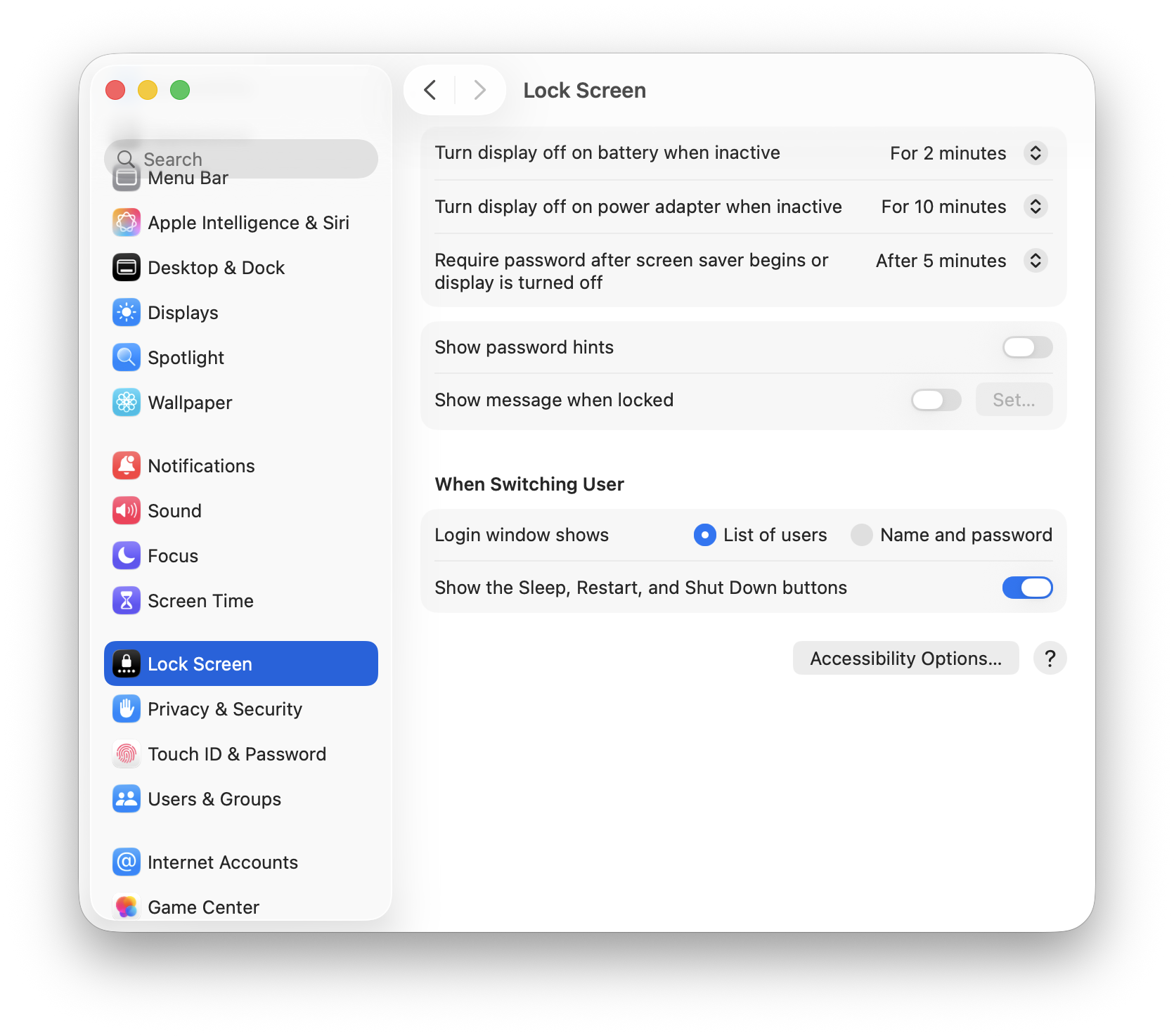
System Settings > Accessibility > Display > Reduce Transparency (Enable)
System Settings > Accessibility > Display > Reduce Motion (Enable)
Hardware Connection: M5 MacBook Pro
macOS Tahoe 26.3 is expected to ship with the upcoming M5 Pro and M5 Max MacBook Pro models:
Expected Launch Timing
M5 Pro/Max MacBook Pro:
- Expected announcement: Late January 2026
- Likely to ship with macOS Tahoe 26.3 pre-installed
- Models: J714 (14-inch) and J716 (16-inch)
Why This Matters:
- New hardware optimizations in 26.3 for M5 chip architecture
- Potential exclusive features for M5 models
- Represents the "golden" version for new Mac purchases
M5 Chip Specifications (Expected)
| Chip | CPU Cores | GPU Cores | Neural Engine |
|---|---|---|---|
| M5 Pro | Up to 14 | Up to 20 | 16-core |
| M5 Max | Up to 16 | Up to 40 | 16-core |
Enterprise Considerations
IT Admin Guidance
For enterprise Mac managers, macOS Tahoe 26.3 brings important considerations:
Recommendation: Wait for 26.3 or 26.4 Many enterprise IT professionals advise:
- Block automatic updates until at least 26.3 public release
- Consider waiting for 26.4 for mission-critical deployments
- Test thoroughly in pilot groups before wide deployment
MDM Compatibility:
- MDM commands fully compatible with 26.3
- Background Security Improvements can be managed via configuration profiles
- Declarative Device Management (DDM) transition continues
Intel Mac End-of-Life Planning:
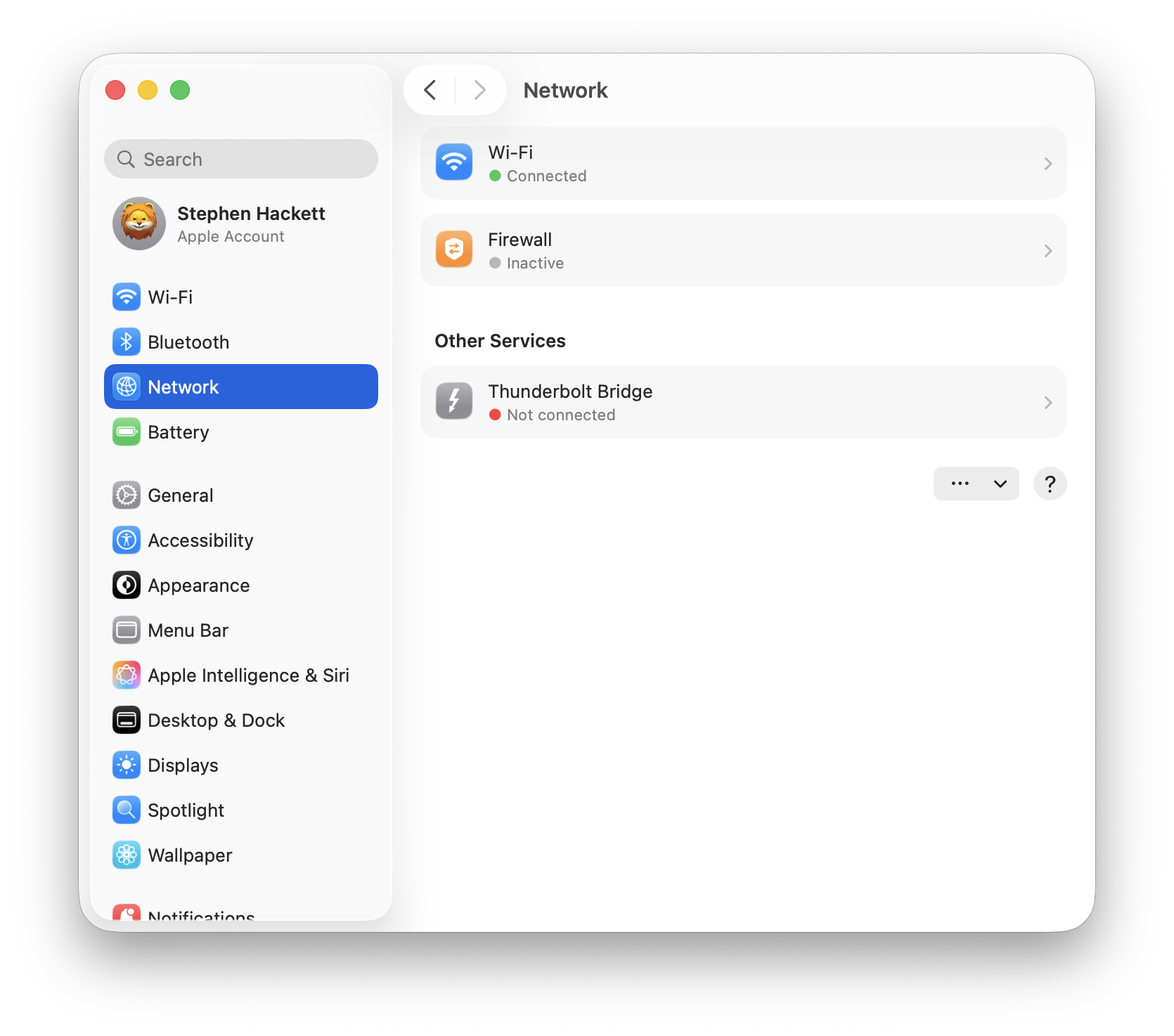
- macOS Tahoe is the final version supporting Intel processors
- Enterprise should accelerate Intel Mac replacement timelines
- Plan for security support ending after macOS Tahoe's lifecycle
Deployment Best Practices
- Pilot Testing: Deploy 26.3 to a test group first (5-10% of fleet)
- Application Compatibility: Verify all critical applications work
- User Communication: Inform users about changes and new features
- Rollback Plan: Maintain ability to revert to 26.2 if needed
- Documentation: Update internal documentation for Background Security Improvements
Comparison: macOS Tahoe 26.2 vs 26.3
| Aspect | macOS Tahoe 26.2 | macOS Tahoe 26.3 |
|---|---|---|
| Background Security | Not available | New feature |
| Admin Password Bug | Present | Fixed |
| Wallpaper Persistence | Buggy | Fixed |
| Memory Management | Improved from 26.1 | Further improved |
| Spotlight Stability | Issues present | Improved |
| Electron App Performance | Problematic | Better |
| Battery Life | Baseline | ~5-10% better |
| Liquid Glass Performance | Baseline | Optimized |
What to Expect in macOS Tahoe 26.4
Looking ahead, macOS Tahoe 26.4 (expected Spring 2026) may include:
Anticipated Improvements:
- Further Liquid Glass optimizations based on user feedback
- Expanded Background Security Improvements scope
- Additional bug fixes for remaining 26.x issues
- Performance enhancements for creative applications
Possible Features:
- Enhanced Apple Intelligence capabilities
- Improved Continuity features
- Additional accessibility options for Liquid Glass
Should You Install the Beta?
Recommended For:
- Developers testing app compatibility
- Tech enthusiasts comfortable with bugs
- Users experiencing critical bugs fixed in 26.3
- Those willing to report issues to Apple
Not Recommended For:
- Production/work machines
- Users who need maximum stability
- Those without backup systems
- Enterprise deployments (wait for public release)
Before Installing:
- Back Up: Time Machine backup is essential
- Check Apps: Verify critical applications are compatible
- Plan for Issues: Have a rollback plan ready
- Report Bugs: Use Feedback Assistant to help Apple improve
Preparing for the Public Release
Timeline Expectations
Based on Apple's typical development patterns:
Week of January 19-25:
- Beta 3 (possibly Beta 4) release
- Final bug fixes and optimizations
- RC (Release Candidate) build
Week of January 26:
- Expected public release of macOS Tahoe 26.3
- Possible simultaneous M5 MacBook Pro announcement
- Available through Software Update for all users
Update Preparation Checklist
Before updating to macOS Tahoe 26.3 when publicly available:
- Create full Time Machine backup
- Note current system configuration
- Update all applications to latest versions
- Check app compatibility with 26.3
- Ensure 10GB+ free storage space
- Allow 30-60 minutes for installation
- Plan to be near power source during update
Conclusion: A Necessary Stability Update
macOS Tahoe 26.3 represents what many users have been waiting for: a stability-focused update that addresses the most frustrating bugs from the initial release. While it's not a feature-packed update, the combination of critical bug fixes, performance improvements, and the new Background Security Improvements feature makes it a worthwhile upgrade.
Key Takeaways:
- Bug Fixes: Admin password dialog and wallpaper persistence issues resolved
- New Security: Background Security Improvements provides continuous protection
- Performance: 15-20% improvement in system responsiveness reported
- Hardware Tie-in: Expected to ship with M5 Pro/Max MacBook Pros
- Timing: Public release expected January 26, 2026
For users who have been hesitant to update from macOS Sequoia, 26.3 may finally be the version that makes the jump worthwhile. For those already on Tahoe experiencing issues, this update should provide meaningful relief.
Stay updated with our macOS Tahoe Troubleshooting Guide and Should You Upgrade to macOS Tahoe Decision Guide for more guidance on navigating the macOS Tahoe era.