macOS Tahoe 26.2 New Features Complete Guide 2025: Edge Light, Thunderbolt 5 Clustering, Security Updates & Everything You Need to Know
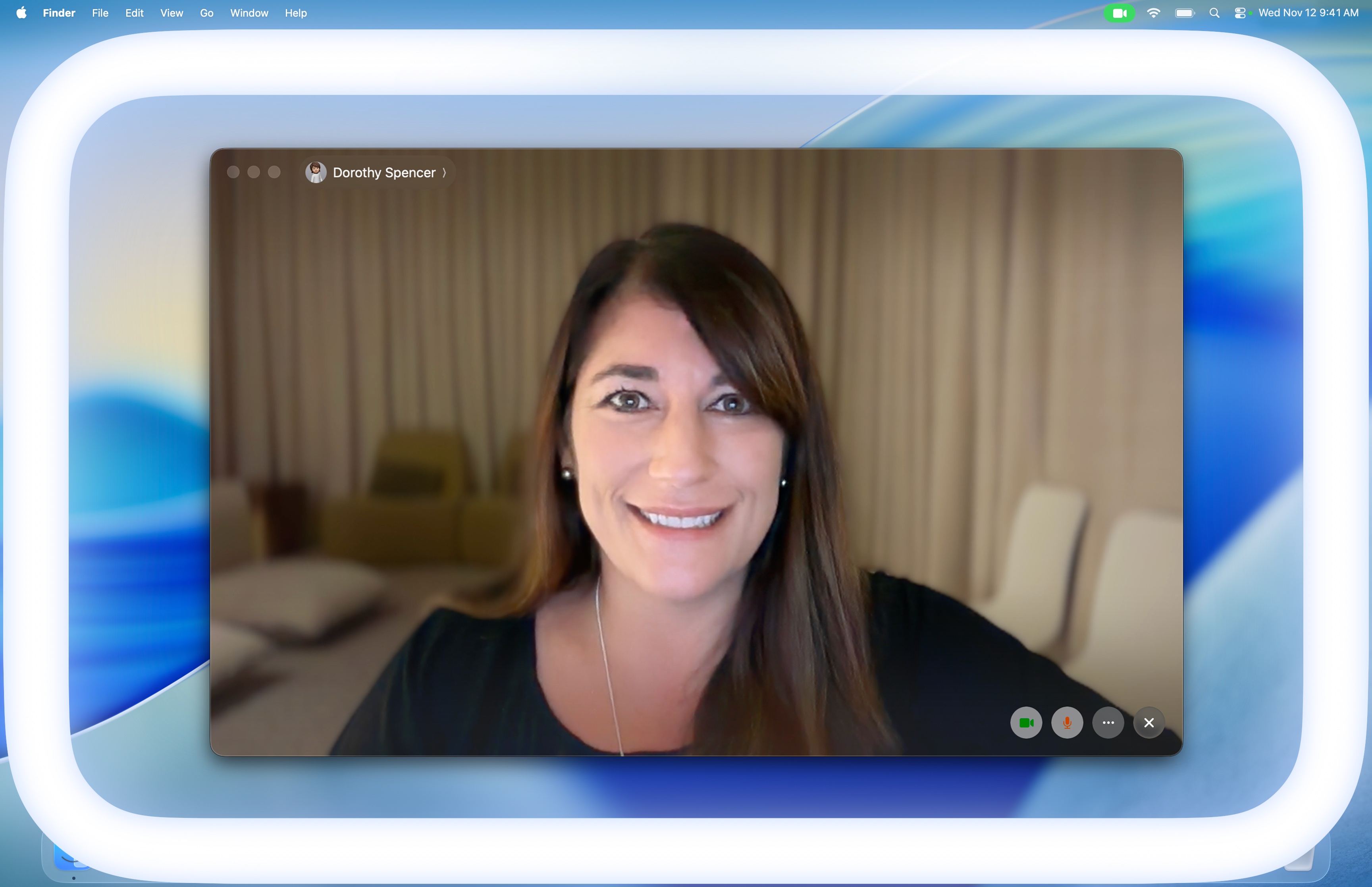
Comprehensive guide to macOS Tahoe 26.2 released December 2025. Explore Edge Light video enhancement, Thunderbolt 5 Mac Clustering for AI workloads, 46 security patches including two zero-days, Apple Intelligence improvements, and step-by-step feature tutorials.
macOS Tahoe 26.2, released on December 12, 2025, brings significant new features including Edge Light for video calls, revolutionary Thunderbolt 5 Mac Clustering for AI workloads, and critical security patches addressing 46 vulnerabilities. This comprehensive guide covers everything you need to know about the latest macOS update.
Executive Summary: What's New in macOS Tahoe 26.2
macOS Tahoe 26.2 (Build 25C56) represents Apple's most feature-rich point release for the Tahoe generation. Released exactly three months after the initial macOS 26.0 launch, this update introduces groundbreaking capabilities while addressing critical security vulnerabilities that require immediate attention.
Key Highlights:
- Edge Light: Virtual ring light using your Mac's display for better video calls
- Thunderbolt 5 Clustering: Connect multiple Macs for AI supercomputer capabilities
- 46 Security Patches: Including two actively exploited zero-day vulnerabilities
- Urgent Reminders: New alarm-style notifications for time-sensitive tasks
- Podcasts Auto-Chapters: AI-generated chapter markers for easier navigation
- Games Library Enhancements: New filters and real-time challenge tracking
- Freeform Tables: Structured data organization in the infinite canvas
Update Size:
- Apple Silicon Macs: 3.78 GB
- M4 Macs: 12.30-12.48 GB (depending on current version)
- Full Installer: 17 GB
Edge Light: Transform Your Video Calls in Low Light
Edge Light is macOS Tahoe 26.2's headline feature, designed to illuminate your face during video calls when ambient lighting is insufficient. This virtual ring light uses your Mac's display as a light source, creating professional-quality lighting without external hardware.
How Edge Light Works
Edge Light leverages Apple's Neural Engine for intelligent face detection and the Image Signal Processor (ISP) for real-time brightness optimization:
- Face Detection: The Neural Engine identifies your face position and size within the frame
- Light Positioning: The system calculates optimal light placement around your display edges
- Brightness Calibration: ISP adjusts light intensity to match your environment
- Dynamic Adaptation: Light output continuously adapts as ambient conditions change
Enabling Edge Light
Step 1: Access Video Effects
- Click the Control Center icon in your menu bar
- Select Video Effects
- Toggle Edge Light to ON
Step 2: Customize Settings
- Light Width: Adjust how much of your screen edge emits light
- Color Temperature: Choose warmer or cooler lighting tones
- Mouse Awareness: Enable to have light recede when accessing content behind it
- Auto-Enable: Turn on automatic activation for Macs introduced in 2024 or later
Compatibility Requirements
| Requirement | Specification |
|---|---|
| Chip | Apple Silicon (M1 or later) |
| Camera | Built-in FaceTime camera or external webcam |
| Display | Apple Studio Display also supported |
| Apps | FaceTime, Zoom, Microsoft Teams, Google Meet |
Pro Tips for Best Results
- Position your Mac at eye level for optimal face illumination
- Use in combination with Studio Light for enhanced video quality
- Enable Mouse Awareness to maintain productivity during calls
- Adjust color temperature to match your room's lighting for natural appearance
Thunderbolt 5 Mac Clustering: Build Your Own AI Supercomputer
Perhaps the most revolutionary feature in macOS 26.2, Thunderbolt 5 Mac Clustering enables connecting multiple Macs into a unified computing cluster capable of running massive AI models that would otherwise require expensive data center infrastructure.
Understanding Thunderbolt 5 Clustering
Thunderbolt 5 provides up to 80 Gb/s bandwidth with Bandwidth Boost, making it possible to share memory and computational resources across multiple machines with minimal latency.
Cluster Capabilities:
- Four Mac Studios: Run 1 trillion parameter models (e.g., Kimi-K2-Thinking)
- Total Memory: Up to 2TB unified memory (4× 512GB Mac Studios)
- Power Consumption: Less than 500W for entire cluster vs. 575W+ per single desktop GPU
Setting Up a Thunderbolt 5 Cluster
Required Hardware:
- Mac Studio (M4 Max or M4 Ultra)
- Mac mini (M4 Pro)
- MacBook Pro (M4 Pro or M4 Max)
- Standard Thunderbolt 5 cables
Configuration Steps:
-
Physical Connection
Mac Studio 1 ←TB5→ Mac Studio 2 ←TB5→ Mac Studio 3 ←TB5→ Mac Studio 4 -
Enable Clustering
- System Settings → General → Sharing
- Enable "Thunderbolt Clustering"
- Select primary Mac as cluster coordinator
-
Configure MLX Framework
# Install MLX with clustering support pip install mlx-cluster # Initialize cluster mlx-cluster init --nodes 4 # Verify cluster status mlx-cluster status -
Run Distributed Workloads
import mlx.core as mx
from mlx_cluster import DistributedModel

# Load trillion-parameter model across cluster
model = DistributedModel.load("kimi-k2-thinking")

# Run inference using all nodes
output = model.generate("Your prompt here")
Real-World Use Cases
AI Research & Development:
- Train custom large language models locally
- Run inference on models too large for single machines
- Prototype distributed AI systems before cloud deployment
Video & 3D Production:
- Distributed rendering across multiple Mac Studios
- Real-time 8K video processing with shared memory
- Complex 3D scene compilation with near-linear scaling
Scientific Computing:
- Molecular dynamics simulations
- Climate modeling with massive datasets
- Genomic analysis pipelines
Apple Intelligence Enhancements in 26.2
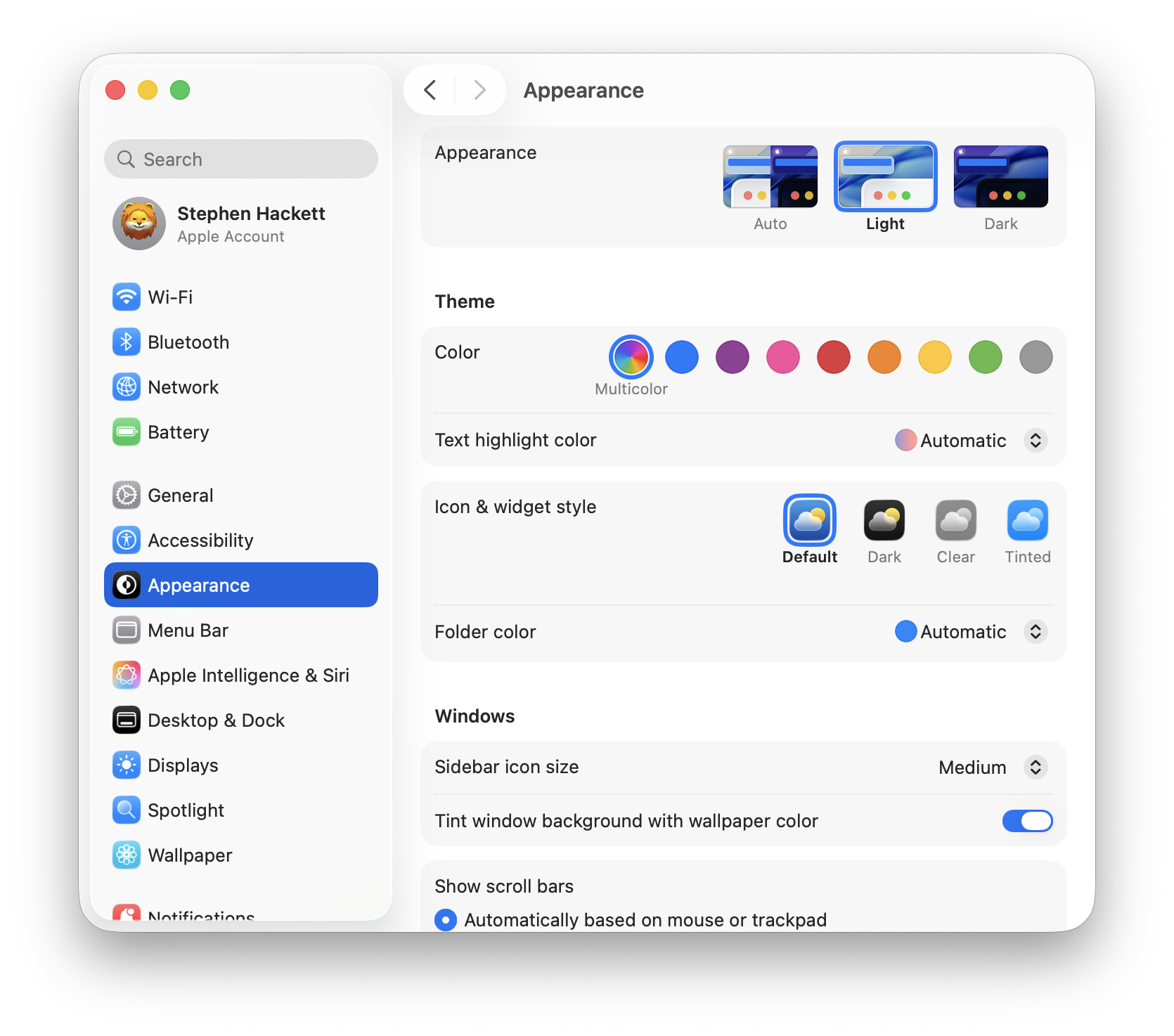
macOS Tahoe 26.2 expands Apple Intelligence capabilities with improved Live Translation, enhanced Shortcuts integration, and optimized MLX framework performance.
Live Translation Improvements
Supported Languages (Expanded):
- English (U.S., UK)
- French (France)
- German
- Portuguese (Brazil)
- Spanish (Spain)
- Japanese (coming in 26.3)
- Korean (coming in 26.3)
Translation Features:
| Feature | Application | Description |
|---|---|---|
| Text Translation | Messages | Instant translation of incoming/outgoing messages |
| Voice Translation | Phone App | Real-time spoken translation during calls |
| Caption Translation | FaceTime | Live-translated captions during video calls |
| Document Translation | Preview | Full document translation with formatting preserved |
Enhanced Shortcuts with AI
New intelligent actions available in Shortcuts:
- Summarize Text: Condense long documents into key points
- Generate Image: Create images from text descriptions
- Direct Model Access: Execute Apple Intelligence models directly
- Smart Triggers: Automation based on:
- Time of day
- Email arrival
- File/folder changes
- External monitor connection
- Location changes
Example Workflow: Meeting Prep Automation
Trigger: 15 minutes before calendar meeting
Actions:
1. Summarize related emails
2. Open meeting document
3. Enable Do Not Disturb
4. Set Edge Light for upcoming video call
Genmoji Improvements
Create custom emoji with enhanced controls:
- Mix existing emoji with custom descriptions
- Customize personal attributes for cartoon-style portraits
- Adjust hairstyle and expressions for accurate representation
- Create family-inspired Genmoji based on photos
Security Updates: 46 Vulnerabilities Patched
macOS Tahoe 26.2 addresses 46 security vulnerabilities, including two actively exploited zero-day flaws that require immediate attention.
Critical Zero-Day Vulnerabilities
CVE-2025-43529 (WebKit)
| Attribute | Details |
|---|---|
| Type | Use-after-free vulnerability |
| Impact | Arbitrary code execution via malicious web content |
| Discovery | Google Threat Analysis Group |
| Status | Actively exploited in targeted attacks |
| Severity | Critical |
CVE-2025-14174 (WebKit/ANGLE)
| Attribute | Details |
|---|---|
| Type | Memory corruption (out-of-bounds access) |
| CVSS Score | 8.8 |
| Impact | Memory corruption via malicious web content |
| Related | Same vulnerability patched in Chrome (Dec 10, 2025) |
| Severity | Critical |
Google's Threat Analysis Group describes CVE-2025-43529 as an "extremely sophisticated attack against specific targeted individuals," suggesting nation-state or commercial spyware involvement.
Notable Security Researchers
The security community contributed significantly to this update:
- ByteDance IES Red Team: CVE-2025-46288
- Meta Product Security: CVE-2025-43532
- Alibaba Group Researchers: CVE-2025-46285
- SecLab, Ohio State University: CVE-2025-43509
- Nosebeard Labs: CVE-2025-43513
Immediate Action Required
Given the active exploitation of two zero-days, Apple strongly recommends:
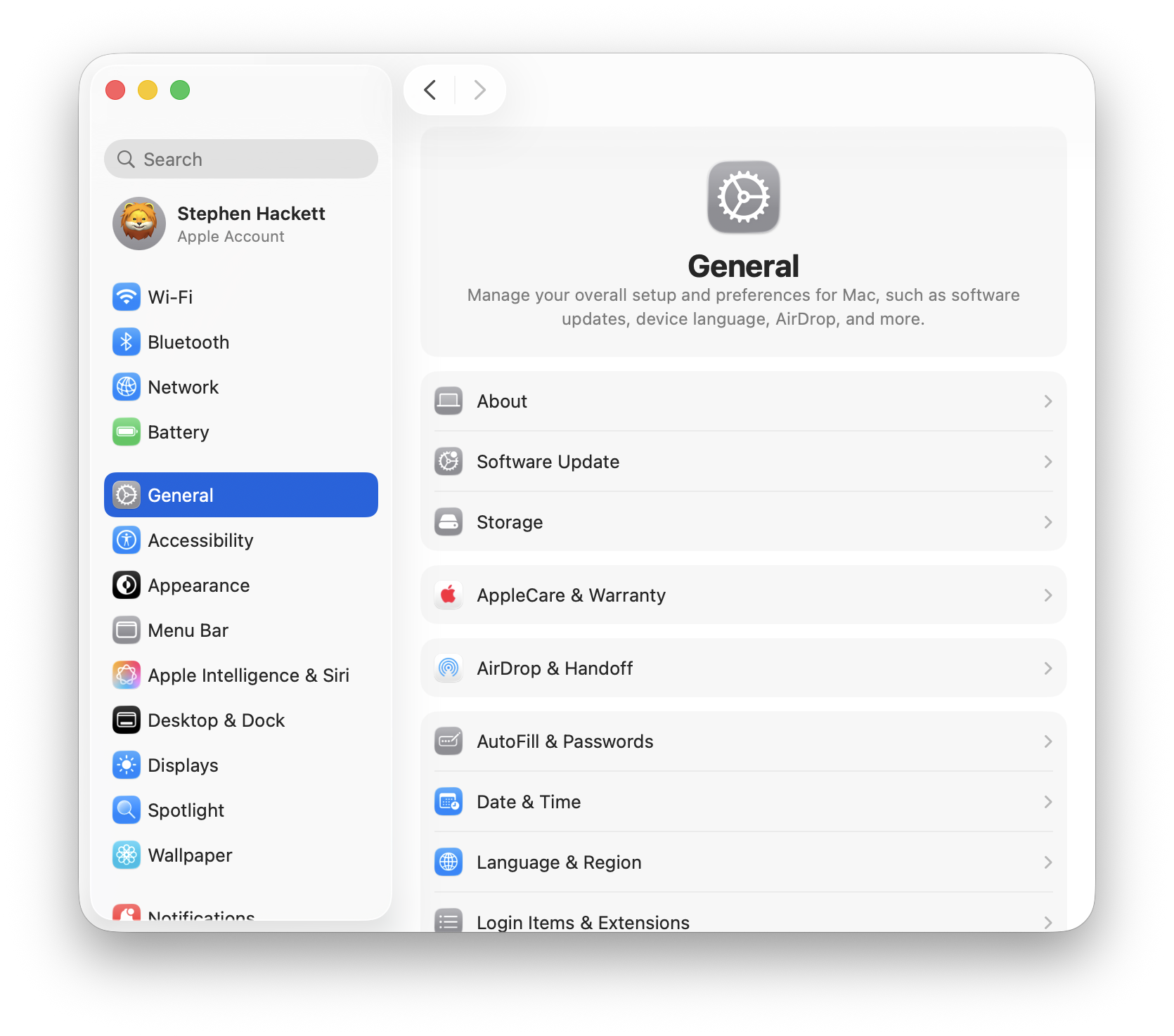
- Update Immediately: System Settings → General → Software Update
- Verify Update Applied: About This Mac → macOS Tahoe 26.2 (25C56)
- Clear Safari Cache: Safari → Clear History and Website Data
- Review Security Settings: System Settings → Privacy & Security
Productivity Features Deep Dive
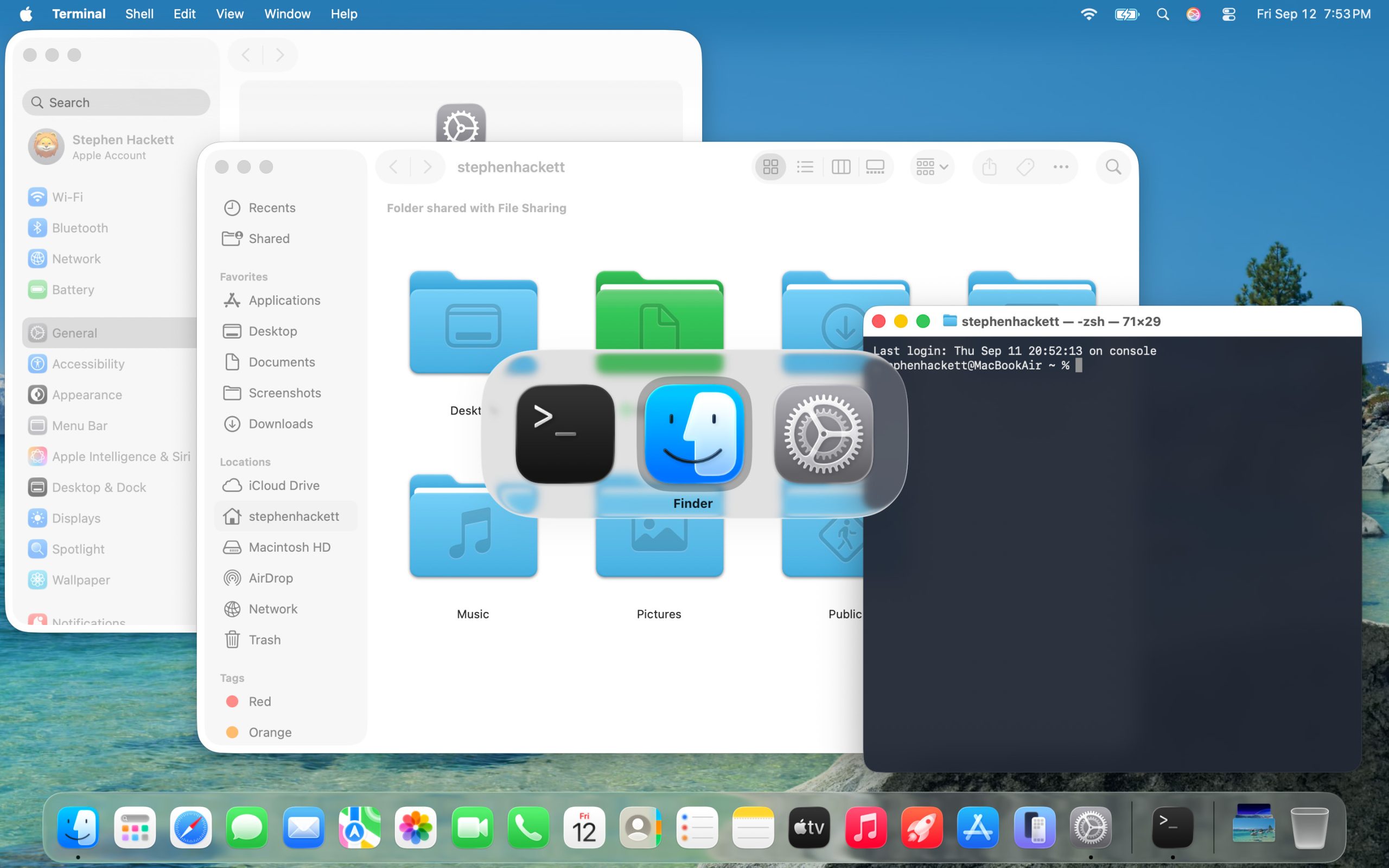
Urgent Reminders
The new Urgent toggle transforms Reminders into a powerful alarm system:
How to Create Urgent Reminders:
- Open Reminders app
- Create new time-based reminder
- Toggle "Urgent" switch
- Set time and save
Behavior:
- Triggers standard system alarm sound
- Displays prominent notification
- Options: Snooze (9 minutes) or Mark Complete
- Syncs across iOS and macOS devices
Podcasts Auto-Generated Chapters
Apple's AI now automatically creates chapter markers for podcasts:
Benefits:
- Navigate long episodes easily
- Jump to specific topics mentioned
- View embedded links to referenced podcasts
- Share specific segments with friends
Accessing Chapters:
- Open any podcast episode
- Tap the chapter icon in the player
- Or view in episode transcript
Freeform Tables
Bring structure to your Freeform boards:
Table Features:
- Hold text, images, documents, and drawings
- Cells automatically resize to content
- Drag and drop between table cells
- Convert existing content into tables
Use Cases:
- Project planning boards
- Comparison matrices
- Content calendars
- Team resource allocation
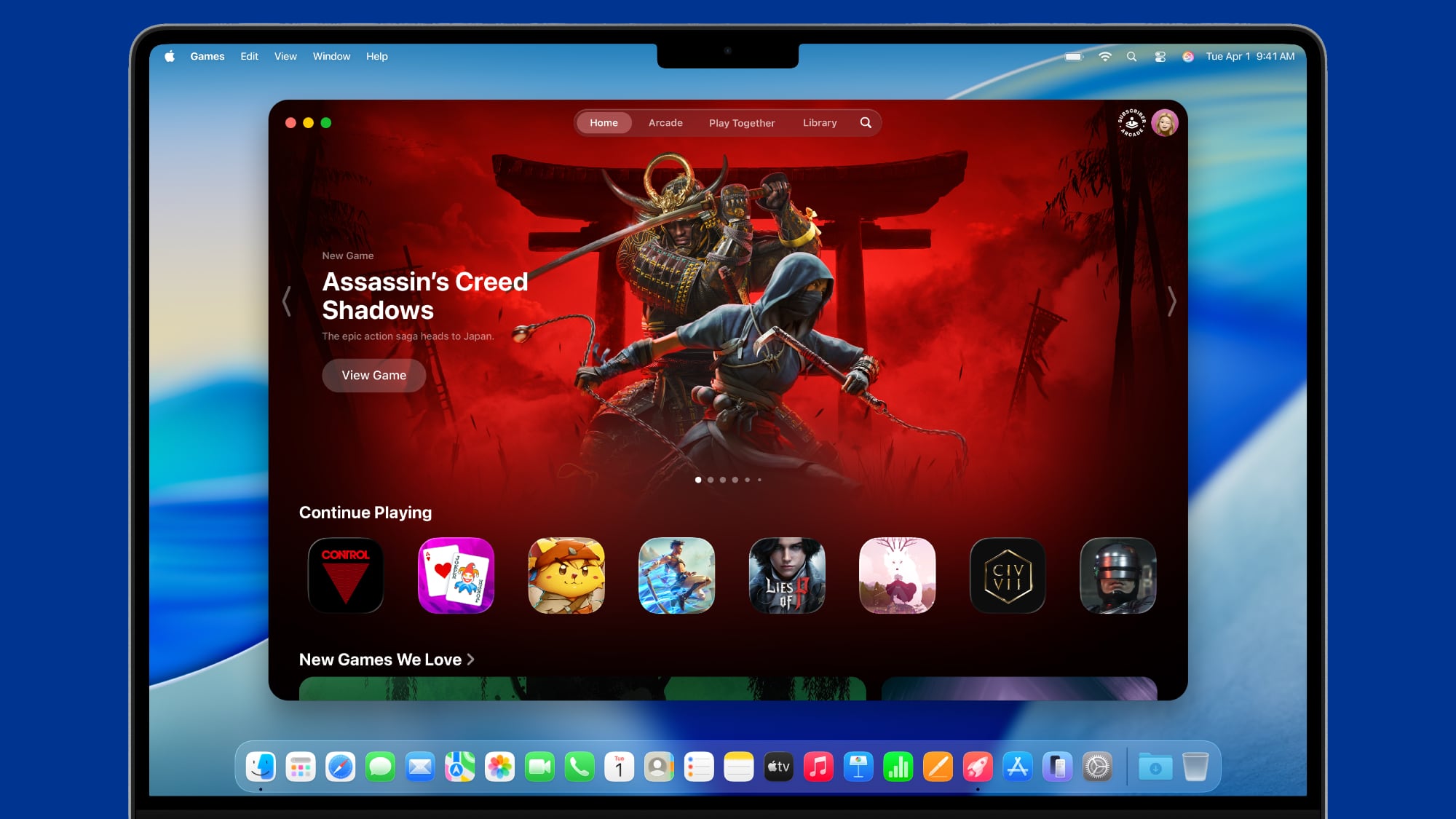
Games Library Improvements
New Filters:
- Category-based filtering
- Game size filters (useful for storage management)
- Recently played
- Controller compatibility
Real-Time Challenges:
- Score banners during gameplay
- Leaderboard position updates
- Achievement progress tracking
Enhanced Controller Support:
- Backbone controller optimization
- Razer controller compatibility
- Quick-switching between controllers
AirDrop Security Enhancement
macOS 26.2 introduces verification codes for AirDrop transfers from unknown contacts:
How AirDrop Codes Work
- Sender initiates transfer to unknown recipient
- Receiver's device displays 4-digit verification code
- Sender must enter matching code to complete transfer
- Transfer proceeds only after code verification
When Codes Are Required:
- Transfers from contacts not in your address book
- When "Everyone" AirDrop setting is enabled
- Cross-platform transfers (iOS to macOS)
Bypassing for Trusted Contacts:
- Contacts in your address book transfer without codes
- iCloud-linked devices don't require verification
Apple Music & News Updates
Apple Music Changes
Favorite Songs Playlist:
- Now appears in Top Picks section
- Easier access to your most-loved tracks
- Auto-updates as you favorite new songs
Pre-Release Album Fix:
- Albums added to library before release
- Now immediately playable at release time
- No longer requires removing and re-adding
Apple News Improvements
Sidebar Navigation:
- Quick links to Sports section
- Direct access to Politics coverage
- Business news one click away
- Food & Cooking dedicated section
System Requirements & Compatibility
Supported Mac Models
Apple Silicon (Full Feature Support):
| Model | Chip | Notes |
|---|---|---|
| MacBook Air | M1, M2, M3, M4 | All features supported |
| MacBook Pro | M1-M4 series | All features supported |
| Mac mini | M1, M2, M4, M4 Pro | All features supported |
| Mac Studio | M1-M4 series | Thunderbolt 5 clustering on M4 |
| Mac Pro | M2 Ultra, M4 Ultra | All features supported |
| iMac | M1, M3, M4 | All features supported |
Intel Macs (Limited Support - Final macOS Version):
| Model | Support Status |
|---|---|
| 2020 iMac | Supported (no Apple Intelligence) |
| 2019 Mac Pro | Supported (no Apple Intelligence) |
| 2019 16" MacBook Pro | Supported (no Apple Intelligence) |
| 2020 13" MacBook Pro (4-port) | Supported (no Apple Intelligence) |
Storage & Download Requirements
| Scenario | Size |
|---|---|
| Update from 26.1 (Apple Silicon) | 3.78 GB |
| Update from 26.0 (M4 Macs) | 12.30-12.48 GB |
| Full installer | 17 GB |
| Minimum free space | 50 GB recommended |
Installation Guide
Before You Update
Pre-Update Checklist:
- Backup via Time Machine
- Check app compatibility
- Ensure 50GB+ free space
- Close all applications
- Connect to power (MacBooks)
- Stable internet connection
Update Methods
Method 1: Software Update (Recommended)
- Apple menu → System Settings
- General → Software Update
- Click "Update Now"
- Enter admin password
- Wait for download and installation
Method 2: Terminal Download
# List available installers
softwareupdate --list-full-installers

# Download macOS Tahoe 26.2
softwareupdate --fetch-full-installer --full-installer-version 26.2

# Install (after download completes)
sudo /Applications/Install\ macOS\ Tahoe.app/Contents/Resources/startosinstall
Method 3: App Store
- Open App Store
- Search "macOS Tahoe"
- Click "Get" or "Update"
Post-Installation Steps
- Allow indexing to complete (24-48 hours for Spotlight/Photos)
- Re-enable security features if disabled for installation
- Update third-party apps for 26.2 compatibility
- Verify backup completed successfully
- Test critical workflows before returning to production use
Known Issues & Workarounds
Confirmed Bugs in 26.2
| Issue | Status | Workaround |
|---|---|---|
| Alarms don't play when display asleep | Unresolved (since 13.0) | Set display to "Never" turn off |
| Dictionary toolbar missing blur | Unresolved | None |
| Wallpaper quality reduced (non-Apple photos) | Unresolved | Use Apple-supplied wallpapers |
| Volume indicator padding on non-notched displays | Unresolved | None |
| Animation stuttering on M4 Max | Partially resolved | Reduce motion in Accessibility |
Previously Fixed Issues
In 26.2:
- Pre-release album playback timing fixed
- Safari stability improvements
- Memory management optimizations
In 26.1:
- Battery drain significantly improved
- Electron app GPU performance fixed
- External hard drive icon display corrected
Performance Optimization Tips
Maximizing Battery Life
System Settings → Battery → Options:
- Low Power Mode: Enable on battery
- Optimize video streaming: Enable
- Slightly dim display on battery: Enable

System Settings → Displays:
- True Tone: Enable
- Auto-brightness: Enable
Reducing Memory Usage
# Clear system caches
sudo purge

# View memory usage
top -o mem

# Identify memory-intensive apps
ps aux --sort=-%mem | head -10
Optimizing for Apple Intelligence
System Settings → Apple Intelligence & Siri:
- Enable only features you use
- Set processing schedule (e.g., overnight)
- Limit background learning if on battery
What's Coming in macOS Tahoe 26.3
Based on the current beta (Developer Beta 1 released December 15, 2025), expect:
Expected Release: Late January 2026
Features in Beta:
- Additional Japanese and Korean Live Translation
- Performance optimizations
- Bug fixes for known 26.2 issues
- Preparation for new Mac hardware (M5 MacBook Pro)
How to Join Beta:
- System Settings → General → Software Update
- Click info icon next to "Beta Updates"
- Select "macOS Tahoe 26 Public Beta"
Conclusion: Should You Update?
Update Immediately If:
- You handle sensitive data (security patches critical)
- You use video conferencing regularly (Edge Light)
- You're building AI/ML workflows (Thunderbolt clustering)
- You're already on Tahoe 26.0 or 26.1
Consider Waiting If:
- You rely on apps not yet updated for Tahoe
- You experience no issues on current macOS version
- You prefer stability over new features
- You're on Intel Mac (this is the final supported version)
macOS Tahoe 26.2 represents a significant milestone in Apple's operating system evolution, combining innovative features like Edge Light and Thunderbolt clustering with essential security hardening. For most users, the security patches alone justify immediate installation.
Ready to explore more macOS Tahoe features? Check out our complete Tahoe troubleshooting guide or learn about Apple Intelligence features.