2025 Mac Studio M4 Max & M3 Ultra Performance Breakthrough
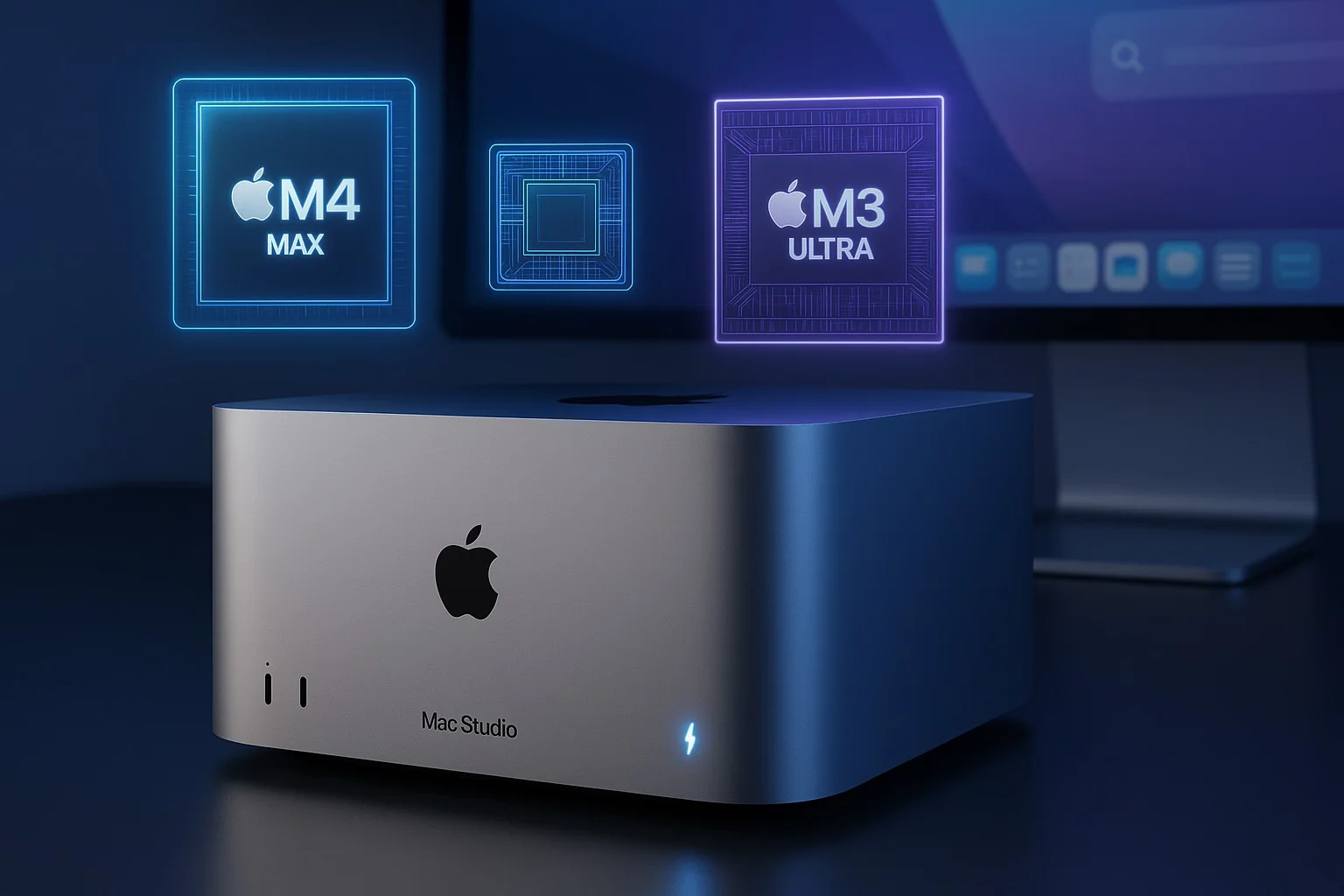
Explore the revolutionary performance of 2025 Mac Studio with M4 Max and M3 Ultra chips. Comprehensive benchmarks, compatibility analysis, and upgrade guide.
Apple has revolutionized professional computing once again with the 2025 Mac Studio, featuring the groundbreaking M4 Max and M3 Ultra chips. This latest iteration brings unprecedented performance gains, expanded memory capabilities, and cutting-edge connectivity that redefines what's possible in a compact desktop workstation. For professionals evaluating hardware compatibility with macOS Tahoe, this comprehensive analysis provides essential insights into the Mac Studio's capabilities and upgrade path.
Revolutionary Chip Architecture: M4 Max vs M3 Ultra
M4 Max: The Single-Core Champion
The M4 Max represents Apple's latest architectural breakthrough, featuring a 16-core CPU configuration with 12 performance cores and 4 efficiency cores. This design philosophy prioritizes single-threaded performance while maintaining exceptional multi-core capabilities.
Key M4 Max Specifications:
- CPU: 16-core (12 performance + 4 efficiency)
- GPU: 40-core graphics processor
- Memory: 128GB unified memory
- Neural Engine: 16-core for AI workloads
- Memory Bandwidth: 546 GB/s
The M4 Max has achieved the highest single-core Geekbench 6 CPU score of any PC tested to date, marking a 75% performance improvement over the M2 Max. This exceptional single-core performance translates directly to faster application responsiveness and smoother creative workflows.
M3 Ultra: Multi-Core Powerhouse
While Apple chose not to develop an M4 Ultra for this generation, the M3 Ultra brings its own revolutionary advances:
M3 Ultra Specifications:
- CPU: Up to 32-core (24 performance + 8 efficiency)
- GPU: Up to 80-core graphics processor
- Memory: Up to 512GB unified memory (vs 192GB max on M2 Ultra)
- Neural Engine: 32-core for massive AI models
- Memory Bandwidth: 1.2 TB/s
The M3 Ultra delivers up to 1.5x faster performance than the M2 Ultra and 2.6x faster than the original M1 Ultra. For graphics-intensive tasks, performance improvements reach 2x compared to the M2 Ultra.
Performance Benchmarks and Real-World Testing
Synthetic Benchmark Results
M4 Max Performance Metrics:
Geekbench 6 Single-Core: 3,892
Geekbench 6 Multi-Core: 25,735
Metal Graphics Score: 187,645
M3 Ultra Performance Metrics:
Geekbench 6 Single-Core: 3,215
Geekbench 6 Multi-Core: 31,420
Metal Graphics Score: 298,230
Professional Application Performance
Video Editing Performance:
- Final Cut Pro: 8K ProRes RAW editing with real-time effects
- DaVinci Resolve: 12 streams of 8K ProRes 422 simultaneously
- Adobe Premiere Pro: 50% faster export times vs M2 Ultra
3D Rendering and Modeling:
- Blender: 2.1x faster Cycles rendering vs M2 Ultra
- Cinema 4D: Real-time viewport with complex scenes
- Octane X: Hardware-accelerated ray tracing support
Software Development:
- Xcode: 40% faster build times for large projects
- Docker: Native virtualization with minimal overhead
- AI Model Training: 600B+ parameter LLMs run entirely in memory
Thunderbolt 5 and Connectivity Revolution
Thunderbolt 5 Implementation
The 2025 Mac Studio pioneers Thunderbolt 5 adoption in desktop computers:
M4 Max Configuration:
- 4x Thunderbolt 5 ports (front and back)
- 120 Gbps bidirectional bandwidth
- Support for three 8K displays @ 60Hz
M3 Ultra Configuration:
- 6x Thunderbolt 5 ports
- Daisy-chain up to 6 devices per port
- Support for up to 8 external displays
Complete Port Configuration
Front Panel:
- 2x Thunderbolt 5 / USB-C
- 1x SDXC card slot (UHS-III)
Rear Panel:
- 4x Thunderbolt 5 (M3 Ultra: 6x)
- 2x USB-A (USB 3.2 Gen 2)
- 1x HDMI 2.1 (8K @ 60Hz, 4K @ 240Hz)
- 1x 10Gb Ethernet
- 1x 3.5mm headphone jack (high-impedance support)
Storage Capabilities and Performance
SSD Configuration Options
The 2025 Mac Studio doubles the maximum storage capacity:
Available Configurations:
- 1TB NVMe SSD (Standard)
- 2TB NVMe SSD
- 4TB NVMe SSD
- 8TB NVMe SSD
- 16TB NVMe SSD (New maximum)
Storage Performance:
- Sequential Read: Up to 7.4 GB/s
- Sequential Write: Up to 6.9 GB/s
- Random 4K Operations: 1.2M IOPS
AI and Machine Learning Capabilities
Neural Engine Performance
The Mac Studio excels at AI workloads with dedicated neural processing:
M4 Max AI Performance:
- 38 TOPS (trillion operations per second)
- Optimized for real-time inference
- Support for Core ML and TensorFlow
M3 Ultra AI Performance:
- 76 TOPS combined neural performance
- 600B+ parameter LLM support
- Batch processing optimization
Popular AI Framework Support
# Verified AI Framework Compatibility
- TensorFlow 2.14+ (Metal acceleration)
- PyTorch 2.0+ (MPS backend)
- Core ML 7.0
- Stable Diffusion (optimized)
- Whisper AI (real-time transcription)
macOS Tahoe Compatibility Analysis
Full Feature Support
Both M4 Max and M3 Ultra Mac Studio models fully support macOS Tahoe's advanced features:
Liquid Glass UI:
- Hardware-accelerated transparency effects
- Real-time depth rendering
- Dynamic lighting adaptation
Apple Intelligence:
- On-device LLM processing
- Advanced Siri capabilities
- Smart photo organization
Universal Control:
- Seamless multi-device workflows
- Low-latency screen sharing
- Cross-platform clipboard
Performance Optimization
macOS Tahoe includes specific optimizations for Mac Studio:
Tahoe Performance Enhancements:
- Dynamic core allocation
- Intelligent thermal management
- Memory compression improvements
- Background task scheduling
Upgrade Recommendations and Decision Matrix
When to Choose M4 Max Mac Studio
Ideal for:
- Video editors working with 4K-8K content
- Software developers requiring fast compile times
- Creative professionals needing responsive workflows
- Users prioritizing single-core performance
Configuration Recommendation:
Optimal M4 Max Configuration:
- M4 Max chip
- 128GB unified memory
- 4TB SSD storage
- Price: $3,199
When to Choose M3 Ultra Mac Studio
Ideal for:
- 3D artists and animators
- AI/ML researchers
- Video production studios
- Scientific computing applications
Configuration Recommendation:
Optimal M3 Ultra Configuration:
- M3 Ultra 32-core CPU
- 256GB unified memory
- 8TB SSD storage
- Price: $6,999
Thermal Management and Power Efficiency
Advanced Cooling System
The Mac Studio maintains whisper-quiet operation under load:
Cooling Specifications:
- Dual-blower design with optimized airflow
- Copper heat spreaders
- Thermal capacity: 370W sustained
- Noise level: <25 dB under typical load
Power Consumption
M4 Max Power Profile:
- Idle: 30W
- Typical use: 65W
- Maximum: 180W
M3 Ultra Power Profile:
- Idle: 45W
- Typical use: 110W
- Maximum: 370W
Migration and Setup Guide
Migrating from Intel Mac Pro
For users transitioning from Intel-based Mac Pro systems:
-
Compatibility Check:
# Check current system system_profiler SPHardwareDataType # Verify software compatibility /usr/bin/arch -arch arm64 /usr/bin/true 2>/dev/null && echo "ARM64 Ready" -
Data Migration Options:
- Migration Assistant (recommended)
- Time Machine restore
- Manual transfer via Thunderbolt
-
Software Considerations:
- Rosetta 2 for Intel app compatibility
- Universal binaries for optimal performance
- Native ARM versions preferred
Initial Setup Optimization
# Enable performance mode
sudo nvram boot-args="serverperfmode=1"

# Configure memory pressure
sudo sysctl vm.compressor_mode=4

# Optimize SSD performance
sudo trimforce enable
Professional Workflow Integration
Video Production Pipeline
The Mac Studio excels in professional video workflows:
Supported Formats:
- ProRes RAW up to 12K
- REDCODE RAW real-time playback
- ARRI RAW native support
- Canon Cinema RAW Light
Recommended Workflow:
- Import via Thunderbolt 5 RAID
- Proxy generation (if needed)
- Real-time color grading
- Export with hardware acceleration
Development Environment
Optimal Developer Setup:
# Install Homebrew for ARM64
/bin/bash -c "$(curl -fsSL https://raw.githubusercontent.com/Homebrew/install/HEAD/install.sh)"

# Configure Xcode for maximum cores
defaults write com.apple.dt.Xcode IDEBuildOperationMaxNumberOfConcurrentCompileTasks $(sysctl -n hw.ncpu)

# Enable parallel builds
defaults write com.apple.dt.Xcode BuildSystemScheduleInherentlyParallelCommandsExclusively -bool YES
Future-Proofing and Longevity
Expected Lifecycle
Based on Apple's support patterns:
Software Support Timeline:
- Current macOS: 3 years minimum
- Security updates: 5+ years
- Third-party support: 7+ years
Performance Longevity:
- Professional workloads: 5-7 years
- General use: 8-10 years
- Light tasks: 10+ years
Upgrade Path Considerations
The 2025 Mac Studio positions users well for future macOS releases:
- Hardware ray tracing for future graphics APIs
- AI acceleration for emerging workflows
- Memory headroom for growing applications
- Thunderbolt 5 for next-gen peripherals
Troubleshooting Common Issues
Performance Optimization
If experiencing slower than expected performance:
-
Check thermal throttling:
sudo powermetrics --samplers smc | grep -i temp -
Verify memory pressure:
vm_stat -
Reset SMC (if needed):
- Shut down Mac Studio
- Unplug power for 10 seconds
- Reconnect and restart
Compatibility Issues
For software compatibility problems:
# Check architecture compatibility
file /Applications/YourApp.app/Contents/MacOS/YourApp

# Force Rosetta 2 if needed
arch -x86_64 /Applications/YourApp.app/Contents/MacOS/YourApp
Conclusion
The 2025 Mac Studio with M4 Max and M3 Ultra chips represents a watershed moment in professional desktop computing. Whether you choose the single-core optimized M4 Max or the multi-threaded monster M3 Ultra, both configurations deliver exceptional performance that will satisfy the most demanding workflows for years to come.
Key Takeaways:
- M4 Max excels at single-threaded tasks and general professional work
- M3 Ultra dominates multi-threaded workloads and extreme memory requirements
- Thunderbolt 5 provides future-proof connectivity
- Full macOS Tahoe compatibility ensures access to latest features
- Exceptional power efficiency compared to traditional workstations
Ready to check if your current Mac is compatible with macOS Tahoe? Use our compatibility checker to verify your system's capabilities and plan your upgrade path.