macOS Tahoe and macOS 27: Fixes, Tools and Guides
Check what your Mac can run, fix what an update broke, and get the exact commands and steps with free tools that work in your browser.
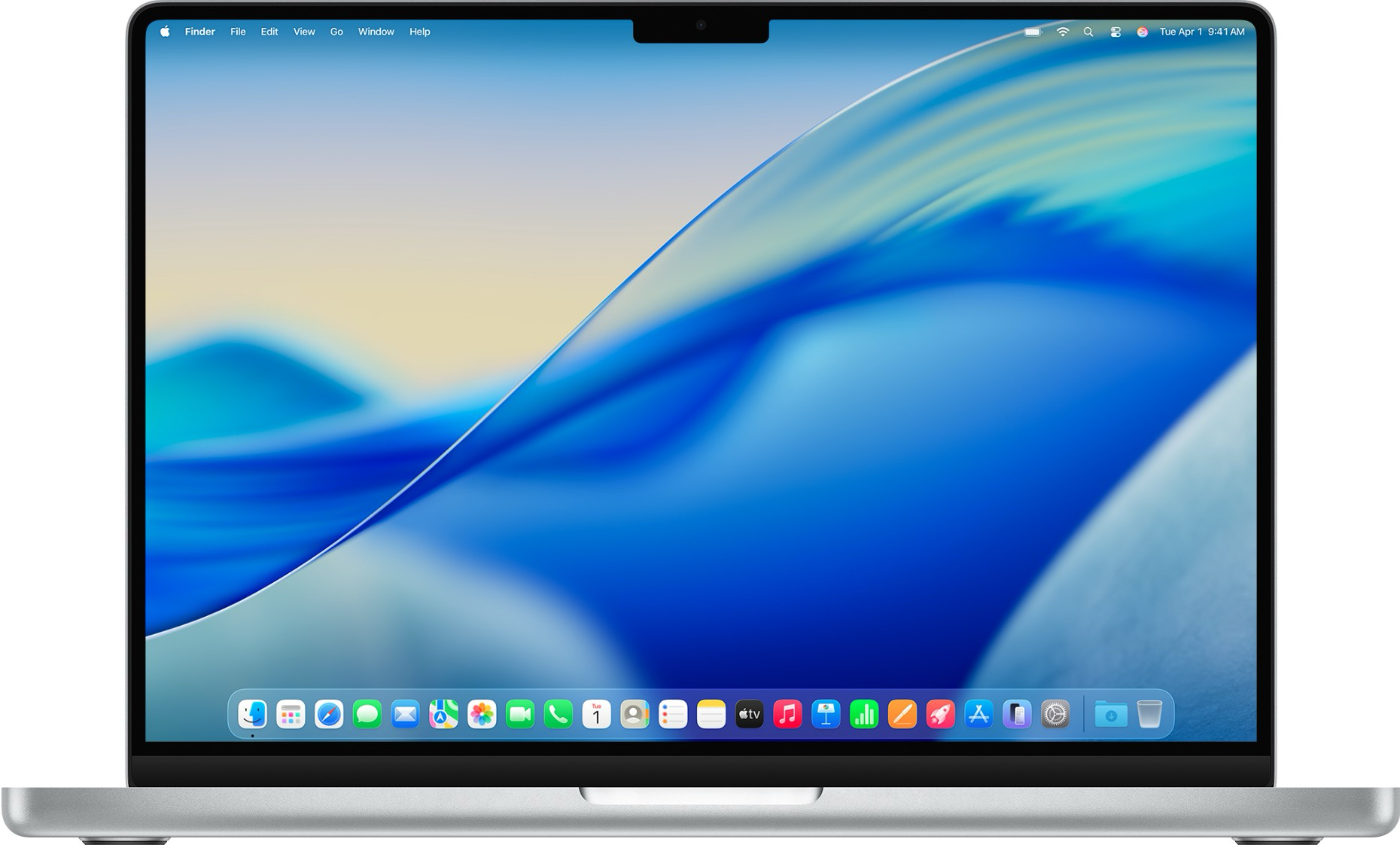
Popular fixes
Recent troubleshooting guides for the Mac problems people hit most.





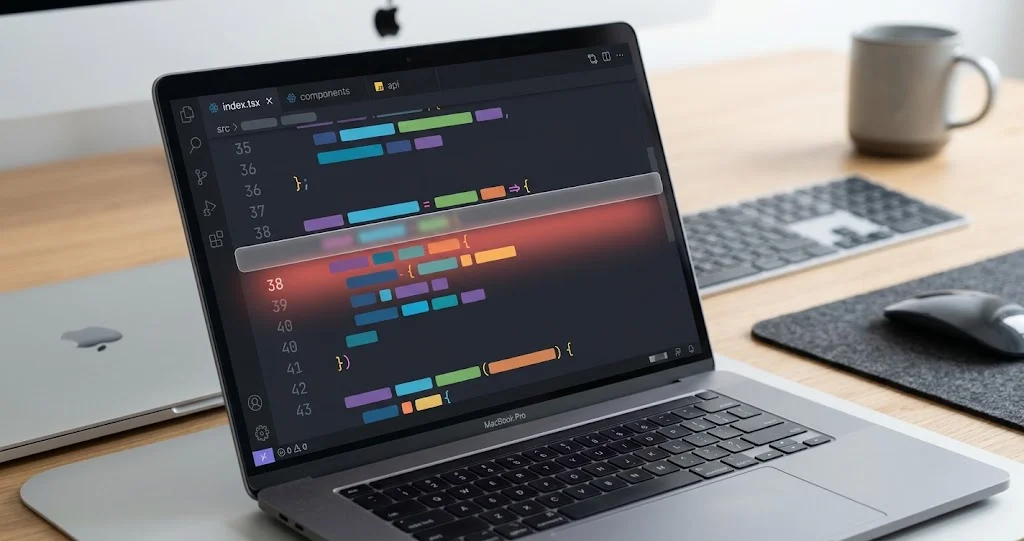

Will Your Mac Run macOS Tahoe or macOS 27?
Pick your Mac to see whether it runs macOS Tahoe 26 and macOS 27 Golden Gate, with the features and system requirements for your model.
Instant Results
Get immediate compatibility information for your Mac model
Detailed Analysis
See which features work on your Mac and which don't
Upgrade Advice
Get personalized recommendations for your situation
What do you need to do?
Choose a tool for the task in front of you. Check your Mac, recover a system, adjust settings or prepare images.
Plan a macOS upgrade
Check your model, system releases and Intel apps before you upgrade.
Start up or recover a Mac
Find startup steps, look up errors or prepare an installer.
Adjust Mac settings
Build a settings script and review its undo commands.
Work with images and files
Convert photos, create app icons or frame screenshots.
macOS Tahoe Features
What macOS Tahoe changed
The main changes macOS Tahoe 26 brought to the Mac. They carry over to macOS 27 Golden Gate.
macOS Tahoe Features
The main changes macOS Tahoe 26 brought to the Mac. They carry over to macOS 27 Golden Gate.
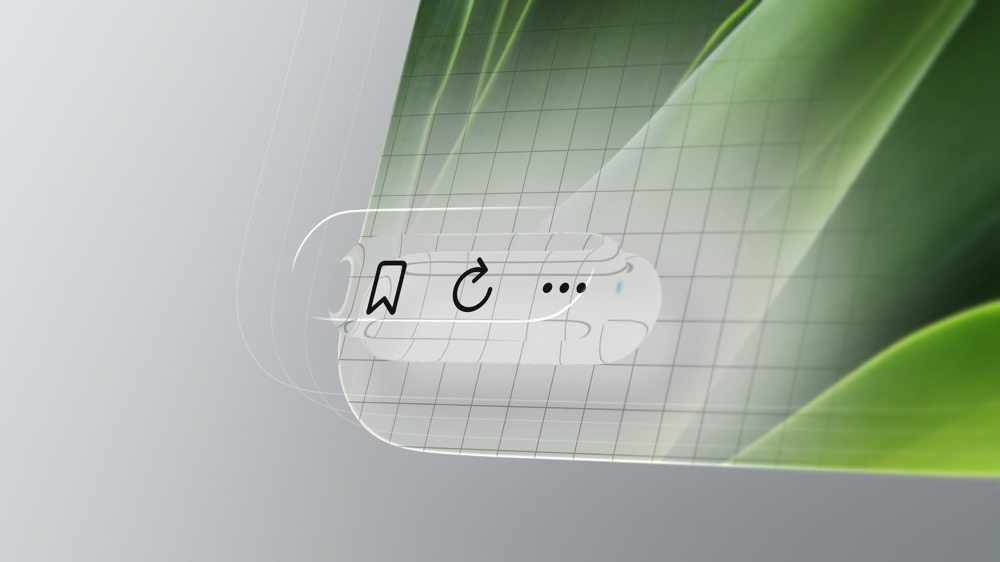
Liquid Glass UI
Enhanced Spotlight
Phone App for Mac
Apple Intelligence
FAQ
Common questions about macOS Tahoe and macOS 27
Which Macs run macOS Tahoe 26?
Tahoe supports the Apple silicon models on Apple's compatibility list, including MacBook Neo, and four Intel models: MacBook Pro (16-inch, 2019), MacBook Pro (13-inch, 2020, four Thunderbolt 3 ports), iMac (Retina 5K, 27-inch, 2020) and Mac Pro (2019). Check your exact model before installing; some Macs require a newer macOS.
Is macOS Tahoe the last macOS for Intel Macs?
Yes. macOS 27 Golden Gate, released on September 14, 2026, runs only on Macs with Apple silicon. The four Intel Macs that run Tahoe stay on Tahoe.
Does macOS Tahoe still get security updates?
Yes. Apple has kept updating Tahoe since macOS 27 shipped. Apple does not publish end dates, so our macOS version tracker lists the latest release of each version, taken from Apple's own release record.
Should I update from Tahoe to macOS 27?
It depends on your Mac and your apps. Check first for Intel-only apps and plug-ins, menu bar and battery utilities, and older printer drivers, which are the things most often reported broken after the update. Staying on Tahoe is a safe choice while it still gets security updates.
Can I go back from macOS 27 to Tahoe?
Only if your exact Mac supports Tahoe. You cannot install a macOS version older than the earliest version supported by that model. Replacing macOS 27 on your startup disk usually means erasing it and reinstalling, which deletes the data on that disk. Back up first and keep separate copies of important files; check that your apps can open them in Tahoe before erasing. Use the Downgrade Assistant to plan the steps.
Not sure what your Mac can run?
Pick your model to see whether it runs macOS Tahoe 26 and macOS 27, and which features it gets.
Stay Updated
Newsletter Signup
Get the latest updates on macOS Tahoe features, design insights, and development tips delivered directly to your inbox.